


Participant
August 28, 2018
Question

Multiline text box

  • August 28, 2018
  • 2 replies
  • 3276 views

I am trying to create a multiline text field , however on doing this the text doesn't fit within the lines that are present in the form design.

Now one solution is to increase the font size , I have tried that and it doesn't really solve it.

This is a government form that works fine when you download from their site and open in adobe reader. ( and they have even smaller font ).
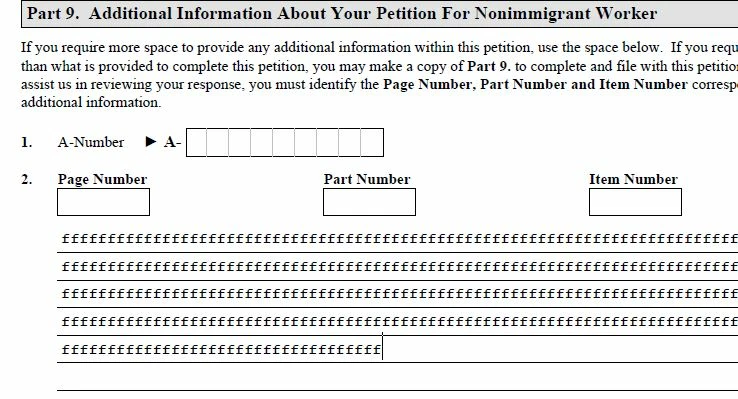
I am using adobe acrobat pro dc , Build: 18.11.20055.290043 , and I don't see an option to control line height for a multiline field.

Interestingly enough , even the government form above that works fine upon downloading , has the same line overlapping problem if type text within chrome using the adobe reader plugin.

How can I adjust the line height ?? I read somewhere to set paragraph line spacing in text field properties , but I do not see this option anywhere.
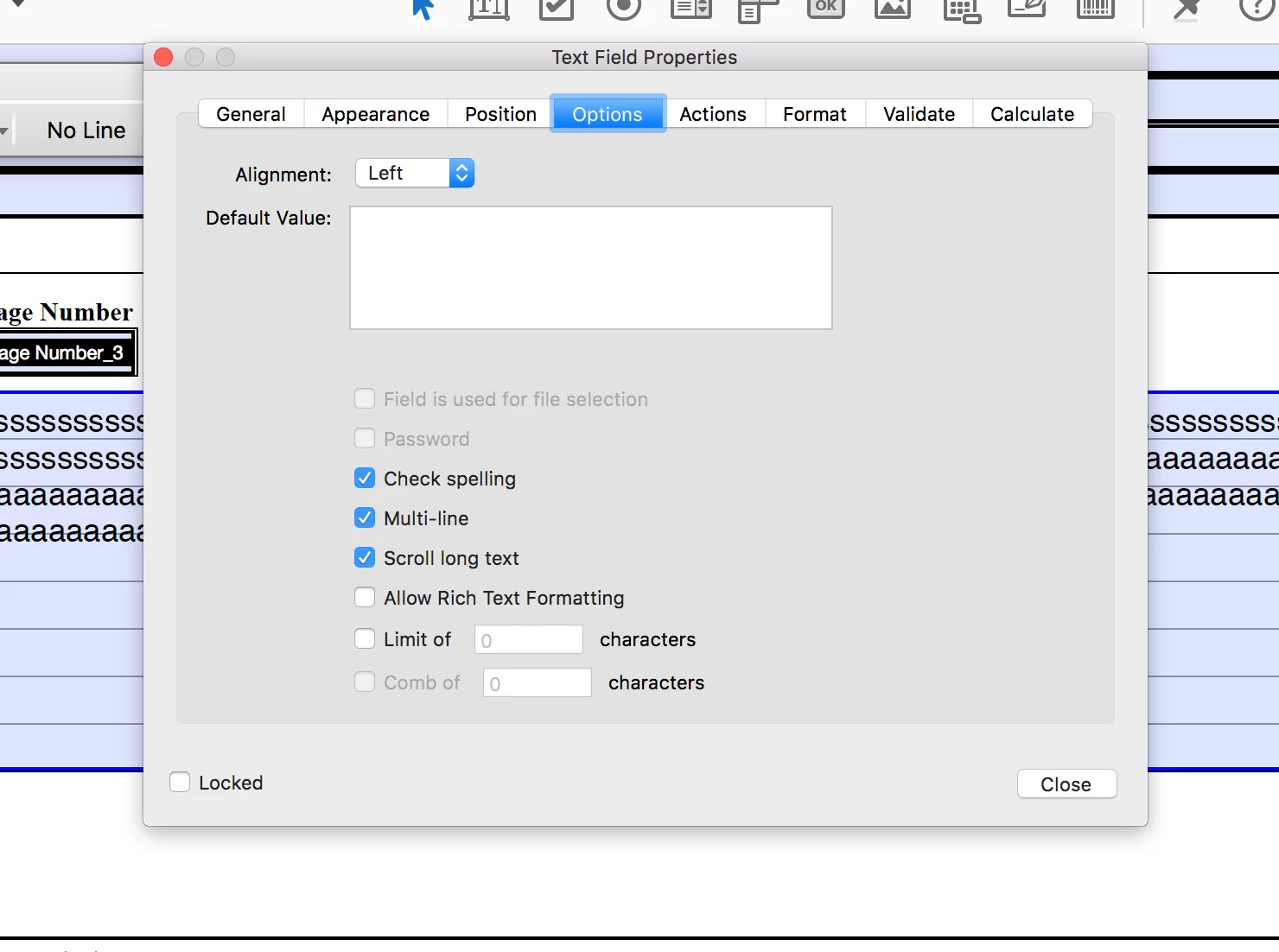
Thanks in advance..

This topic has been closed for replies.

2 replies

JR Boulay
Community Expert
Community Expert
March 13, 2020

Just put a white background to this field, the lines is good for handwriting but I have never seen any form field that did not write right.

😉

Acrobate du PDF, InDesigner et Photoshopographe
Inspiring
February 3, 2020

I have the same problem for government. Solutions anyone? Or is this an issue that Acrobat should address since government offices are major users of this Adobe product? Thank you.

Bernd Alheit
Community Expert
Community Expert
February 3, 2020

Try the rich text format.

martak78543360
Participant
March 13, 2020

1. You have to select the text before making the changes so they are applied to it. Then they should be saved.

2. If you mean the properties under the Rich Text Properties toolbar, then it's not possible.


Hello,

It is a form that I will distribute, so there is no text to select. 

It does not appear to be the Rich Text Properties toolbar. It just says Form Field Text Properties. "Form Editing" is closed.