


Participating Frequently
October 3, 2018
Question

My PDF files are suddenly black or "inverted" when viewing in Acrobat DC

  • October 3, 2018
  • 3 replies
  • 86739 views

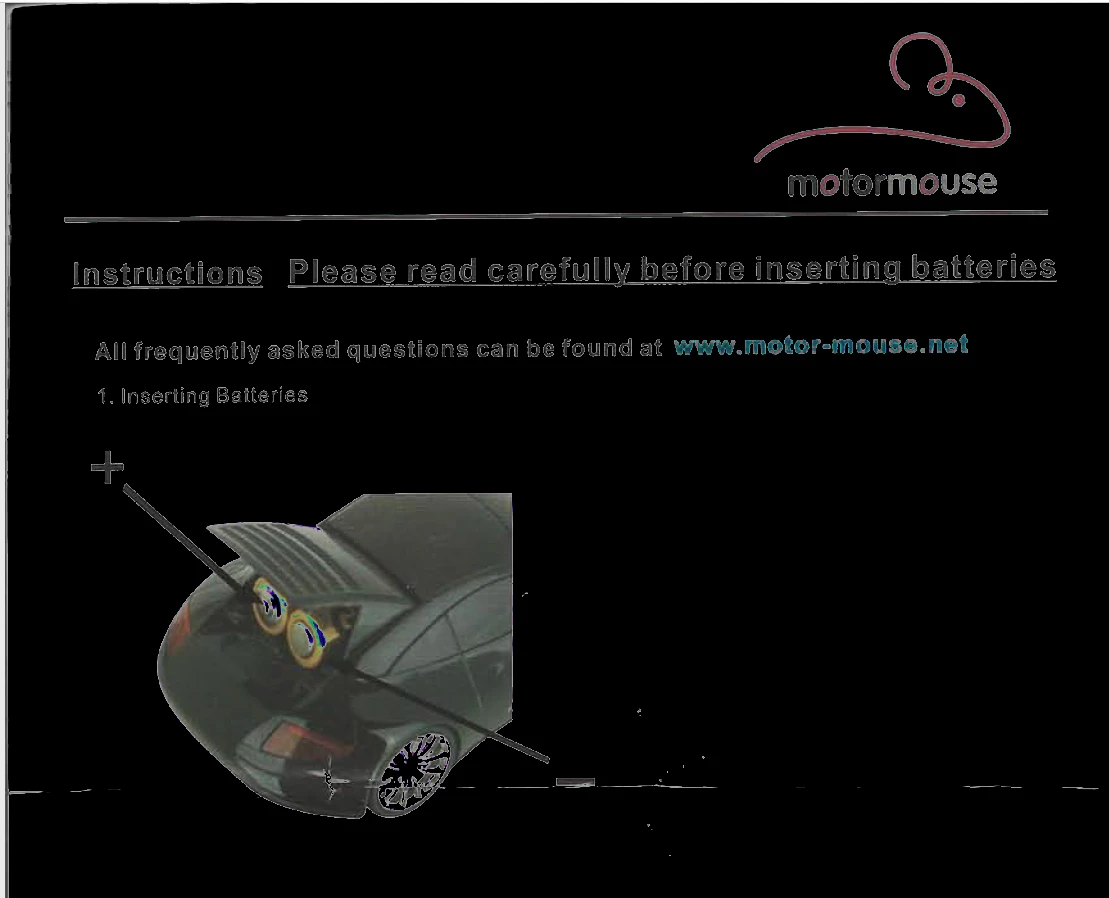
Hi - I'm using the most up-to-date version of Acrobat DC. Suddenly yesterday, any PDF file I open in Acrobat looks like a "negative" -- the background is black and the text is white or multi-coloured and difficult to see. I don't remember changing any settings in Acrobat -- this seemed to happen out of the blue.

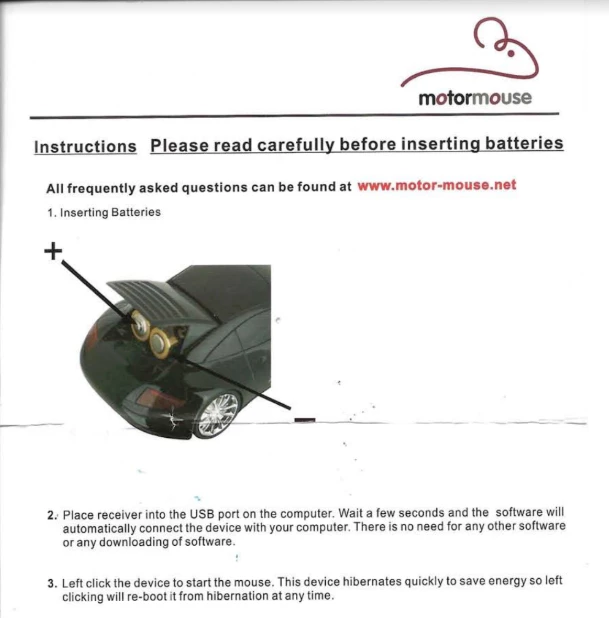
Sample PDF file when viewed today in my Gmail (i.e. using a PDF Viewer that's not Acrobat):
Same PDF viewed today in Acrobat:
I have tried all of the following troubleshooting steps, to no avail:

1. Close Acrobat and restart

2. Shut down my computer (PC) and restart

3. Update Acrobat (I'm now running the most up-to-date version of Acrobat DC)

4. Run "Repair Installation"

5. Uninstall and reinstall Acrobat

6. Chat with Support (tech spent two hours yesterday with control of my computer and was not able to fix the problem; at the end, he declared that it was a problem with my PDF files, which doesn't seem plausible)

7. Edit>Preferences>Page Display>Show large images (mine was selected; I've tried deselecting this option)

8. Edit>Preferences>Accessibility>Replace Document Colors (mine was deselected; I've tried selecting and changing all the various settings)

9. Send some of my PDF files to other devices (they open fine on other computers using other viewers and in my Gmail, using another viewer); the problem only seems to exist in Acrobat DC on my PC (I don't have access to any other devices running Acrobat Pro / DC, so cannot test that)

It doesn't seem to affect every PDF equally. PDF's created directly by me from Illustrator don't seem to be affected at all, even if they contain images. Any PDF's that were created from scans seem to all be affected (at least, all the ones I've spot-checked).

Also, the "hand" pointer in Adobe is now black instead of white... I wonder if I somehow entered some kind of "night mode"??

Has anyone experienced this before? Did I accidentally change a setting that I haven't been able to find and change back? I've Googled and searched on these forums and I just can't seem to figure out what went wrong. Thanks!

This topic has been closed for replies.

3 replies

Participant
July 9, 2022

I had the same problem on my mobile version of the app. I solved it by turning off "night mode" view. Not sure if that's an option on the desktop version.

Participant
April 29, 2024

You're a genius, thank you!!!

Participant
May 17, 2022

Hi there, 

i dont know if the problem got resolved But, 

the same thing happened to me and i just looked around on my settings. 

it appears that i had my "Further enhance content using Document cloud " on and when i put it off my inverted background that was black is now white again 

Participant
June 6, 2022

When I edit the document is completely black - but not all documents. 

Where did you find Further enhance content using Document cloud ?

Adobe Employee
October 3, 2018

Hi @cookiejar25,

Can you please share the exact version number of Acrobat you are currently using from help->About Adobe Acrobat Pro DC. Also, can you try installing free Adobe Reader from the link and check if the same issue is happening with Adobe Reader?

If not confidential can you share some of the affected PDFs with us?(Dropbox/share drive link)

Thanks,

Rupa

Acrobat Team

Participating Frequently
October 3, 2018

Hi Rupa,

Adobe Acrobat Pro DC, Continuous Release | Version 2019,008.20071

(Note that I had not updated Acrobat in a little while, so when this issue started two days ago, I was running an older version; then as part of my troubleshooting, I updated, so the issue has persisted from the previous release I was running through to the version noted above that I'm now running).

I just tried opening several PDF's in Adobe Reader and they look normal, so the issue seems specific to Acrobat Pro DC for me.

Here is a Dropbox link to a folder containing several PDFs that don't contain sensitive information, along with my notes about the issues (or not) that I see with each one in Acrobat:

Dropbox - Temp Files - Adobe Troubleshooting - Simplify your life

1. "Motor Mouse Manual"

- colours seems inverted in Acrobat

- looks normal in Reader and other applications

- PDF file originally downloaded from manufacturer's website

+

2. "Newspaper Advert"

- looks normal in Acrobat and other applications

- PDF created (by me) in Illustrator

3. "Santa Letter"

- colours seems inverted in Acrobat

- looks normal in Reader and other applications

- PDF created (by me) from a scan directly in my HP scanner software

4. "Sample Letterhead"

- background and logo colours appear "inverted" in Acrobat, but text area looks normal

- looks normal in Reader and other applications

- PDF created today (by me) from a Word document

I've tried to include a variety of PDF's that are showing varying levels of the issue.

Thanks,

Kim

try67
Community Expert
Community Expert
December 19, 2018

Did you ever find a solution to the problem?  I am having the same issue and can't even make a good guess as to what's wrong.  I was doing an accessibility scan and trying to set up a reading order.  All of a sudden I'm stuck with this doc that looks like the old CRT displays.


Did you follow the suggestions above, especially regarding the Accessibility preferences in Acrobat?