


New Participant
October 14, 2024
Answered

New Acrobat not displaying colors correctly

  • October 14, 2024
  • 2 replies
  • 3637 views

Hi, i'm having trouble with how Acrobat displays colors.


When looking at the file from inDesign (or illustrator too), colors appear as they should. But in Acrobat they appear significally more saturated. I already had this problem last year and solved it by disabling new Acrobat. But after updating to the last version it now happens on both old and new Acrobat.
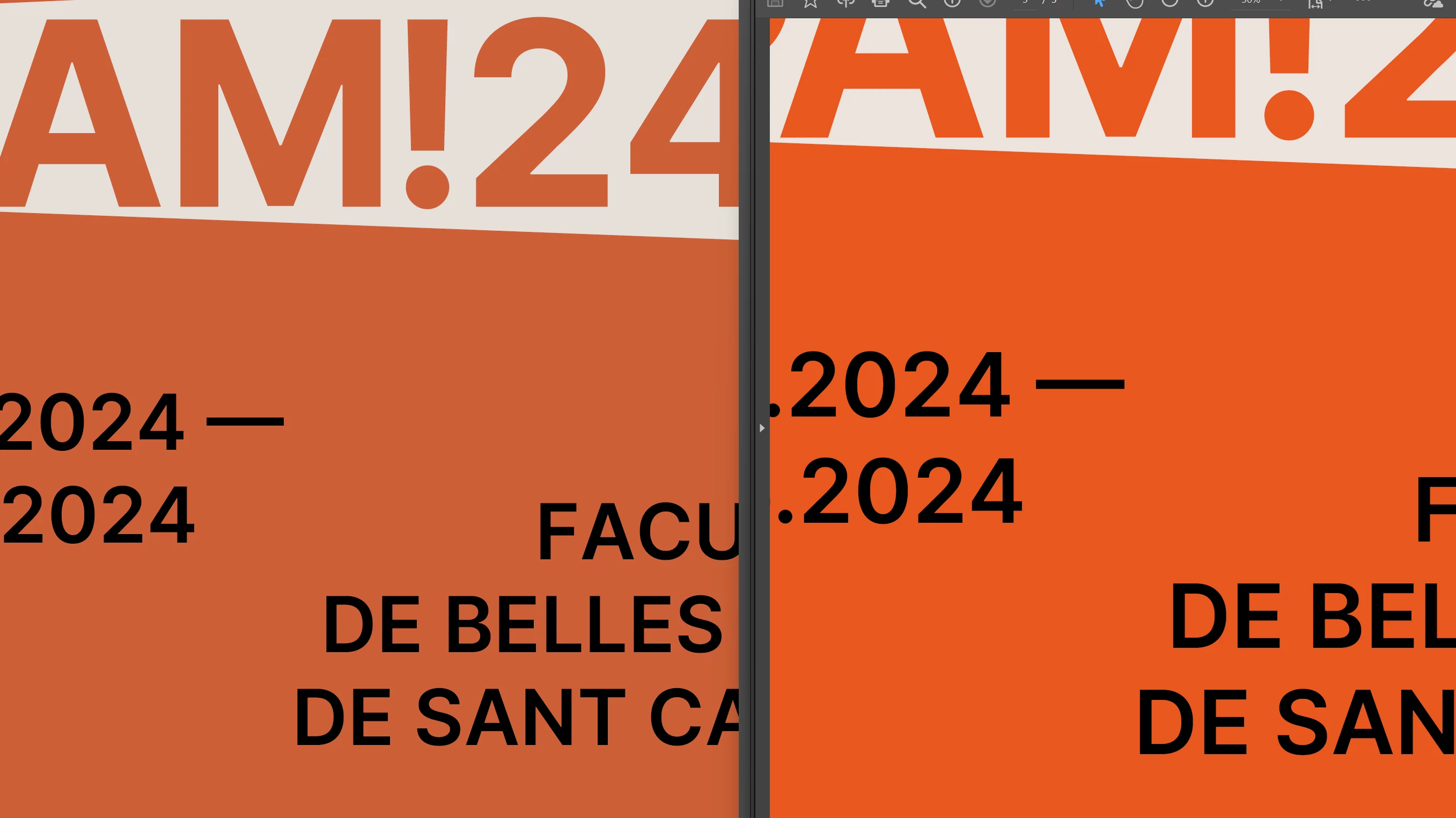


I thought it was because Acrobat wasn't "applying"(?) the file's color profile (Fogra39) but I checked and it happens with RGB (sRGB profile) files too.
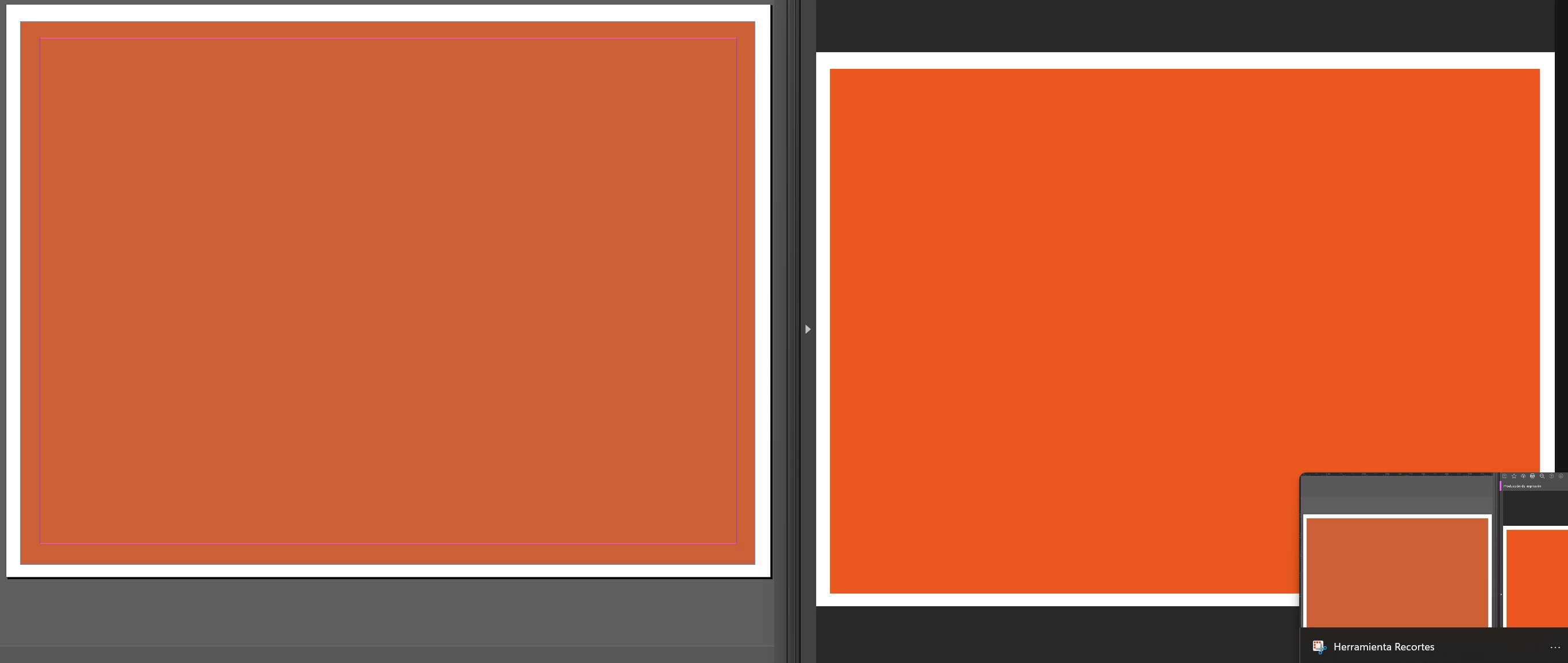
 

I have checked multiple times the color management settings on both programs and everything is as it should.

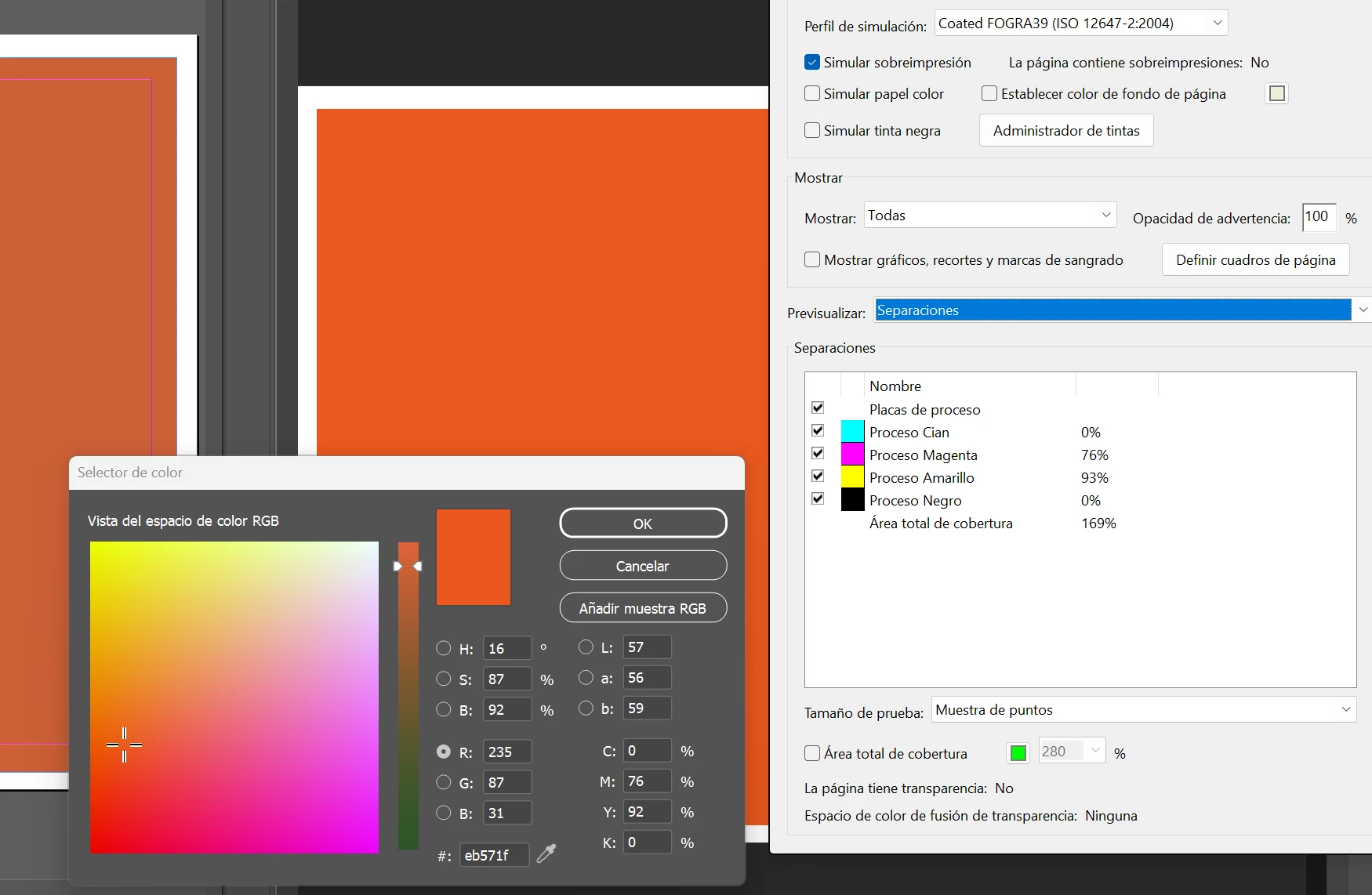
It isn't really much of a problem as the file's color is still correct, Acrobat's color checker matches the values on inDesign. As a curiosity, the color acrobat shows is the same that inDesign or illustrator's color picker shows too. No idea if it has any relation.
 

Correct answer edz66919882

We had this issue as well. We disabled protected mode and that seems to correct this for us.

2 replies

New Participant
May 13, 2025

I tried everything in this thread, but this seems to be what fixed it for me.


Preferences > Page Display > Use Overprint Preview dropdown, set to Never


Steve Traynor
Participating Frequently
June 17, 2025

Despite all of the recommendations above, I am still having this same issue. I need to share layouts with many other people so the lack of accurate color is a big problem. 

Adobe Employee
October 15, 2024

Hi @Solstici 

Thanks for your feedback!

We have logged a ticket for the same and engineering team is viewing it, will get back to you once we have an update on this.

Thanks,

Bhawna.

New Participant
October 27, 2024

Hi @bhawnaarora ,

I am having a similar problem; the colour shown by InDesign is different from the exported PDF when viewed in Acrobat. I used Bridge to ensure the color space of the programs was synced, but the problem persists. Interestingly, the PDF shows the correct colour (same as Indesign) when opened in browser. 

edz66919882
edz66919882Correct answer
New Participant
October 29, 2024

We had this issue as well. We disabled protected mode and that seems to correct this for us.