


New Acrobat not displaying colors correctly
Hi, i'm having trouble with how Acrobat displays colors.
When looking at the file from inDesign (or illustrator too), colors appear as they should. But in Acrobat they appear significally more saturated. I already had this problem last year and solved it by disabling new Acrobat. But after updating to the last version it now happens on both old and new Acrobat.
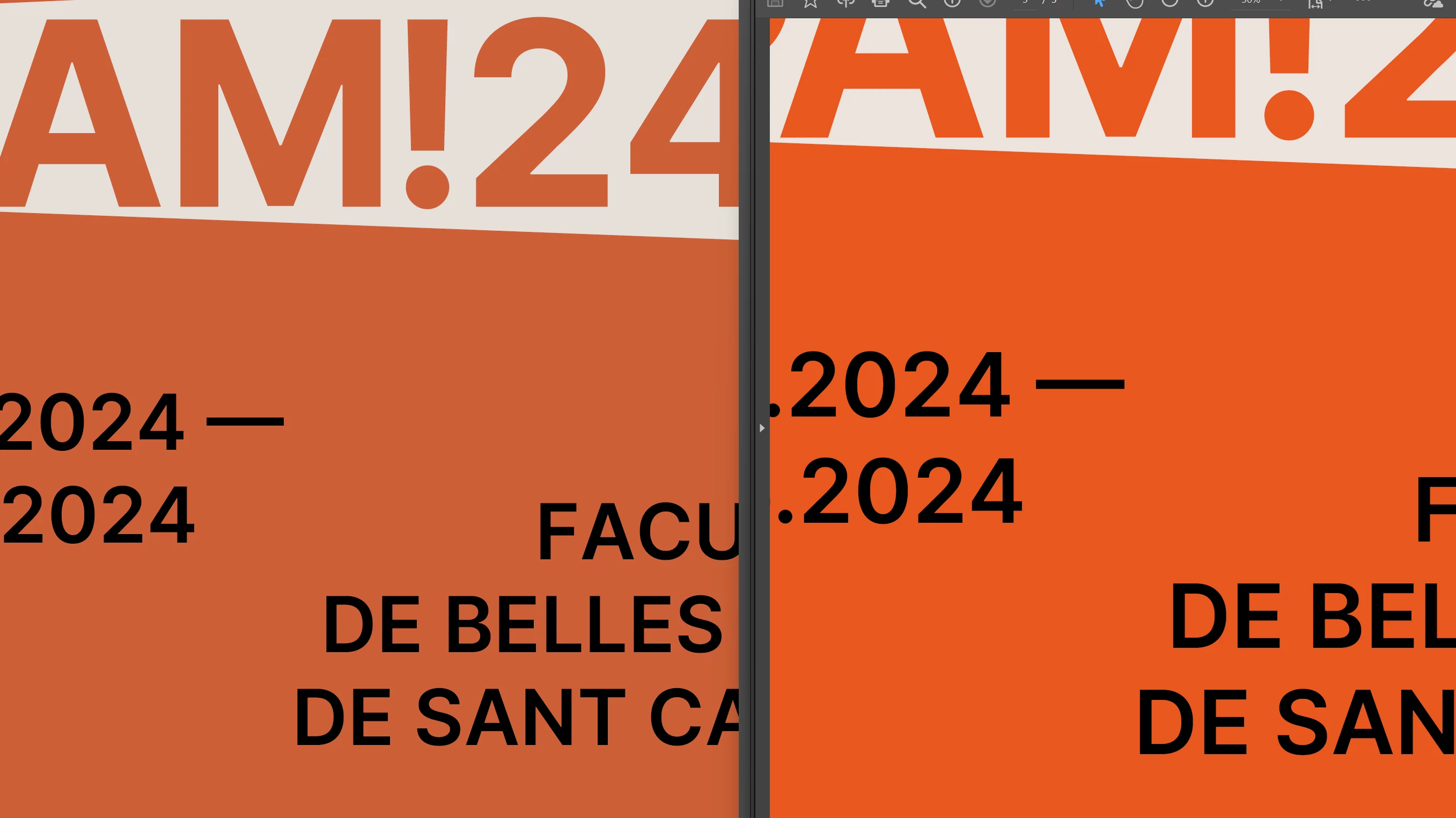
I thought it was because Acrobat wasn't "applying"(?) the file's color profile (Fogra39) but I checked and it happens with RGB (sRGB profile) files too.
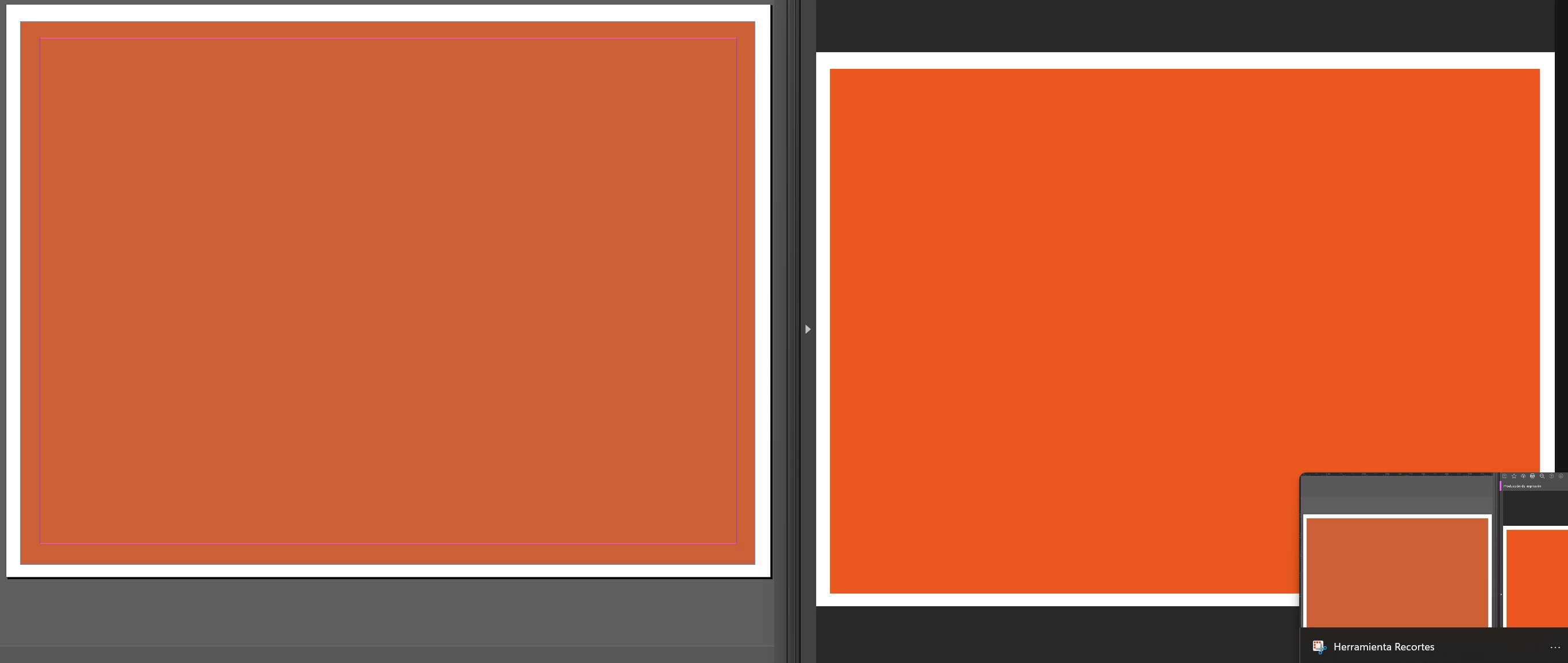
I have checked multiple times the color management settings on both programs and everything is as it should.
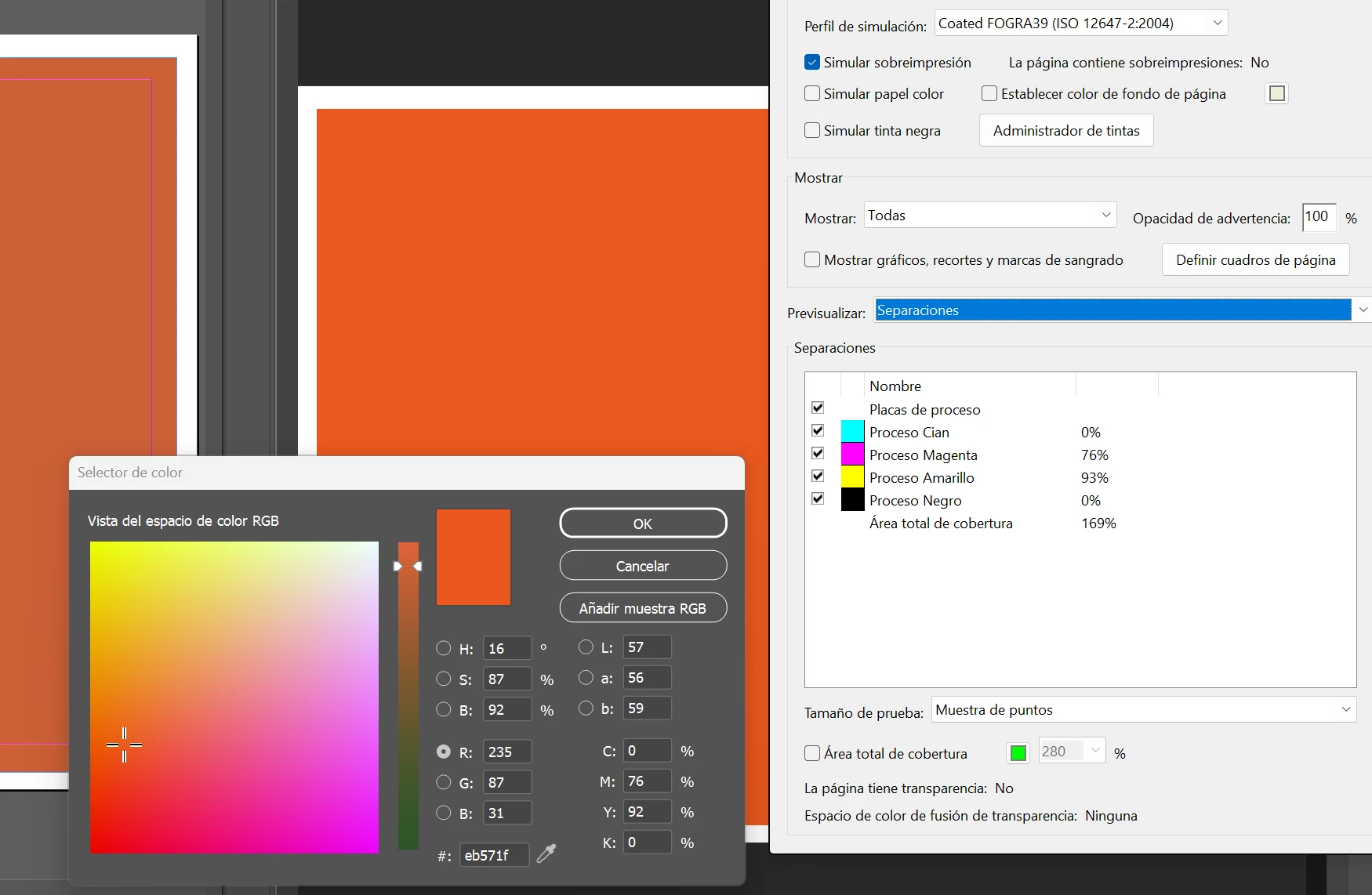
It isn't really much of a problem as the file's color is still correct, Acrobat's color checker matches the values on inDesign. As a curiosity, the color acrobat shows is the same that inDesign or illustrator's color picker shows too. No idea if it has any relation.
 AdChoices