umm... in Adobe X Pro
That is not what I meant.
There are different export and import methods that can be done with Adobe Acrobat or in combination with printing to PDF directly from the HTML file displayed in a web browser or using Save As.
Each method may produce different results.
What I was going to suggest is to create a blank HTML document directly in your web browser and cut the "middleman" (whatever text editor you're using , for that matter).
This way you can edit the blank HTML file using the developer console (F12 key) and you can edit HTML tags while seeing the result on real-time (but based on your reaction I assume this may be irrelevant to you since a newbie can't lead another newbie.. Right ?!? ).
Anyway, the point is that after you're done editing immediately print to PDF directly from the browser and then open it up with Acrobat.
Here is my example using a very simple tutorial from majorgeeks.com instead of using a Text Editor:
- type this line in the URL bar => data: text/html, <html contenteditable>
- A blank HTML web page will be created, you can start typing or copying and pasting whatever you want in there
- To edit open the devloper console
- you may save the HTML file or print immediately
See slides below:
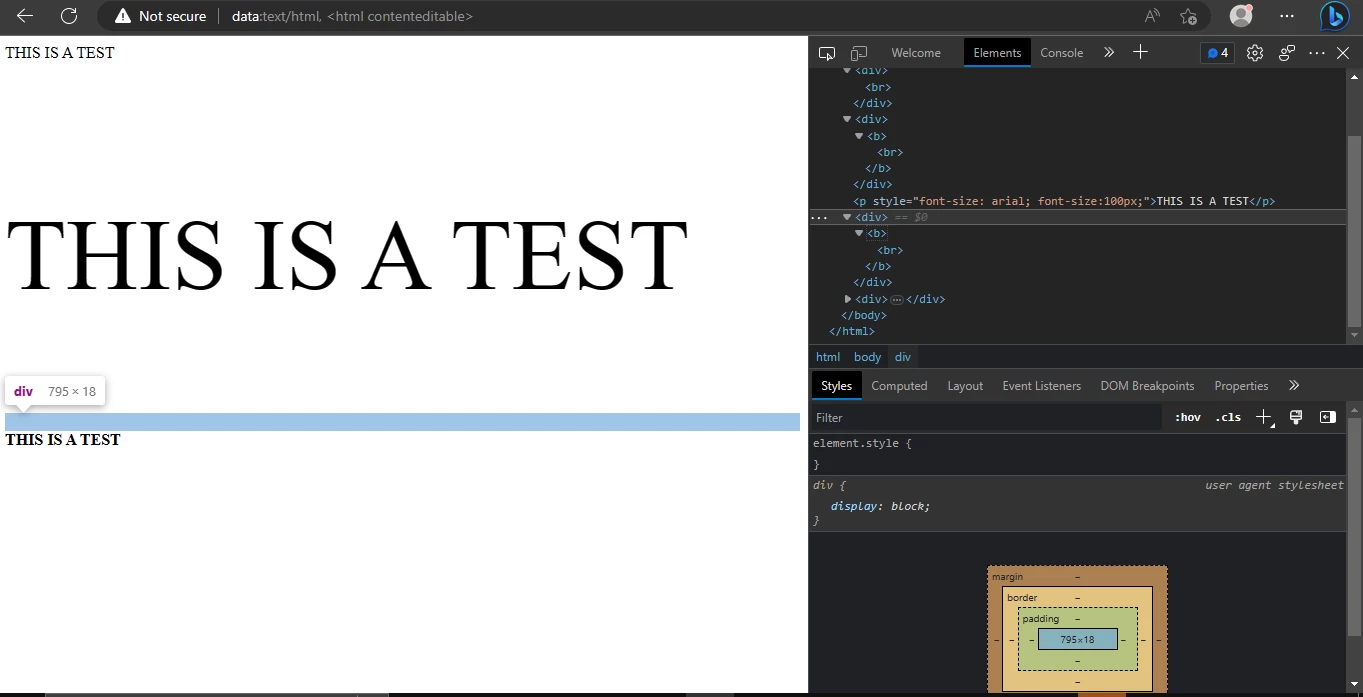
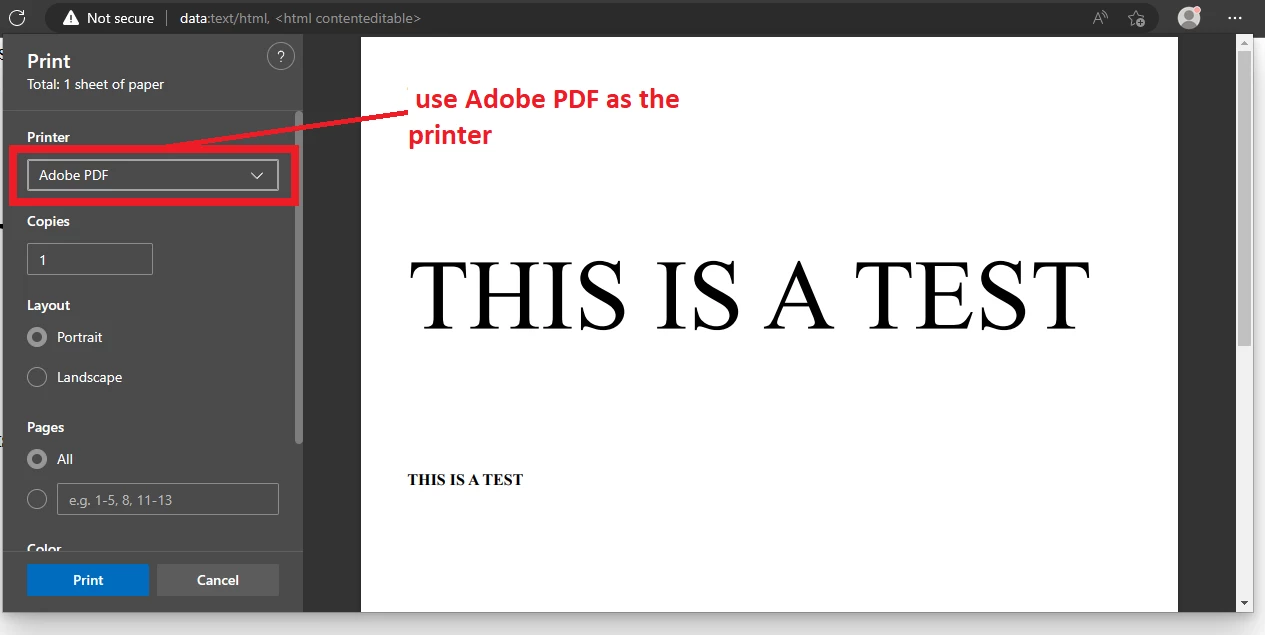
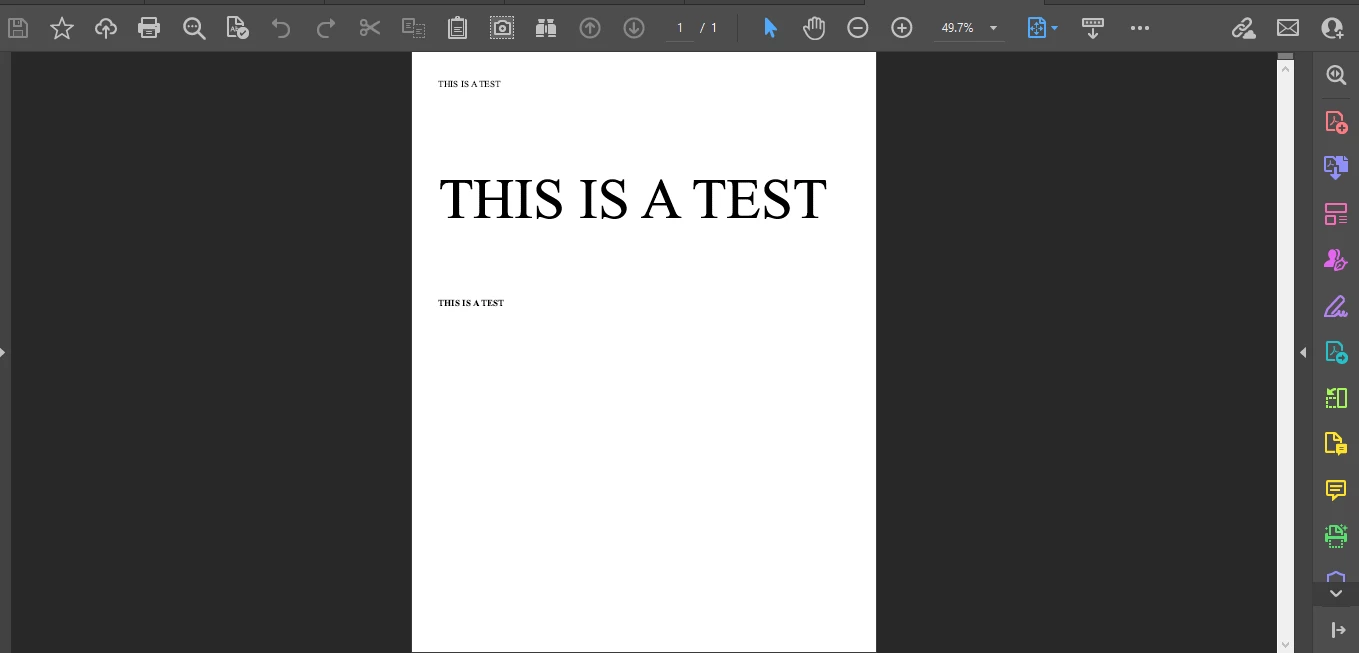
My questions and reasoning behind this method is because is simpler, you are alreader viewing on screen "what-you-see-is-what-you-get", tags are already auto-created, eliminating human error with so much typing, plus the ability to copy and paste rich text format strings from other browsing tabs (or programs) directly onto this blank HTML document (then focus on the actual HTML tags editing).
In addition, I would avoid using text editors such as Microsoft Notepad.
It may be possible to run into issues in which Unicode text encoding fail to map characters and their attributes correctly during text to HTML conversion to HTML to PDF conversion.



 AdChoices