


New Participant
May 2, 2024
Question

Not prompting for Signature

  • May 2, 2024
  • 2 replies
  • 1078 views

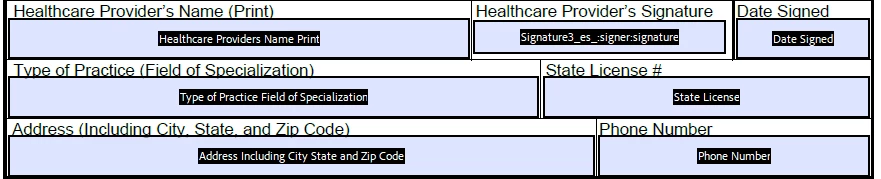
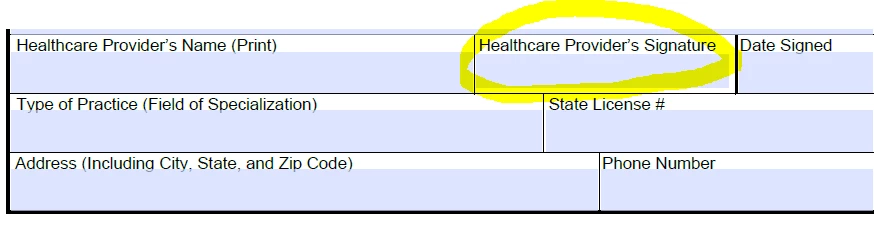
I recently tried creating a new form and tried adding the signature field box. After saving the form, I realized the signature field box was not working/not prompting for a signature like usual.

I've created other forms with the signature field box before and it was working, but not sure why it's not now.
 

2 replies

New Participant
May 3, 2024

I found this on another thread and resolved it.

When you select the "This document requires signatures" checkbox (which appears when you initially select Tools > Prepare Form), it sets it up to be used with the Adobe Sign e-signature service. If you didn't do this the first time that you selected Tools > Prepare Form, then you can select: More > Convert to Adobe Sign Form while you're in form editing mode.

Note that users will be able to use the Fill & Sign feature with a regular Acroform, so if you don't intend to use the Adobe Sign service, then you can leave it as-is and users will be able to place a hand-drawn signature anywhere they like, unless you add a digital signature field. 

New Participant
October 9, 2025

This has to be the most circular answer I've ever seen.  When a person downloads with Adobe Reader, they should be able to click the Signature Block then be prompted to create one or draw one.  How is that now done?

Abambo
Community Expert
May 3, 2024

What is your Acrobat and version? What is your OS and version?


Can you share a sample file of your form? If not, can you create a dummy form exposing the issue?

ABAMBO | Hard- and Software Engineer | Photographer
New Participant
July 23, 2024

I'm having the same problem. I added e-signature blocks and they are acting as if they are just fillable text blocks. I'd love for someone to take a look at it because I've been pulling my hair out for 2 days over this.