


Notes to Replace Text Disappearing After Saving As New PDF
After saving a document I had left comments and tracked changes on, half of my comments disappeared. The regular comments/sticky notes are there, but the ones attached to the track changes are gone. Is there any way to restore them? And if not, how can I avoid this happening in the future? I've included some screenshots and a clearer explanation below. Note: I'm using Version 2020.013.20074 of Adobe Acrobat Reader on an older Mac (10.12.6). Thanks!
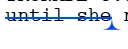
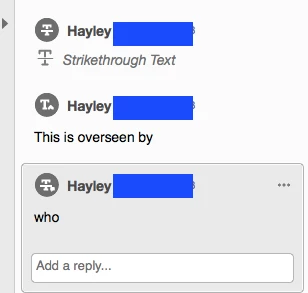
Before saving as a new file, the original PDF shows a strikethrough and an arrow that reveals a comment (note to replace text) when hovered over. In the comment panel on the right side of the document, the strikethrough and the comments are shown.
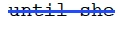
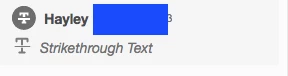
After saving as a new file, the notes to replace text are gone and only the strikethrough remains (both in the text itself and on the side panel.
 AdChoices