


Optimizing a pdf but keeping layers intact?
I'm creating files in Illustrator, saving them as pdfs and then optimizing them in acrobat. For a series of jobs I need to have 2 layers in the pdf file, one on top that doesn't print, but is viewable. Some files don't need to be optimized and I know how to generate a pdf with layers and set the top one to not print, but some files are really large and need to be optimized.
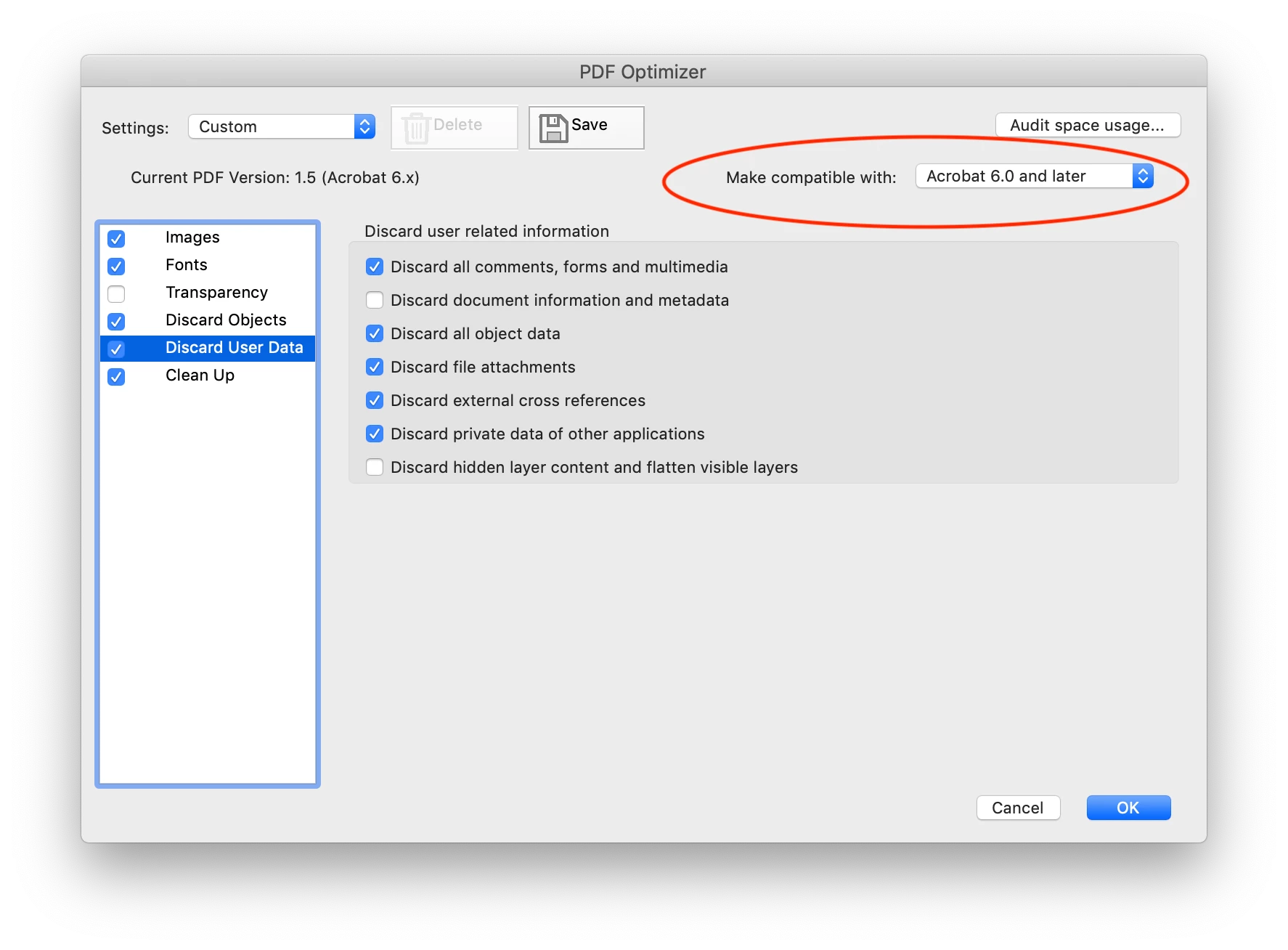
When I save the pdf as "Adobe PDF, Optimized" the layers are combined into one. I've tried a number of different combinations of things checked and unchecked in PDF Optimizer window, but haven't been able to generate an optimized file with 2 layers. There's even a setting in the PDF Optimizer panel under "Discard User Data" where I've unchecked "Discard hidden layer content", but the result still comes out as a single layer.
I figured out a cumbersome workaround, which is to save both layers as separate pdfs, optimized the layer with all the artwork on it and then in Acrobat in the Layer Properties window import the other file as a separate layer. There must be a simpler way to do this, does anyone know one. Thanks in advance.
 AdChoices