


timoTOC
Participant
May 31, 2019
Question

PDF displaying text as little squares

  • May 31, 2019
  • 3 replies
  • 13808 views

When opening a PDF from a particular client, the text is all replaced by a bunch of little squares.  Seems like a font issue, but i cannot figure it out.
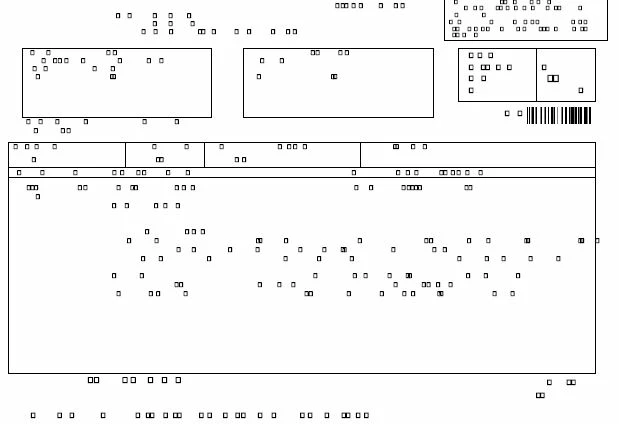
This is an image of what I'm seeing.

Help Please!

Thanks

This topic has been closed for replies.

3 replies

Participant
July 2, 2022

Hi,

I am not sure what has happened with your PDF but explored few commands of ghostscript and finally I found this which has worked for me...

gs -sFONTPATH=usr/share/ghostscript/9.26/Resource/Font/ -o $outputFilePath -sDEVICE=pdfwrite -dPDFSETTINGS=/prepress orignal-file


Thanks

Manan

Participant
January 13, 2021

This just worked for me... I saved the file again but selected "PDF, Optimised" from the "Save as Type" menu and that seemed to correct it (For now!)

Participant
July 16, 2023

That worked for me too.  Thank you so much..


Meenakshi Negi
Community Manager
Community Manager
June 3, 2019

Hello,

As the issue occurs with a particualr PDF, it seems to be the font issue.

It seems that while creating the PDF, the fonts were not embedded in the document.

You may check the font used under the document properties. Open the PDF in the application and go to File > Properties > Fonts.

However, without checking the document we cannot say much.

It would be helpful if you can share the PDF with us. You may share the file using the steps provided in the following help document How to share a file using Adobe Document Cloud

Let us know if you have any questions.

Regards,

Meenakshi