


Participant
November 9, 2023
Question

PDF file in Japanese (JA) language will not open

  • November 9, 2023
  • 2 replies
  • 1368 views

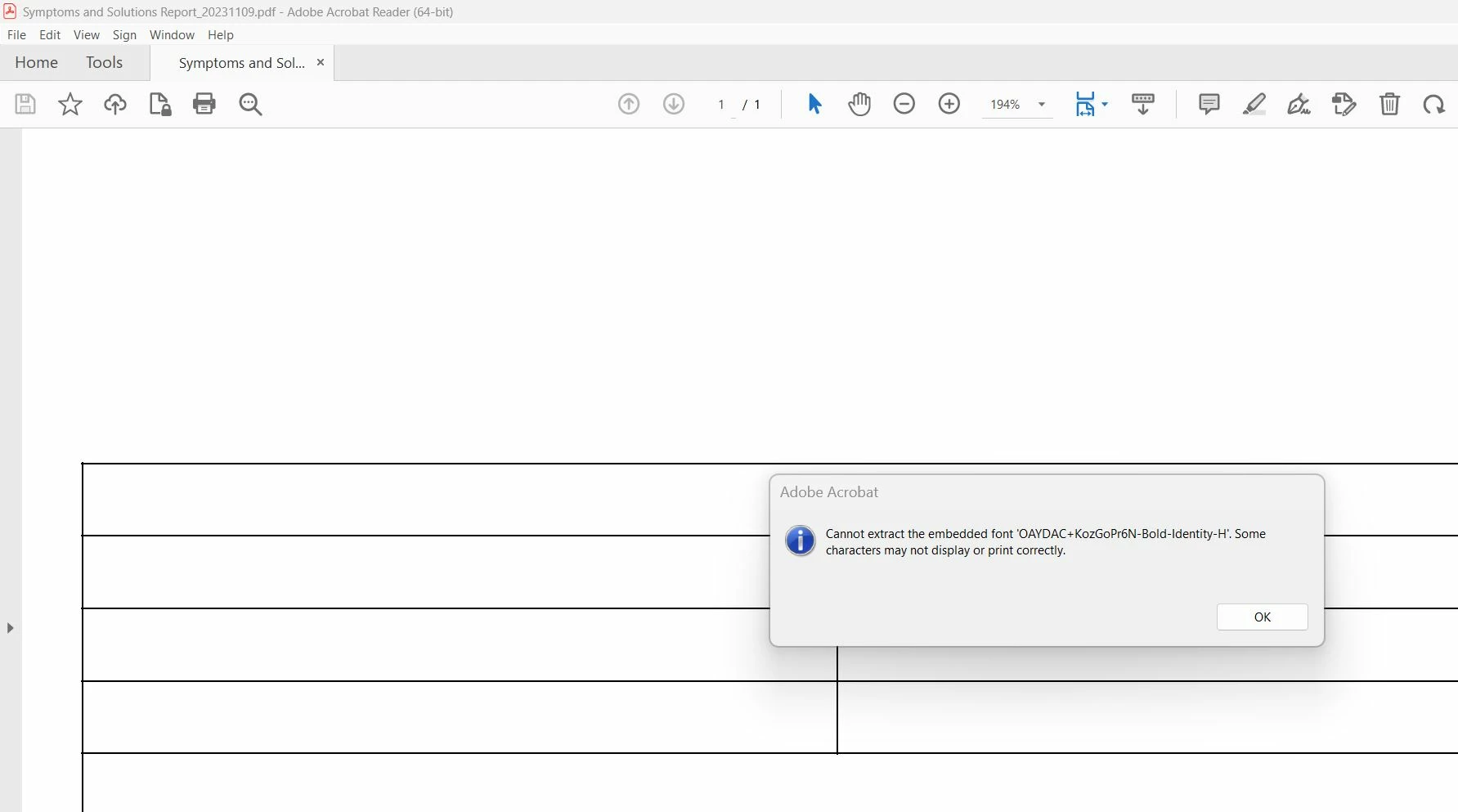
Any PDF file that we generate in Japanese (JA) language will not open in adobe acrobat reader. The file opens without error in a web browser or other pdf viewers. Any suggestions or assitance on how we might find the cause & fix this problem?
This topic has been closed for replies.

2 replies

katayanagi51
Community Expert
Community Expert
November 22, 2023

こんにちは。


Windows10Pro 22H2(日本語)で確認しました。

AcrobatReader 2023.006.20380(32bit)では正常に開けました。

AcrobatPro 2023.003.20284(32bit)では開けませんでした。プリフライトでは「フォントが埋め込まれていない:1箇所」と出ました。

ご参考までに。


Abambo
Community Expert
Community Expert
November 10, 2023

It works fine for me to open the file in Acrobat on the iPad: 

Except for the weird character spacing in the Latin characters, I see no issue. How do you create the file? Have you tryed to view the file on a different computer? May be also a computer not managed by your IT?

ABAMBO | Hard- and Software Engineer | Photographer
GreenIsleAuthor
Participant
November 10, 2023

Hi, thanks for checking & your feedback. Indeed, we also found that opening the file via acrobat reader on iOS or andriod devices works no problem. Issue only sems to occur on windows PC. We have tried on a number of windows devices, managed by our IT and also other external 3rd parties (including my personal pc) -> all give the same error.


The file is created via a template that was authored in Jaspersoft Studio (v6.20.6).