



PDF from PowerPoint - Suddenly Low-Res, Huge File
Hi everyone,
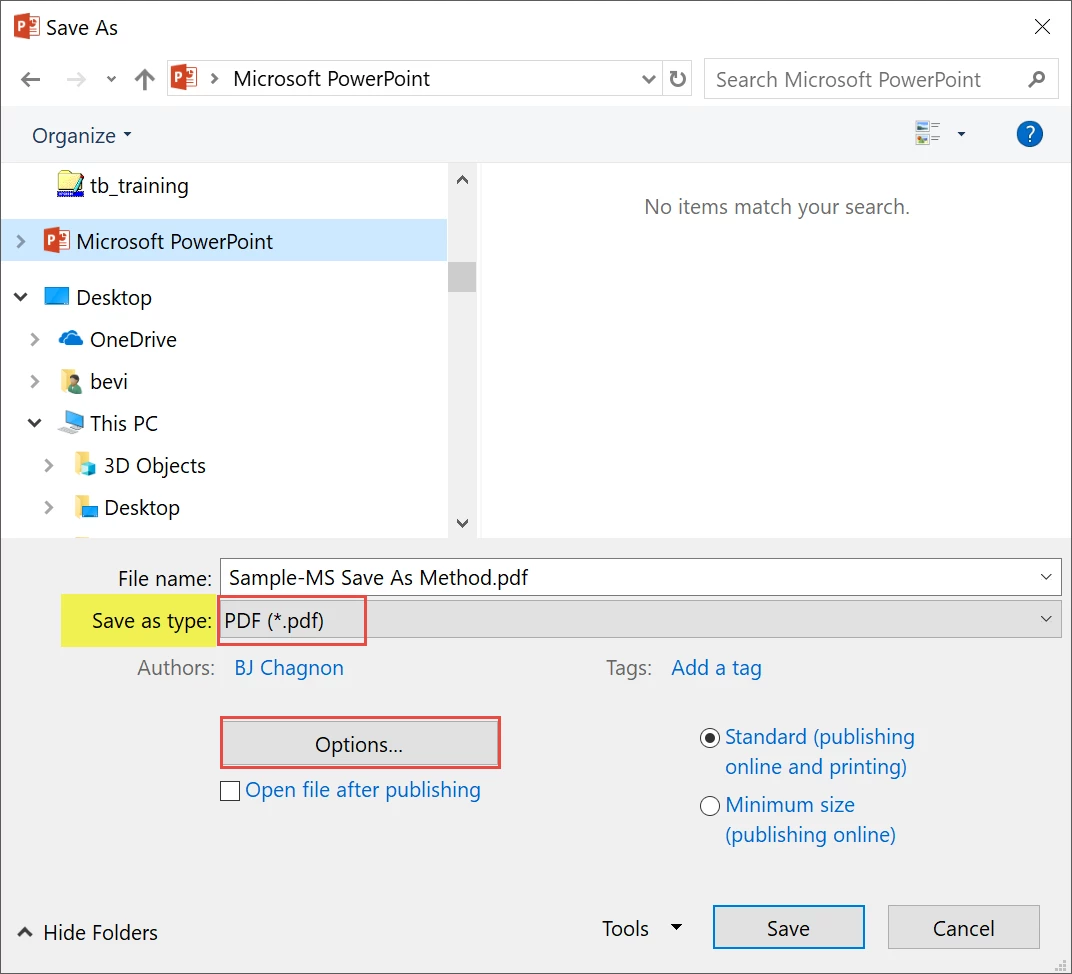
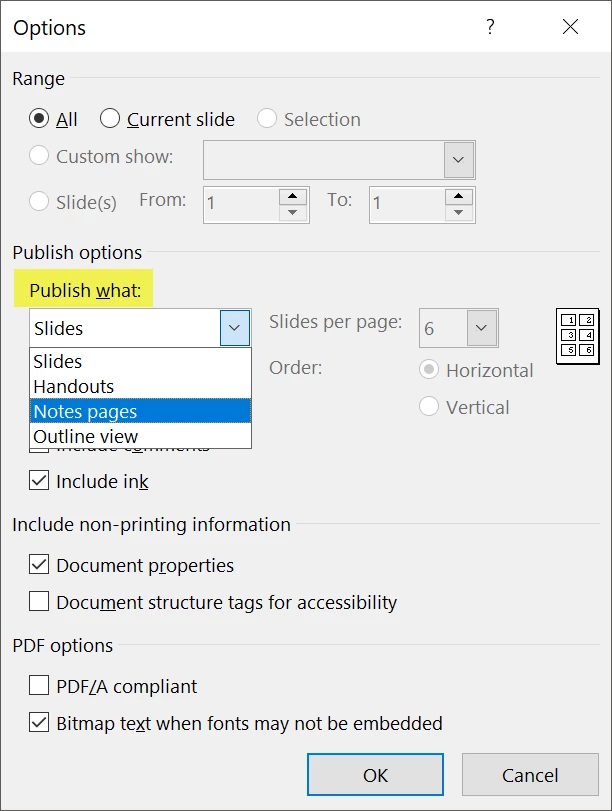
I've encountered a perplexing issue that has suddenly come up when converting a PowerPoint to a PDF (in Notes View). For over a year, I have been printing PowerPoint presentations to PDFs in Notes View with no issues. Now, as of a couple of days ago, when I print to PDF, the process takes twice as long, outputs as an EMORMOUS file (like, 200MB), and the actual slide section on the notes page is all 1 flat/raster image, and is pixelated (the text, images, everything). Before, the slide section was text, vector shapes, and images, and the file size was very manageable (more like 4MB). There have been NO changes to the settings - still high-quality print, letter-size, notes view. I have tried so many things to figure this out & fix it, to no avail.
I'm using Windows 10 OS. If anyone can shed some light on this, I would be so grateful, as my job depends on this and the projects are time-sensitive!
 )
)
 AdChoices