


Participant
December 9, 2019
Answered

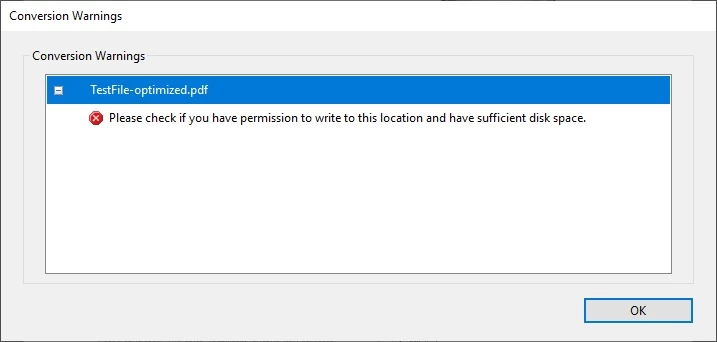
Please check if you have permission to write to this location and have sufficient disk space.

  • December 9, 2019
  • 3 replies
  • 5610 views

I get following conversion warning "Please check if you have permission to write to this location and have sufficient disk space" when I choose Advanced Optimization tool of the Adobe Acrobat Reader Pro DC 2019.021.20056. When I run the optimization for smaller file it works without the warning. How to run the tool for file of size 5.5Gt and more (there's over 146Gt free space on my local c-drive to where I optimized the smaller file succesfully)? Perhaps the warning description is invalid as well?


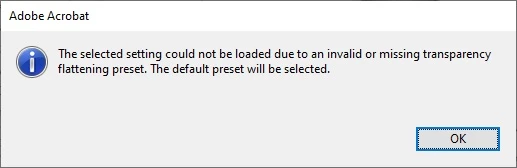
1. Warning before setup:
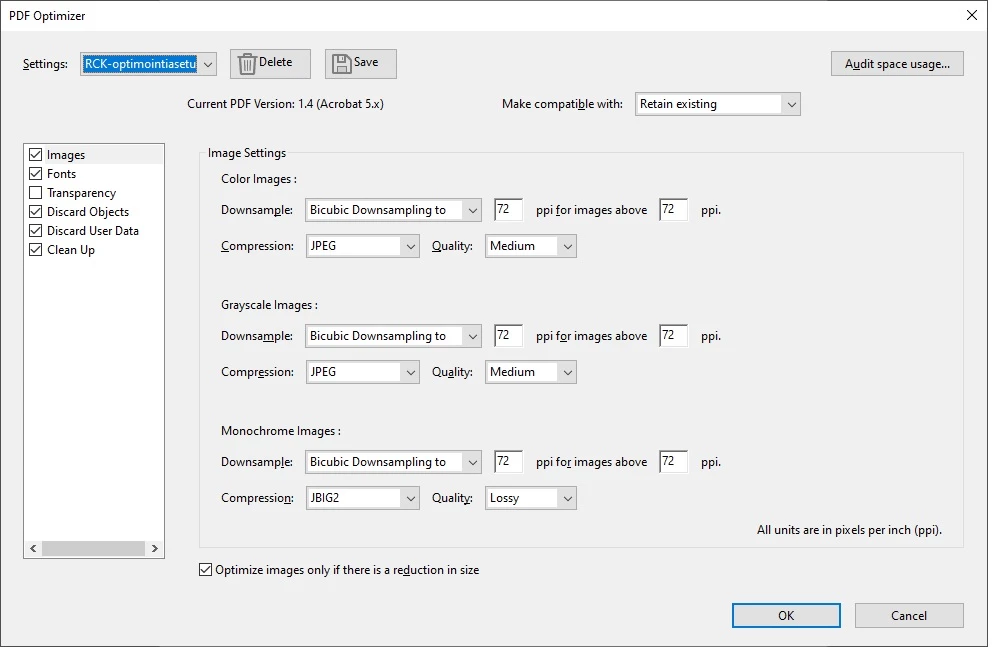
2. Setup before "OK"-click
3. Conversion failed with the warning after "OK"-click
This topic has been closed for replies.
Correct answer Henri Smart Files

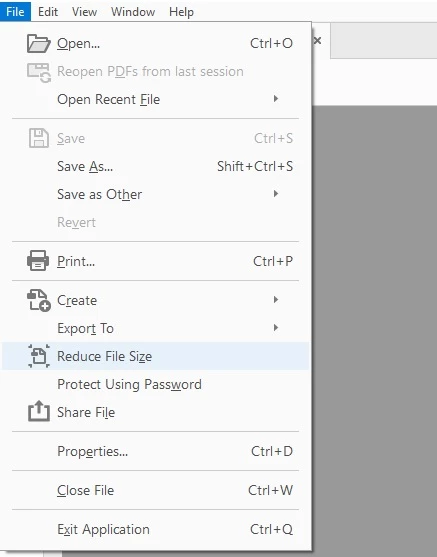
However if you cannot run advanced optimization tool as I couldn't then you may find Reduce File Size function handy cause it works like a charm with huge (gigabyte) files also:


3 replies

Henri Smart FilesAuthorCorrect answer
Participant
December 10, 2019

However if you cannot run advanced optimization tool as I couldn't then you may find Reduce File Size function handy cause it works like a charm with huge (gigabyte) files also:


Participant
December 9, 2019

Perhaps there exists some sort of RAM limit to adjust (referring to the possibly faulty warning message)?

Abambo
Community Expert
Community Expert
December 9, 2019

What is about the write permission?

ABAMBO | Hard- and Software Engineer | Photographer
Participant
December 9, 2019

As I told, write permissions were not the issue when saving smaller file either. I did also test and run the reader as system administrator without success.