


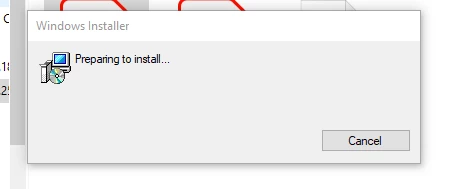
Preparing to install... pop up appears when I open Acrobat Pro DC
Whenever I try to open up Adobe Acrobat Pro DC, I get a Windows Installer pop-up that says Preparing to install...
Then it asks me for a serial number or if I have a subscription
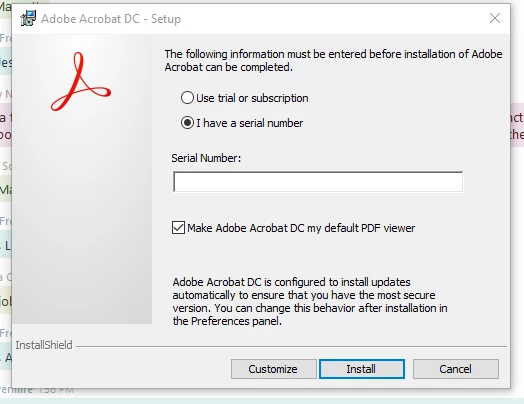
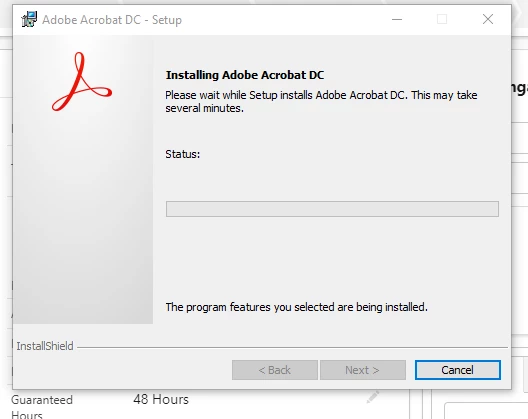
The account has a subscription, so when I click that button it gets stuck at Installing Adobe Acrobat DC (because it is already installed):
I am updated to the latest version 2022.001.20142
When I click check for updates I get the error code "111100"
I have tried to repair the installation and it just freezes Acrobat Pro DC and makes it unable to open if closed.
I have tried uninstalling and reinstalling.
I have also tried uninstalling, using the AcroCleaner to make sure everything was removed, and then reinstalling.
None of these things worked.
Has anyone seen this recenetly? Is there a fix or workaround for it?
Thanks,
Nick
 AdChoices