Participating Frequently
March 14, 2018
Answered

"Insert from File" is greyed out in Organizing Pages

  • March 14, 2018
  • 3 replies
  • 21930 views

For some reason, these options are greyed out, both in Organizing Pages and the drop down menus.  I've looked at the Adobe help forums and tutorials.  The options suggested were not available in Adobe Preferences /Documents in Acrobat DC.  I am working on a Macbook Pro and using Adobe Acrobat DC. 
This topic has been closed for replies.
Correct answer Bernd Alheit

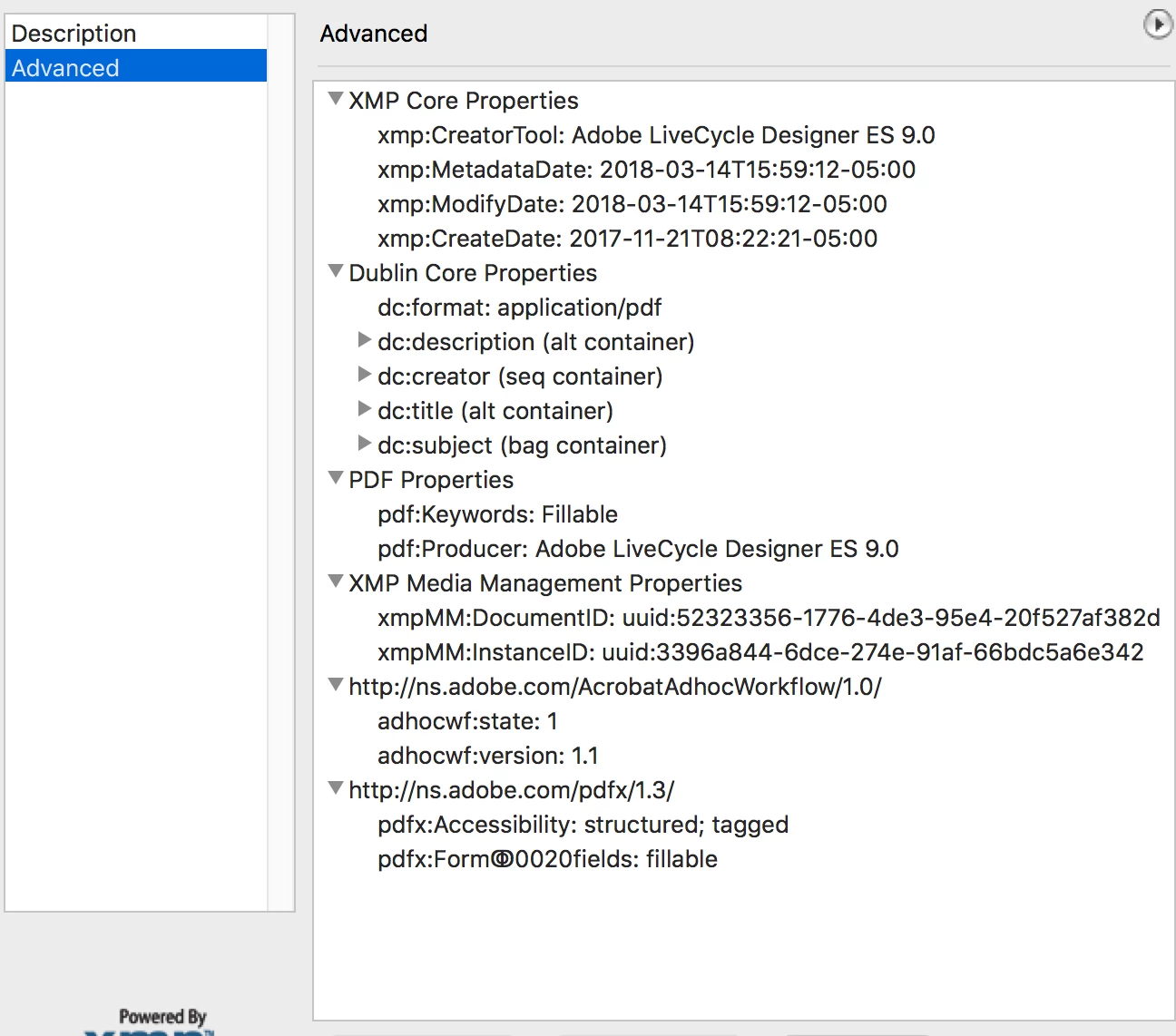
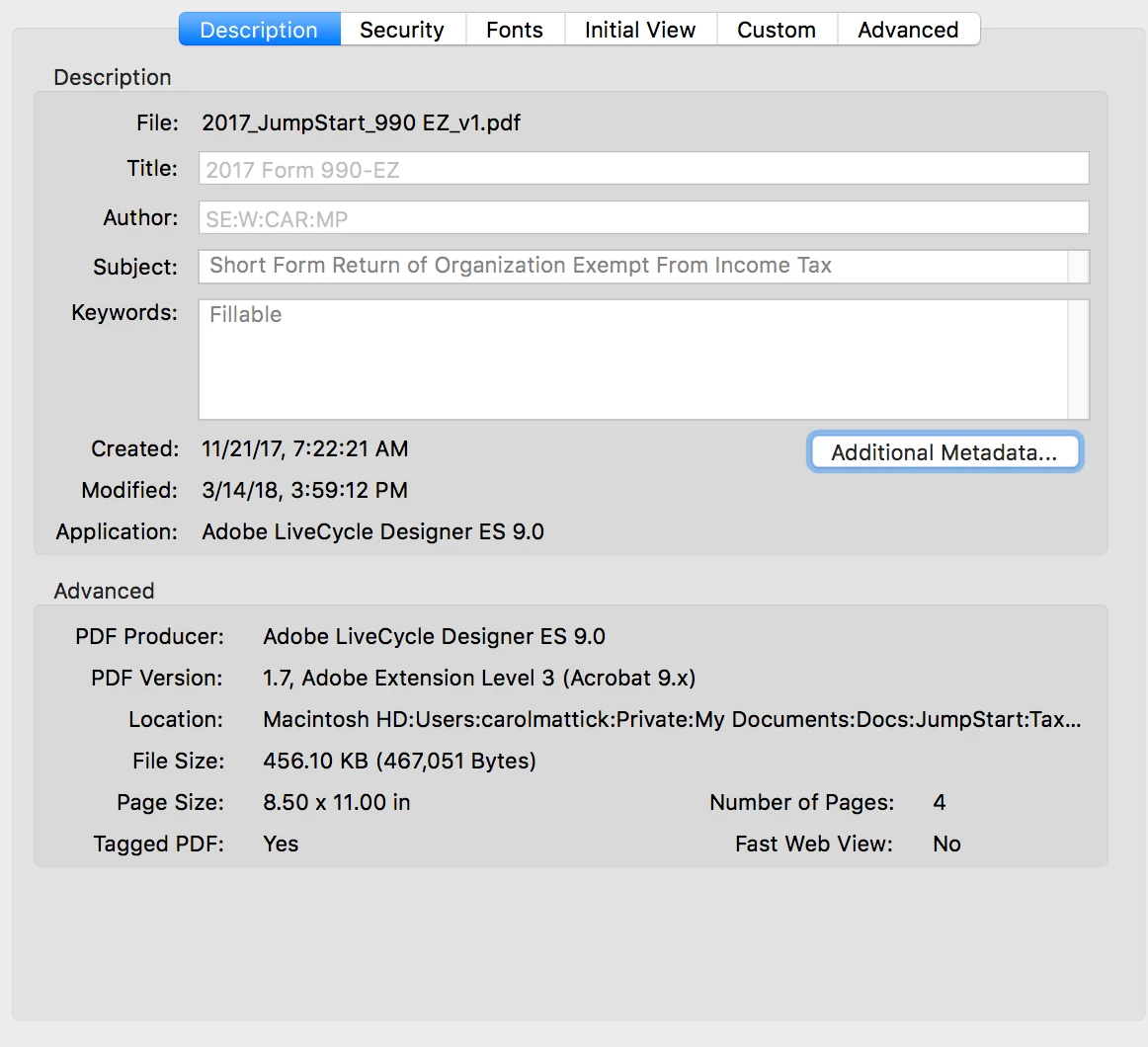
Here are the screen shots for Description and Advanced Metadata


This is a XFA form. You can't insert pages with Adobe Acrobat.

3 replies

Participant
November 28, 2022

If anyone still needs help with this, or comes across it, I found I just needed to click "enable editing" and it was all good. 

Thom Parker
Community Expert
Community Expert
November 28, 2022

If you are trying to insert an XFA PDF into a regular PDF, then NO, clicking on "enable editing" will not work. 


Thom Parker - Software Developer at PDFScriptingUse the Acrobat JavaScript Reference early and often
Participant
October 28, 2020

I had this exact issue on a Mac. Try this:


After clicking Insert From File, click Options (bottom left), then Show: All Files.

Mine didn't un-grey out but if you double click the file you want, it appears to work.

Thom Parker
Community Expert
Community Expert
March 15, 2018

Check the security of the PDF. Its a tab on the Document Properties Dialog

Thom Parker - Software Developer at PDFScriptingUse the Acrobat JavaScript Reference early and often
cbmattickAuthor
Participating Frequently
March 15, 2018

Attached is a snapshot of the Document Properties Dialog.  This is a form created by someone else.  The Document Properties Dialog does not allow the document to be "changed", but does allow extraction of pages.  No mention one way or the other of insertion. 

cbmattickAuthor
Participating Frequently
March 15, 2018

Also, just FYI, the Document Properties Dialog Box in Acrobat DC is under "Protect", More Options