



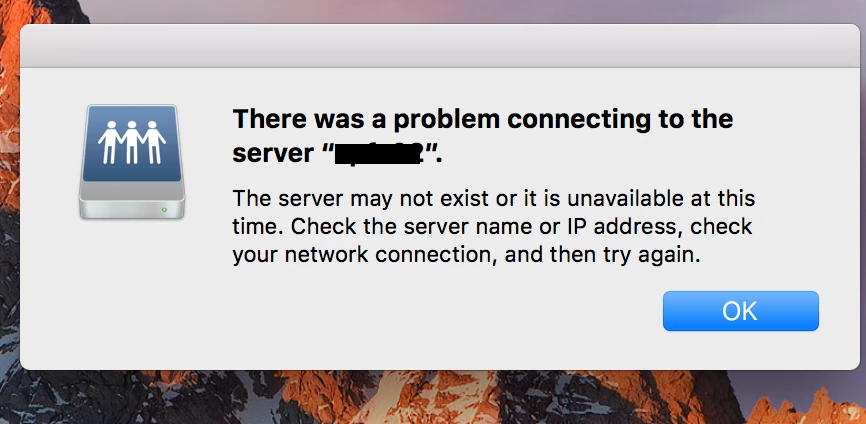
"There was a problem connecting to the server "xxx"." appears EVERY HOUR!
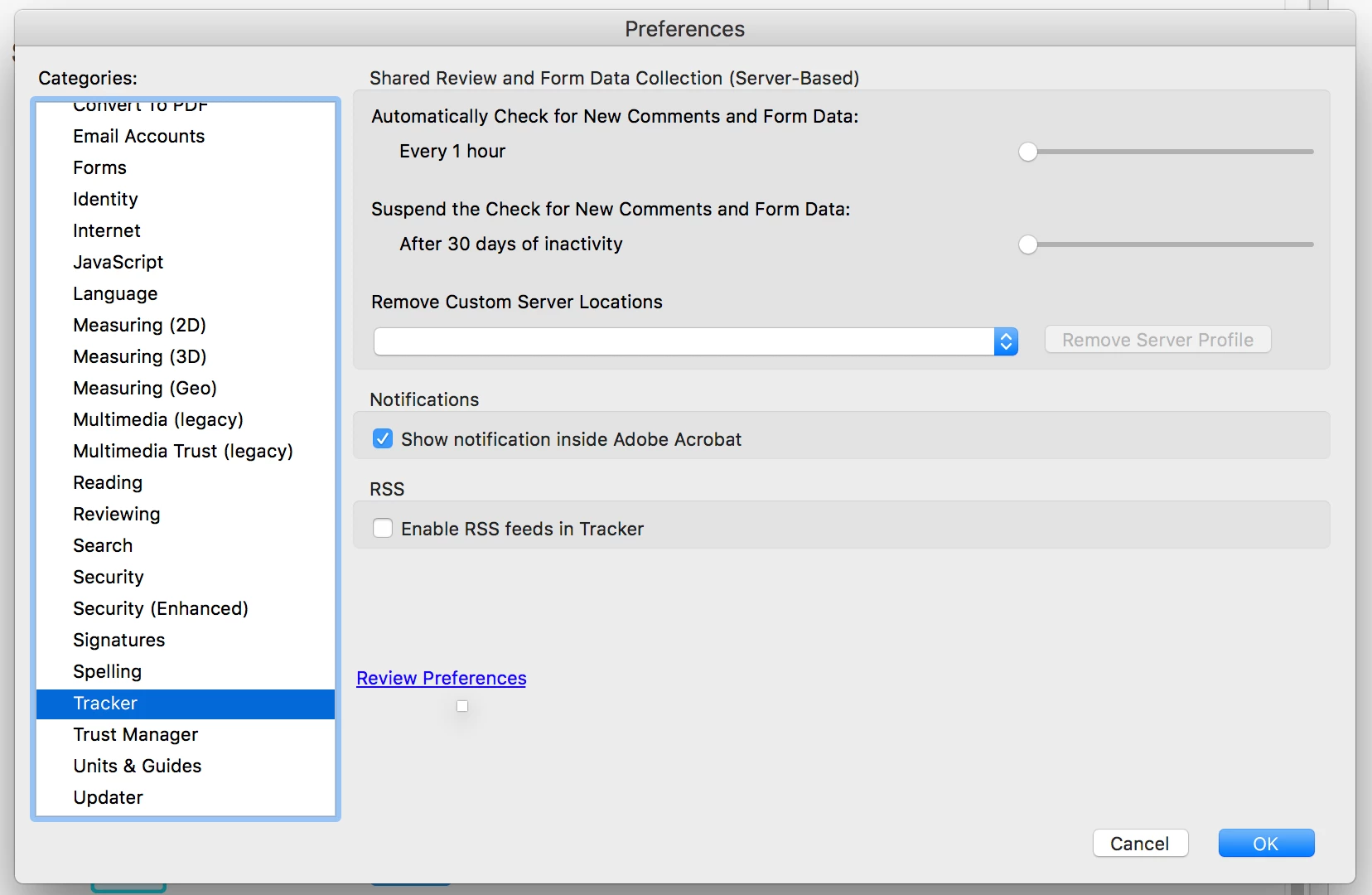
I get a warning every HOUR that I need to connect to an outside server. I have trouble shot with the Apple tech support as well as my office tech support. The problem goes away when I uninstall Acrobat. (I have a CC subscription, so it's the most recent version) I had done a shared review a while ago, but have since deleted all files related to that review off my computer as well as icloud. I need Acrobat and would like to have it installed. HOW do I remove this problem? There is no server listed in the tracker preferences. (see attached files)
Help!
Melissa
EVERY HOUR I get this warning. IT goes away when acrobat is uninstalled.
In Acrobat Preferences, the tracker says to check every hour! The file that I was tracking has been deleted from my drive and now custom servers are listed.
 AdChoices