Participating Frequently
July 3, 2023
Answered

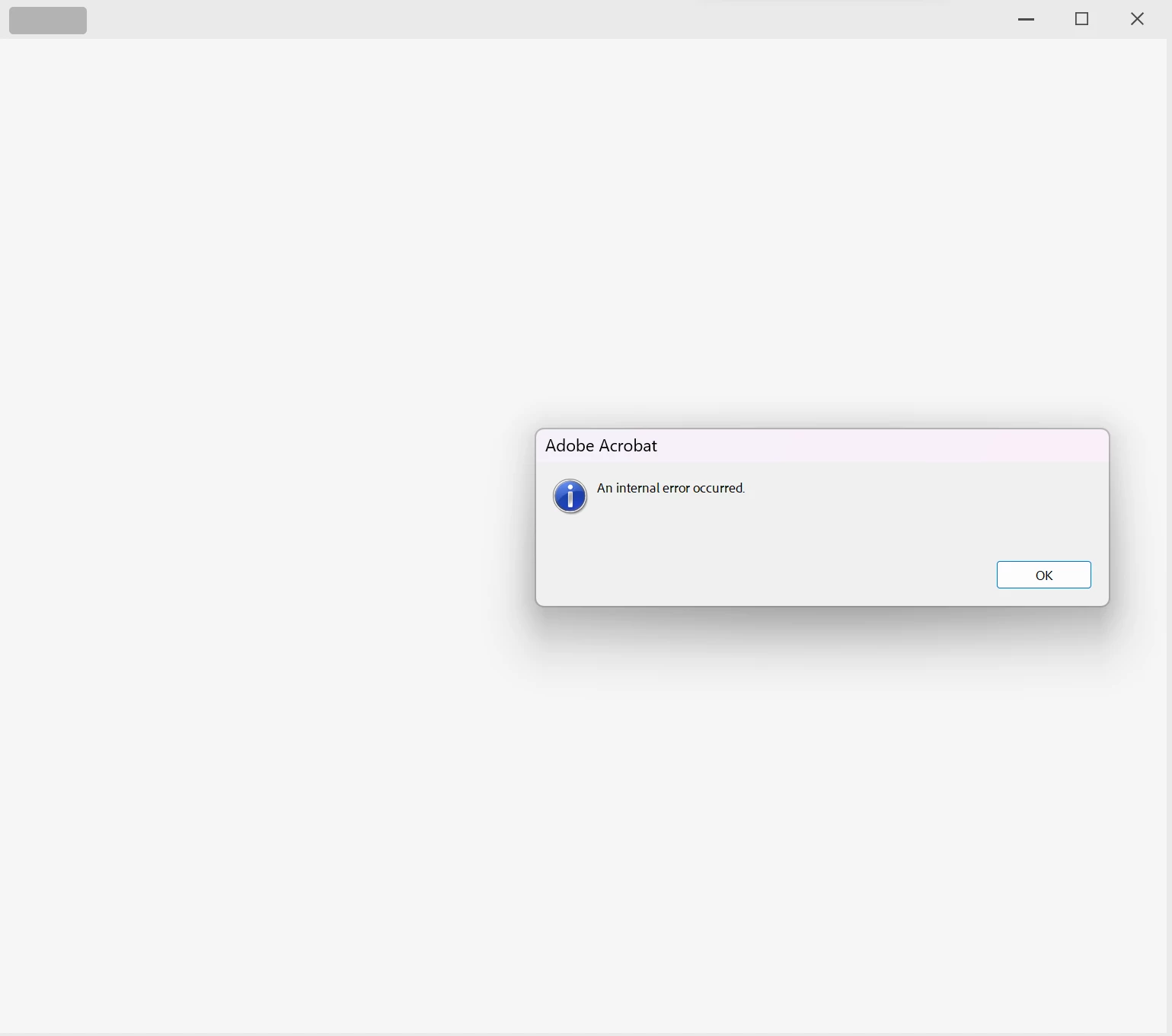
"there was an error opening this document , An Internal Error Occured"

  • July 3, 2023
  • 2 replies
  • 2597 views

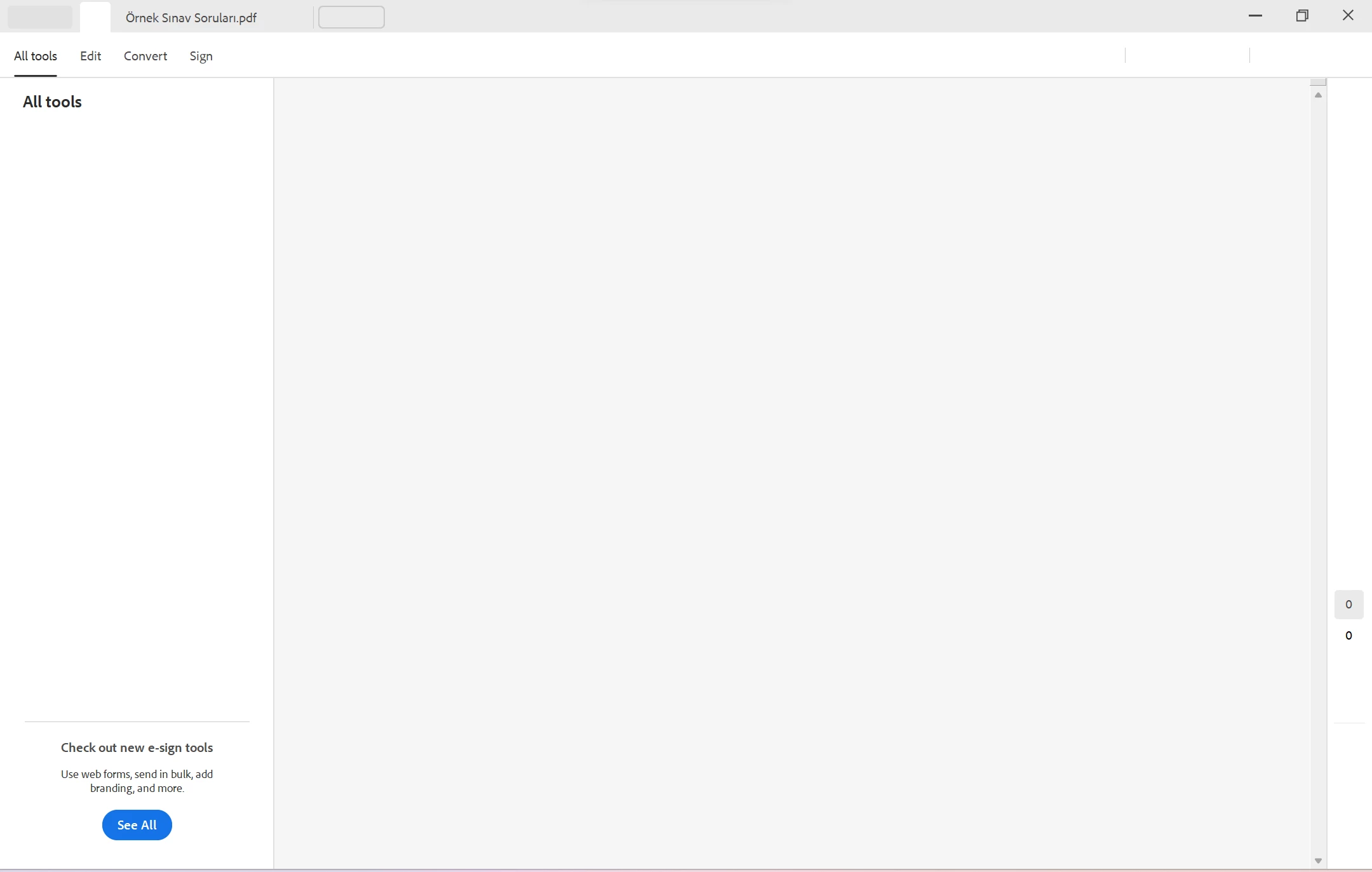
hello , i am having problem , when i open  a pdf  document the app works like blank page with this message "there was an error opening this document , An Internal Error Occured"  and the strange thing is that no any bars or buttons as usual   only some buttons avalible .

for example there is no menue button on the top left as usual but i can see its shadow when navigating by pointer on it and when i click on menue shadow it shows this error"An Internal Error Occured" 

please solve this problem i read alot of solutins like changing or deleting permissions and reinstalled  many times ,

win11 pro last update , all drivers updated , creative cloud updated
Correct answer Meenakshi Negi

no i can not confirm..

it is All files, any Pdf i try to open i get the messege 

"there was an error opening this document , An Internal Error Occured"


When i try to open the app it looks just the pic i uploaded.


And finaly there is no "Account Unknown"


Hi tekker,


Thank you for sharing the information.


Please confirm if you are opening files saved locally, on the network, or a cloud drive. Did this issue start recently? If yes, please share the Acrobat and OS version numbers currently in use on the machine.


In the meantime, you may try disabling Protected Mode (for troubleshooting purposes only). Please use the steps suggested below:

On Windows:

- Go to Edit > Preferences > Security (Enhanced)

- Uncheck “Enable Protected Mode at startup”

- Click OK and restart Acrobat.


On macOS:

- Go to Acrobat > Preferences > Security (Enhanced)

- Uncheck “Enable Protected Mode at startup”

- Restart Acrobat.


NoteProtected Mode is a security feature that helps prevent malicious content in PDFs from affecting your system. We would recommend that you turn it off only for testing purposes. Do not open files from unknown sources while it’s off. If this step resolves the issue, we can guide you toward a safer, permanent fix.


Let us know how it goes.


Thanks,

Meenakshi


2 replies

New Participant
July 13, 2023

Thanks for sharing

Abambo
Community Expert
Community Expert
July 4, 2023
quote


win11 pro last update , all drivers updated , creative cloud updated

By @ABDEL30846028xpq8

Please give the current exact version numbers, as "the latest" is tomorrow no more true.


Does the error happen with all PDF files, or only with a specific one?


What happens, when you first open Acrobat and then open the PDF file from inside Acrobat?

ABAMBO | Hard- and Software Engineer | Photographer
Participating Frequently
July 4, 2023

thank u for responding to me.

it happens with all pdf files and also main acrobat app.

i use version 23.0 acrobat pro , it is new subscribtion .

i used my first 7 days free trial and  after 7 days finished directly this problem happend so i thought app is not working because i should renew subscrition so i paid for new month subscription , but problem still hapenning

i tried to unistall app using  adobe cleaner tool  then i downloaded the 32 bit free acrobat reader version and  it worked perfect but after signing  in to my account it requested to update version to Acrobat DC so  i followed steps then it return the same problem . 

New Participant
July 24, 2025

Hi there


We are sorry to hear that the issue is still appearing,  The problem got fixed with the recent update.


Please update the application from the help menu > check for updates and reboot the computer once and see if that works for you.


You may also try to create a new test user profile with full admin rights in Win or enable the root account in MAC and try using the application there and check.

If it still doesn't work, please remove the application using the Acrobat cleaner tool https://www.adobe.com/devnet-docs/acrobatetk/tools/Labs/cleaner.html  , reboot the computer once and reinstall the application using the direct link
https://helpx.adobe.com/acrobat/kb/acrobat-dc-downloads.html 


~Amal


i now got the same problem I have now removed the application using the Acrobat cleaner tool, and reboot the computer once and reinstall the application using Creative cloud and i still have the problem