


Participant
August 12, 2022
Question

Random dots/periods when converting Word doc to PDF

  • August 12, 2022
  • 3 replies
  • 3962 views

When I convert this Word document there are random dots or periods at the top half of the page. It's only happening with this document, and the Word version does not have those dots/periods. This started happening recently, within the last month. It's easy to remove those dots in the PDF file, but I'll have 20-30 of these in one file and it's frustrating.
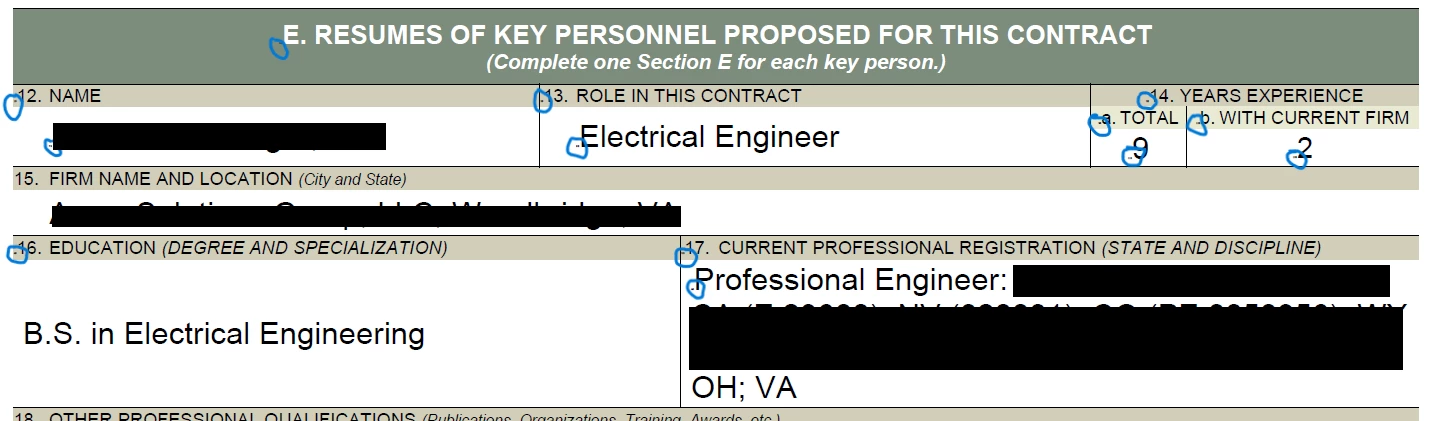
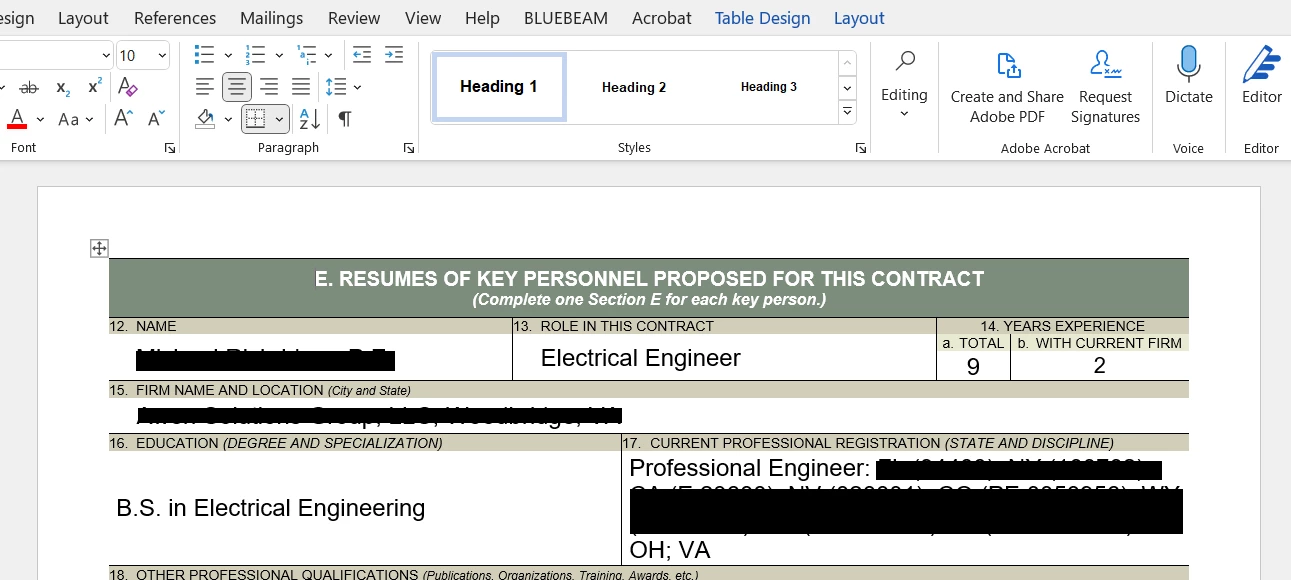
  

This topic has been closed for replies.

3 replies

Participant
January 6, 2024

So I had WHAT I THOUGHT were dots at the beginning of some fields (text entries in a table) in a PDF I was trying to create from a Word document. When I zoomed way way in, it turned out that they were tiny bits of text before each bit of text, "0B, 1B, 2B," etc. Turned out those were "hidden bookmarks" from the Word document (someone else's doc, not mine). Once I told Acrobat to stop creating bookmarks during the conversion, my "dots" (which were not dots) went away, and the PDF came out perfectly.


It took me well over an hour to figure all that out, though -posting here in case it helps anyone.

Participant
October 24, 2023

 I had some problems with dots creating a "best for printing" pdf from word document. I changed the settings to best for electronic distribution and it fixed the problem. Maybe that helps.

Bevi Chagnon - PubCom.com
Legend
August 12, 2022

Looks like they might be microdots, put into the PDF at the beginning of every paragraph.

When you exported to PDF, did you check an option for "Advanced" tagging? If so, uncheck it and export a new PDF.


|    Bevi Chagnon   |  Designer, Trainer, & Technologist for Accessible Documents ||    PubCom |    Classes & Books for Accessible InDesign, PDFs & MS Office |
Participant
August 12, 2022

I save the file as "Save as Adobe PDF" and there are no tagging options. I only see "View Result" and "Restrict Editing" as boxes I can check and they are both unchecked.