I believe I know what is going on now. Neil e-mailed the “before” and “after” PDF files.
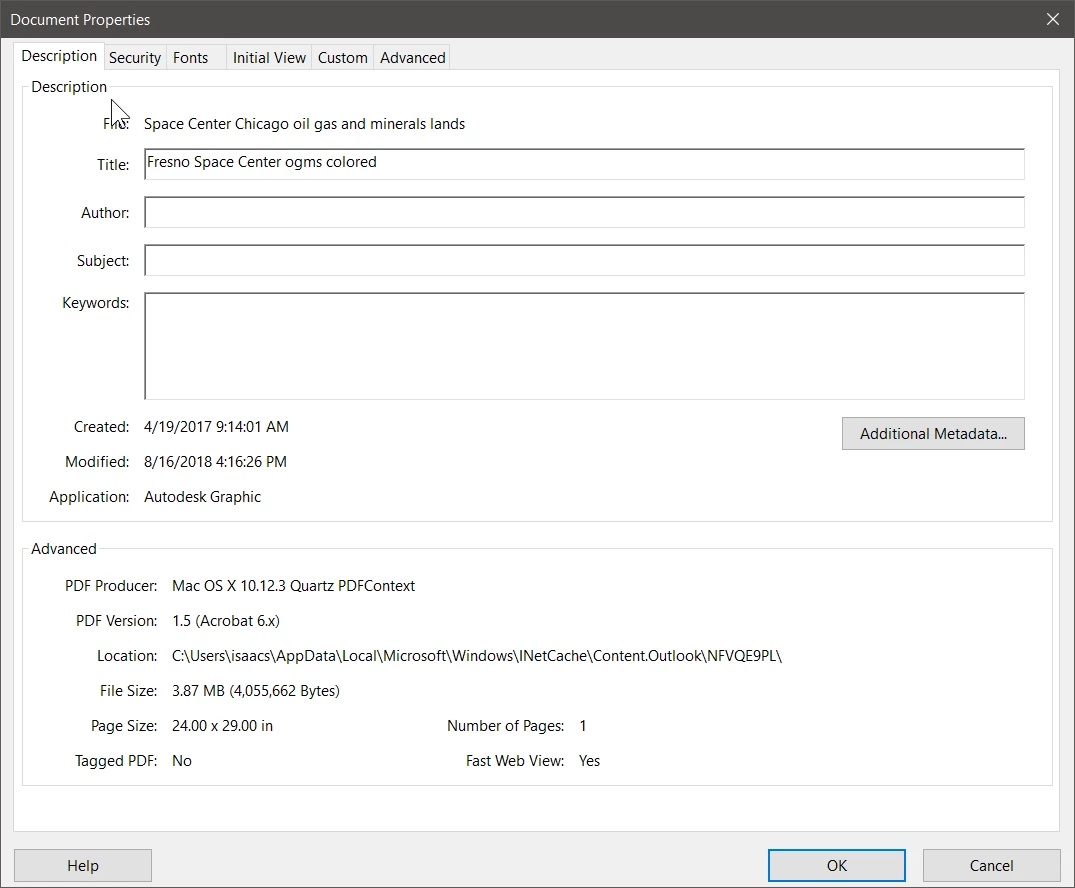
The first file is a one page (24"x29"), 4MB PDF file created directly from an Autodesk application using MacOS' native PDF production capabilities. It contains a mixture of text, vector artwork, and raster graphics. The following is what shows in Document Properties => Description within Acrobat Pro DC:
The second file is a 16 page (8.5"x11"), 2MB PDF file created from Microsoft Excel using MacOS's native PDF production capabilities. It is totally low resolution raster graphics. The following is what shows in Document Properties => Description within Acrobat Pro DC:
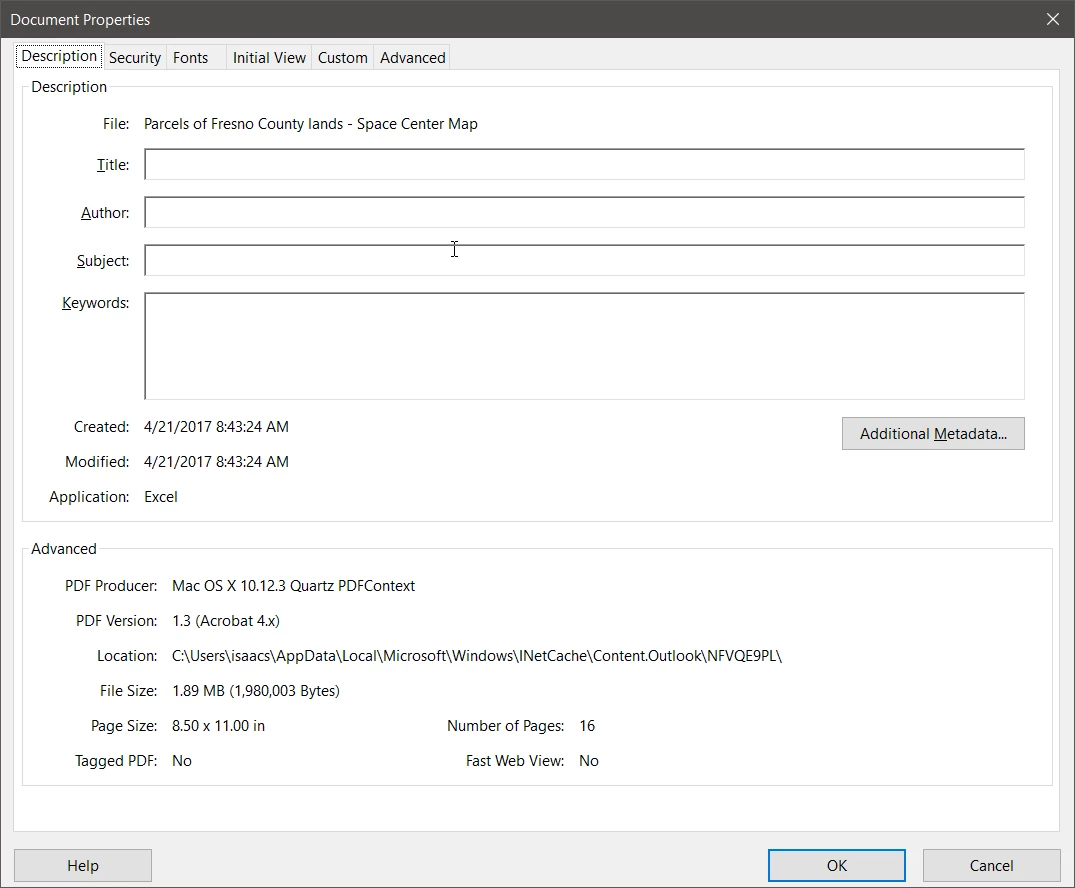
The reality is that nothing was done to the original PDF file itself. Rather, the evidence points to someone creating an Excel spreadsheet and importing the PDF file into that spreadsheet. That spreadsheet was then saved from Excel as a PDF file. In doing that save, Excel adhered to the defined page size of the spreadsheet (8.5"x11" portrait) and “tiled” the content in producing the output. In reality, Excel was doing exactly what it was supposed to do. If a custom page size of (24"x29") for the spreadsheet was defined with layout of 0" margins and no headers or footers, possibly output from Excel would have appeared on one page. Note that importing PDF into any Microsoft Office document is somewhat iffy and often leads to low resolution output, which is what we see here.
Bottom line summary is that the 16 page PDF file was not modified by anything, but rather, it was imported into Excel from which the tiled, 16 page version was created. By itself, Acrobat has no way of doing that tiling (other than through a convoluted set of labor-intensive manual operations which would challenge even the most tech-savvy on these forums).
- Dov



 AdChoices