

Answered
Replacing a Word on All Pages
I need to know how to find a certain word in a PDF document and automatically replace it with another word on all pages. (This is like the find-and-replace-all command in the Windows Notepad.)

I need to know how to find a certain word in a PDF document and automatically replace it with another word on all pages. (This is like the find-and-replace-all command in the Windows Notepad.)
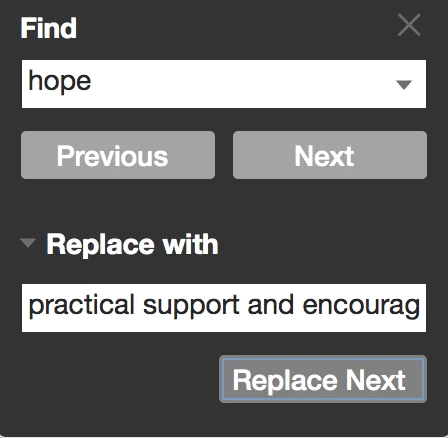
You can also use the Find function. That will actually edit the text and if the replacement word is a different length, it will scoot over the text after to accommodate. However, you have to click "Replace" on every instance. But it works well. And you can click on "Replace Next" as fast as you want. Acrobat will catch up.
Already have an account? Login
Enter your E-mail address. We'll send you an e-mail with instructions to reset your password.
 AdChoices