New Participant
April 3, 2025
Answered

Request e-signatures - Unable to process files

  • April 3, 2025
  • 6 replies
  • 1657 views

Dear,

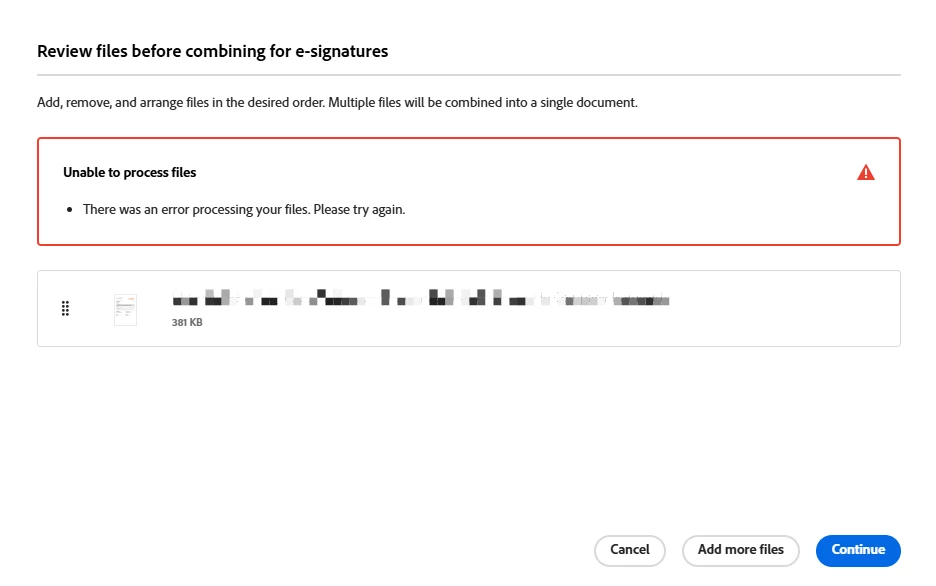
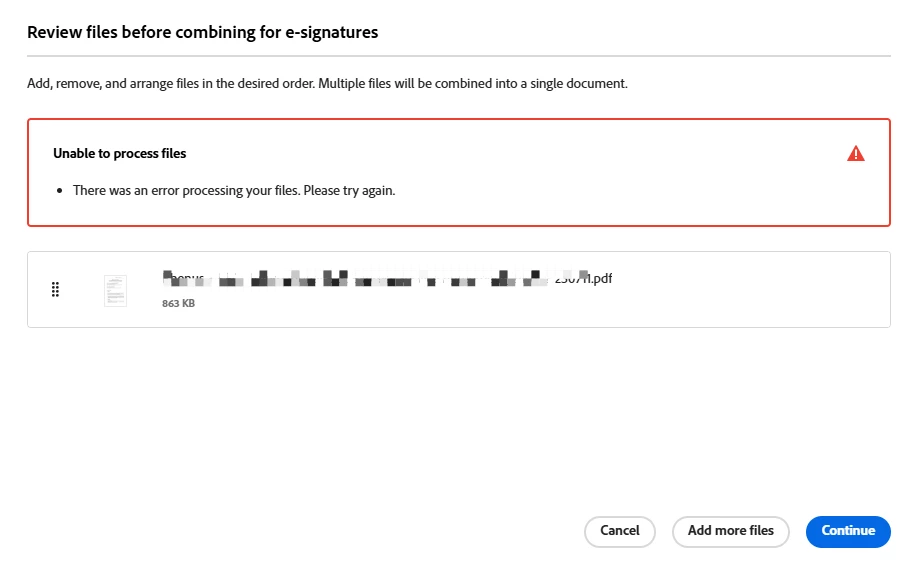
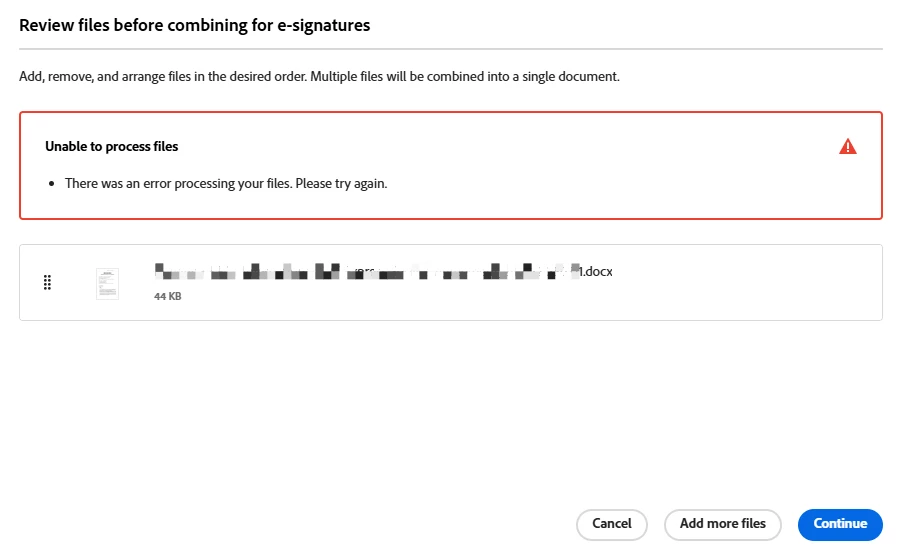
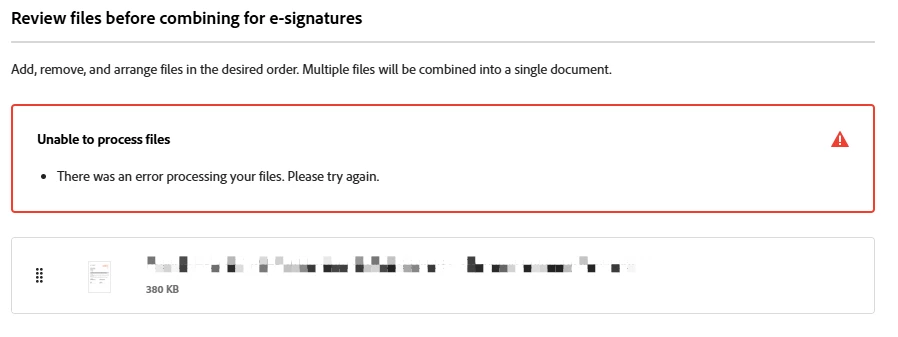
I tried several times with different pdf / docx files, but I keep receiving error message as below when I try to request e-signatures: 

Unable to process files

  • There was an error processing your files. Please try again.


May I know what's the issue? or anyone could help?

Thanks.


Correct answer AnandSri

Mine was working desktop so I was told it was a web issue. That seems to have cleared now, thanks 


Hello Martyn!


Thank you for confirming that everything is functioning correctly now. There was a temporary glitch in the services, but it has been resolved for both online and desktop services.

Feel free to reach out if you need any assistance.


Regards,

Anand Sri.

6 replies

New Participant
August 14, 2025

Having the same issue on the web version. Combine files and esignature was working fine as of 13/8/25, and then yesterday and today (14/8 and 15/8) the exact same documents are generating the error when being combined "There was an error processing your files. Please try again."


Have confirmed that both documents will upload and send without issue on their own, just can't be combined.


Based on the previous posts the issue clearly has not been resolved since it was first raised in April.

AnandSri
Community Manager
Community Manager
August 20, 2025

Hello @Alexander26893172vher


I hope you are doing well, and we are sorry for the trouble.


Could you please share more details about the issue? Is it happening with the desktop version of Acrobat, or is it only with the web version? Please share a quick screen recording of the problem. Also, share the current web browser you are using and the OS version details.


Thanks,

Anand Sri.

New Participant
April 3, 2025

I have discussed with Adobe support and the issue is with the web based version. While they are trying to solve this they have advised that we use the desktop app.

AnandSri
Community Manager
Community Manager
April 4, 2025

Hello!


I hope you are doing well. We apologize for the trouble you had using the E-signature feature.


Could you please confirm what's the current version of the Acrobat desktop app installed? Please ensure you have the latest version of Acrobat installed on the machine: 25.001.2043x Optional update, Mar 19, 2025. Check for any pending updates from the Menu > help > check for updates, install the updates, restart the app and the machine, and check. For more information, see this: https://adobe.ly/4hU7saN


Do you get the error message on the desktop as well as on the online services? Have you tried using a different browser? Are you on a Mac or Windows OS, and what is the version?


If the issue persists with the desktop app, could you please collect the logs from the machine and the above-mentioned information and share them with us for further investigation?

Thanks,

Anand Sri.

New Participant
June 12, 2025

Hello Martyn!


Thank you for confirming that everything is functioning correctly now. There was a temporary glitch in the services, but it has been resolved for both online and desktop services.

Feel free to reach out if you need any assistance.


Regards,

Anand Sri.


Hi there,

We're experiencing the following issue:

"Unable to process files
There was an error processing your files. Please try again."

We've attempted to send documents for signature using multiple PCs, the web platform, and the app, but without success. We've also tried renaming and resizing the files, but the problem persists.

This requires urgent attention, as these documents are essential for immediate signing in relation to house rentals.


New Participant
April 3, 2025

We are having the same issue. It worked fine yesterday.

New Participant
April 3, 2025

Hi, same problème here.

New Participant
April 3, 2025

I am also having this issue today. Is there any fix for it?

New Participant
April 3, 2025

Hi, I am getting the same errors today, although it worked yesterday when I joined the trial.