

Participant
July 17, 2024
Question

Requesting e-Signatures causes program to crash

  • July 17, 2024
  • 5 replies
  • 2038 views

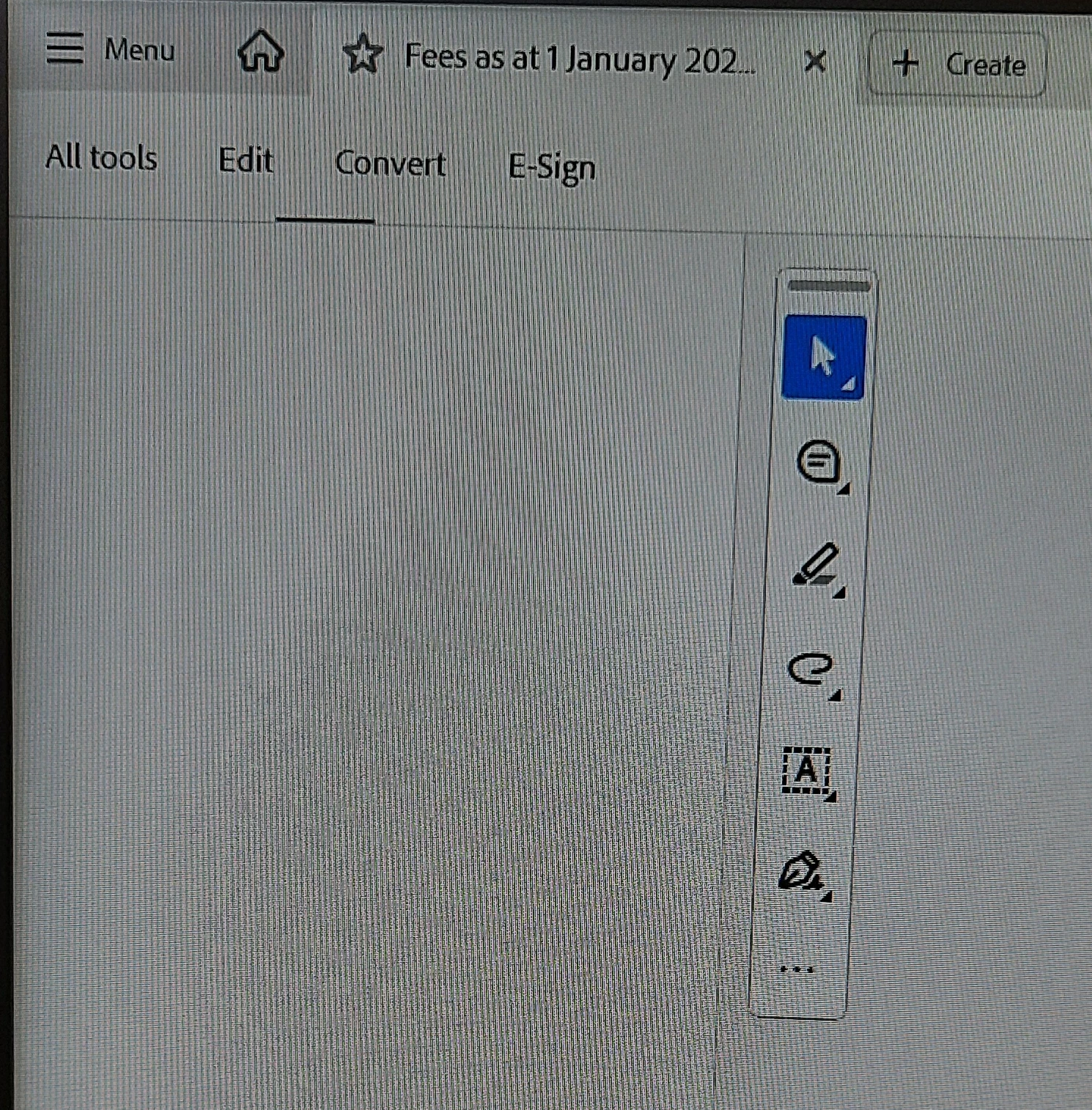
We have a client who is experiencing issues with e-signatures. Whenever they try to request an e-signature the tools menu goes blank and then Acrobat crashes.

 

This topic has been closed for replies.

5 replies

creative explorer
Community Expert
Community Expert
July 29, 2024

@JasonWT curious to know why as I am teaching Acrobat to my students, making sure any issues ahead of time...

When I am in Acrobat Pro, I can click on 'All Tools' and select Fill & Sign' or the 'Pen Tool' Signature

Either 'Add a Signature' and type a name in or 'Add Initials'

Be advised that that 'Fill & Sign' content in a signed PDF can't be modified in Acrobat Reader:

This is on the latest version of Acorbat Pro


If by any chance if you did indeed updated to the latest version, but maybe the previous version worked fine, you could 'Disable the new Acrobat' ... mine works...so, I am not selecting this...


hopefully this works. Also, try logging out and logging back in too. Sometimes, I have to do that on my end as I have two different adobe accounts!


m
Meenakshi Negi
Community Manager
Community Manager
July 24, 2024

Hi JasonWT,


Thank you for reaching out and reporting this.


Please update the application to the latest version released today. Then, check if it resolves the crash issue for you.

In Acrobat, go to Help > Check for updates. You may also refer to the information on the following help page: https://helpx.adobe.com/acrobat/release-note/release-notes-acrobat-reader.html


Let us know how it goes.


Thanks,

Meenakshi


JasonWTAuthor
Participant
July 29, 2024

Hey Meenakshi,

I updated the software and now it's giving the attached error instead.

Meenakshi Negi
Community Manager
Community Manager
July 22, 2024

Hi JasonWTYork Estates, and Johannes38690581gpbs,


Thank you for reaching out.


The team is aware of the issue and is working on the fix.


Could you please share the following details for further investigation:

- Share the Acrobat or Reader version currently in use.

- Share the OS version on the machine.

- Share the crash logs using the steps suggested here: https://helpx.adobe.com/acrobat/kb/collect-logs-crash-freeze.html.


Let us know if you need any help.


Thanks,

Meenakshi


JasonWTAuthor
Participant
July 22, 2024

Thanks for your response Meenakshi. The crash report is attached.

Acrobat version: 24.002.20933

OS Version: Windows 11 10.0.22631

Participant
July 18, 2024

Same problem here

Participant
July 17, 2024

This is happening to me too. I spent hours on the phone to Adobe yesterday and they said it's a bug that should be fixed. But I've had this problem since Friday. Is yours working yet?

JasonWTAuthor
Participant
July 17, 2024

No it's not. I uninstalled it Monday and manually stripped out every folder and reg entry I could find before reinstalling. It worked for a day and then the problem came back.