summer88
Participant
July 24, 2015
Answered

'Save file' icon missing from toolbar in Acrobat DC on Windows 7 SP1

  • July 24, 2015
  • 5 replies
  • 21655 views

Hello,

I use Adobe Acrobat DC on my desktop PC, which is running Windows 7 Service Pack 1 (32-bit).

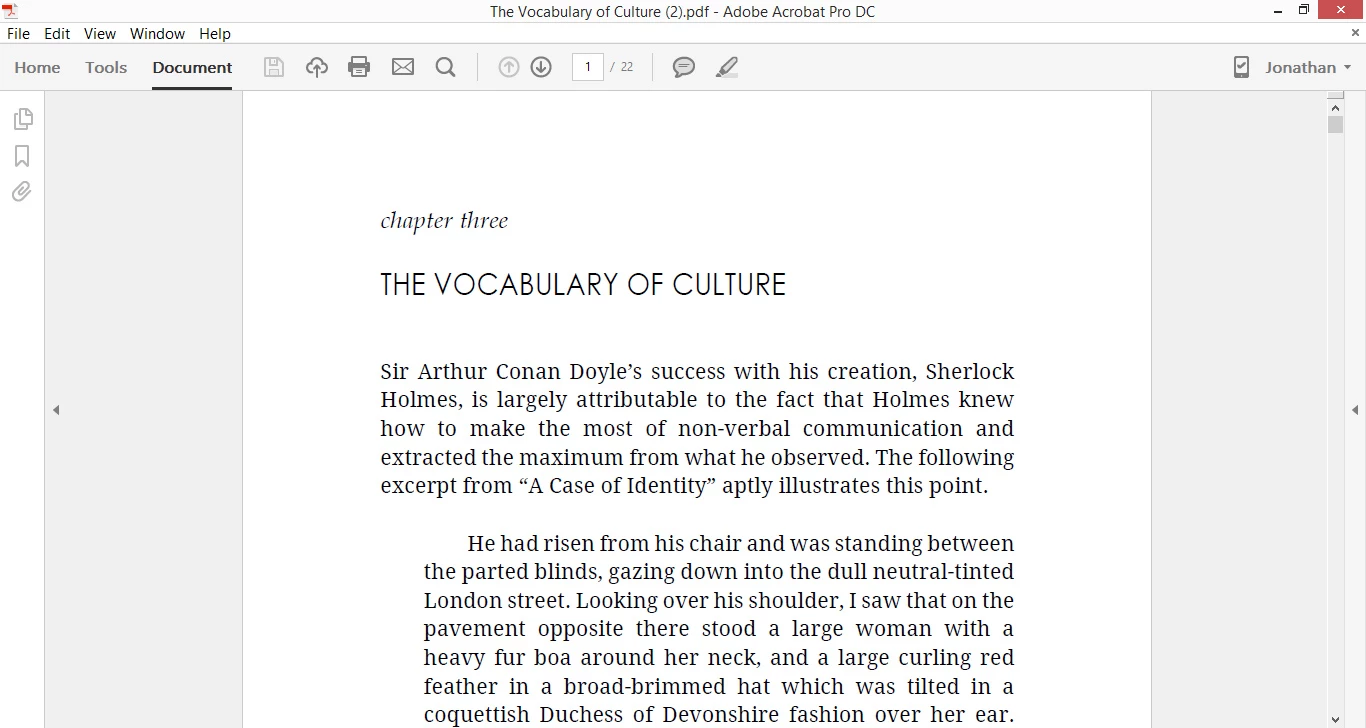
Recently I noticed that the 'Save file' floppy disk icon, which used to be located to the left of the printer icon on the toolbar, has disappeared. There is a blank space where it used to be, and when I hover on it, I do get the label that reads, 'Save file (Ctrl + S)'.

Acrobat DC is also installed on my other computer, a Windows 8.1 laptop, and when I run the program there, the icon does show.

Please find two screenshots attached.
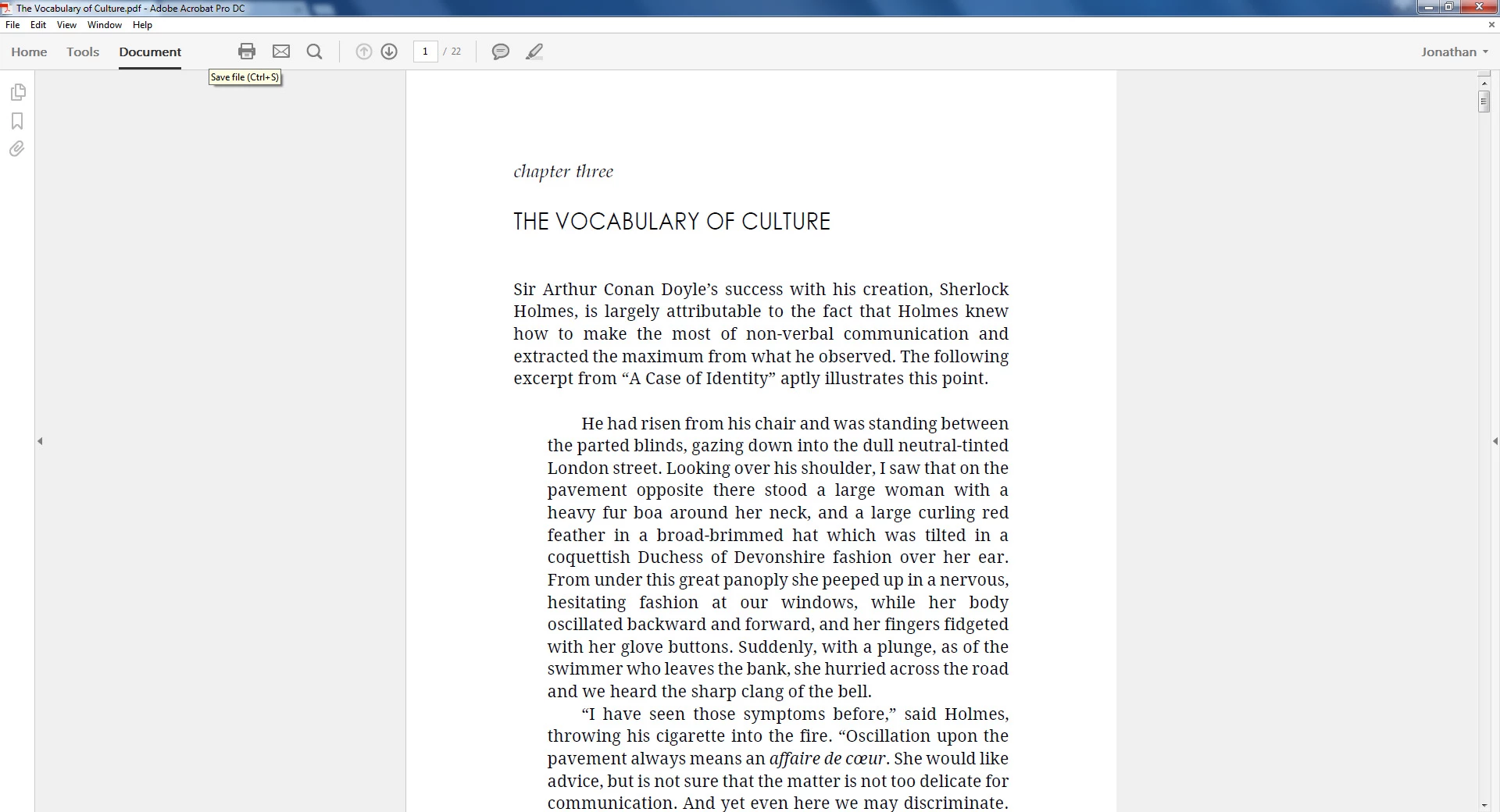
I am coming here for help after I tried to uninstall and then reinstall Acrobat, but to no avail.

Hope someone can help me.

Thanks in advance!

This topic has been closed for replies.
Correct answer Test Screen Name

Start by opening a Windows Explorer file window, and at the top type %USERPROFILE% including both % signs.

5 replies

Participant
September 4, 2016

How do I find the user profile, or get to that directory?

Test Screen NameCorrect answer
Legend
September 4, 2016

Start by opening a Windows Explorer file window, and at the top type %USERPROFILE% including both % signs.

UBFGUY
Participant
November 30, 2015

I tried the same thing for the full version of Acrobat DC but I deleted and allowed to regenerate,  "%userprofile%\AppData\Local\Adobe\Acrobat\2015" and deleted the file "IconCacheAcro.dat" and my Save icon, which has been gone for months, returned this morning.

November 25, 2015

I experienced the same symptoms, and resolved it by deleting (and allowing to regenerate) the Acrobat Reader DC icon cache file in my user profile.

I navigated to the directory: "%userprofile%\AppData\Local\Adobe\Acrobat\2015" and deleted the file "IconCacheRdr.dat". I re-launched Reader and the icon was there.

Inspiring
February 10, 2016

Thank you colinc41755164!  Deleting this file fixed the missing Save button for me as well!  ( %userprofile%\AppData\Local\Adobe\Acrobat\2015 and delete "IconCacheRdr.dat")

Federico Cacciani
Known Participant
September 9, 2015

Same problem, Win 7 Pro SP1 i7 16GB RAM.

I can't see the SAVE icon but it's there also working... If you go mouse over it appears the Save label and it works. Also if I go to the customization tool the save icon is missing in the menu where to choose. I Attach two prinscreen to clarify.

Participant
October 27, 2015

Same problem...Windows 10 64bit. 

I will follow thread.  Looking for a solution.

Bernd Alheit
Community Expert
Community Expert
July 24, 2015

Alt + F8

summer88
summer88Author
Participant
July 24, 2015

Thanks, but I already tried this prior to posting. It doesn't work, the icon's still missing.