


New Participant
March 12, 2020
Answered

Screen goes black when adding signature

  • March 12, 2020
  • 18 replies
  • 118105 views

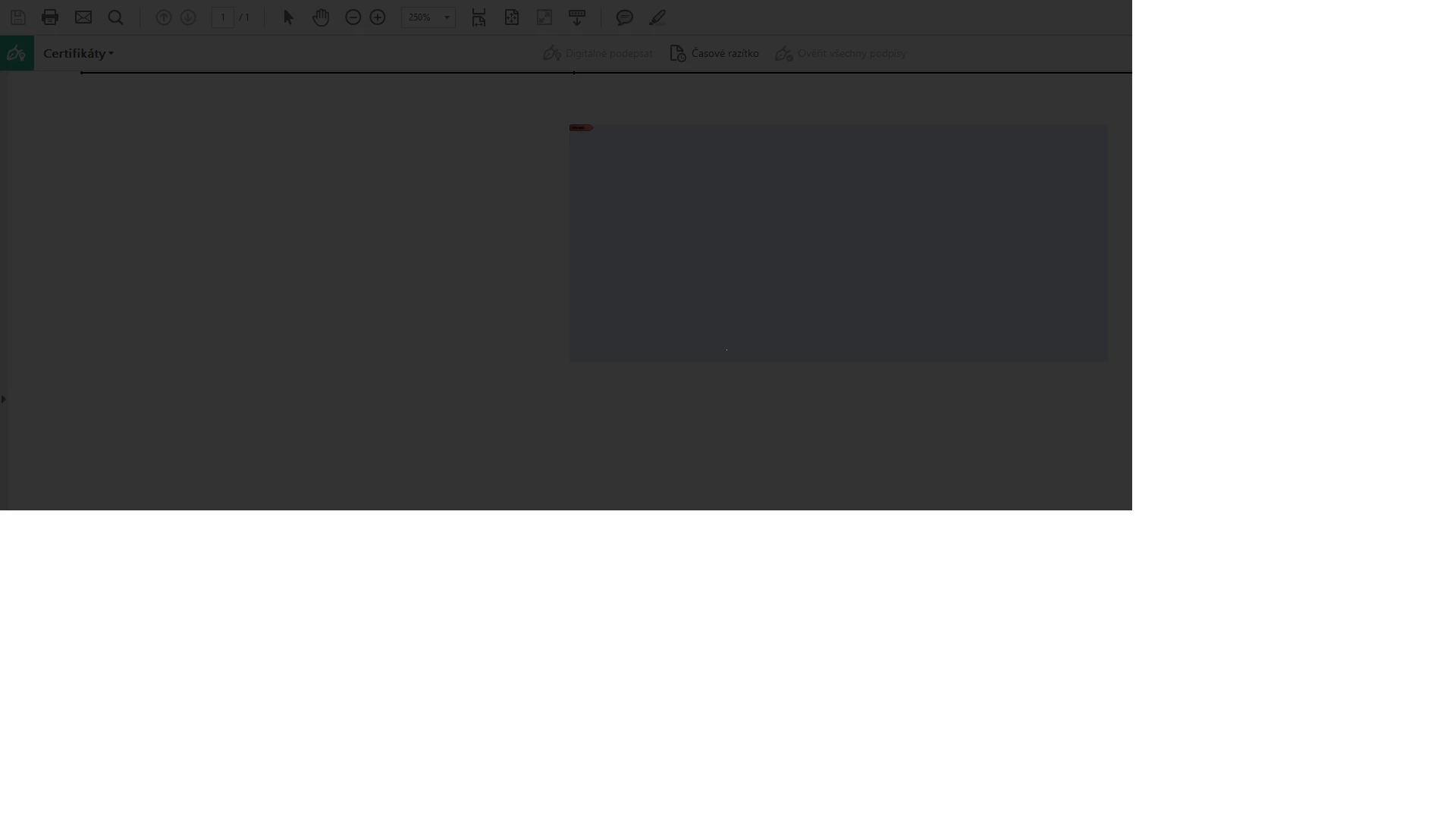
I am using Adobe Reader DC and I would like to digitally sign a document. When I try to digitally sign it, the screen goes black, nothing happens and I have to press Esc to return to the document.
 

This fix didn't work

Launch Reader > Edit > Preferences > Signatures .

Under Creation & Appearance > click More > uncheck use modern user interface for signing....

Relaunch Reader and check.

Correct answer Arnel2188450476vg

I just ran into this issue on 2 computers. None of the edit preference settings fixed the issue. Tried repair in control panel for acrobat same issue.


Actual fix that worked was to uninstall, restart computer, and reinstall Adobe Acrobat DC through creative cloud.


Regards,

Arnel


18 replies

New Participant
December 11, 2024

It's December 2024, paid Adobe subscription, precisely for this and this is happening, except that I am unable to esc. I have to force quit, and therefore, I lose all information filled in the form. This is extremely frustrating, no customer help, how is this even possible. 

New Participant
November 27, 2024

USELESS!!! How can you charge for this product with good concience?!? 

New Participant
October 25, 2024

If you guys still experience this issue, open %appdata%\Roaming\Adobe\Acrobat and delete the DC folder.

You can remove also the DC folders from AppData\LocalLow\Adobe\Acrobat and AppData\Local\Adobe\Acrobatif you want.

spasausinh
New Participant
April 7, 2023

I am also facing the same problem as you :((

Spa sau sinh
SIA FOR TECH
Inspiring
April 7, 2023

Try this video it will solve %100


https://youtu.be/MCShMwo55C8

New Participant
April 7, 2023

Me again. It's April 2023, and I still can't add a signature in Acrobat.  I hate Acrobat so much. Adobe charges a lot but only focuses on changing the interface. If the function doesn't work, who cares how fancy it looks???? Acrobat is soooooo buggy. It complains about the incompatibility with my system setting when I launch it, and blacks out when I try to add a signature. I literally hate it. Solutions like rebooting, changing preferences, and checking anti-virus software are workaround, and none of the workaround works. I hope when engineers at Adobe really fix the bugs I am still alive. 

New Participant
November 24, 2022

Same issue here and none of the solutions work. I mean its Nov 2022, and the problem has not been fixed yet. 

New Participant
December 20, 2022

Make that December 2022 -- seeing this issue on multiple systems

  • MacBook Air M1, MacBook Pro M1
  • MacOS Ventura (13.1), MacOS Monterey(12.6)
  • Acrobat Reader 2022.003.20281


Can someone provide a helpful answer, rather than a "try this"?  


Has Adobe been able to replicate or even acknowledge this is a problem?  When can we expect an updated build where this has been fixed?  (Acrobat is currently the best reason to buy DocuSign!)


Best regards

New Participant
December 21, 2022

Thanks, Amal --

No dice on steps 1 through 4 --  I get the same dark screen.

I've attempted to install from the link provided, and it appears there's no option to install the free Acrobat Reader -- only paid Acrobat Standard or Pro.  Can you advise?


Many thanks!


....and no luck installing through Creative Cloud either.  I assigned myself an Acrobat Pro license from our company account, then installed thorugh Creative Cloud.  Exact same dark screen on trying to add a signature.


What else can we do?


Thanks!

New Participant
September 14, 2022

Anyone who encounters similar behaviour in a virtualized environment may find this useful.

I encountered this issue with blank screens for Signature and other features after updating from Reader 2018.x to DC 2022.x in my organization's Virtualized Citrix Desktop (VAD) environment. The Fix I had to employ was to add the three Adobe processes to the UviProcessExcludes list for all VAD hosts at HKLM\SYSTEM\CurrentControlSet\services\CtxUvi\UviProcessExcludes for DC Version 2022 the additions to the list should be  'otherprocesses.exe.....;Acrobat.exe;AcroCEF.exe;RdrCEF.exe'. Further Details can be found on the post I made at the bottom of page three here https://discussions.citrix.com/topic/403607-after-upgrading-715-ltsr-cu1-to-1906-opening-adobe-reader-dc-produces-a-pop-up-error-werfaultexe-0x0000142/page/3/#comment-2093913


Please mark this as an accepted answer if this works for you!

New Participant
December 17, 2021

This has started happening to me, and has essentially rendered the program unusable.  I am having to print the documents required for signing, which is extremely time consuming, a waste of paper, not to mention a waste of money on this program.


I have tried the fixes outlined here, and unformately don't have Photoshop installed at work.


An effective fix would be extremely helpful, folks.

Meenakshi Negi
Community Manager
Community Manager
December 17, 2021

Hi Jacqueline,


Thank you for reaching out and sorry about the trouble.


As the screens turn black when trying to add a digital signature on the PDF, please try the troubleshooting steps suggested below:

1. Launch the application and go to Edit menu > Preferences > Signatures.

2. Under Creation & Appearance, click on the More button.

3. Uncheck the box for "Use modern interface for signing and Digital ID configuration".

3. Relaunch the application and check.


If the above steps do not help, try once uninstalling the application and rebooting the machine.

Then reinstall the application from this page: https://helpx.adobe.com/download-install/kb/acrobat-downloads.html.


Let us know how it goes.


Thanks,

Meenakshi

New Participant
March 4, 2022

This does not work.  Also where are my previous signatures? Why don't they update to the new version  when I update?

New Participant
December 7, 2021

I faced the same issue but found an interesting thing which I overlooked.

The cause of the problem is - either the PDF file has  READ ONLY attribute or it is downloaded into a Protected folder in Windows (such as TEMP). I guess the folks at the acrobat dev team coded the security in such a way that, any PDF files opened from TEMP folders cannot be changed/modified. Thus adding signature fails. +1 to Adobe security folks. 0 to Adobe QA folks.


When I moved my PDF to a normal folder (like DESKTOP or DOCUMENTS or any user created folder) and tried to add signature, it worked flawlessly.

New Participant
June 12, 2023

This one worked for me!!

SIA FOR TECH
Inspiring
November 30, 2021

For those who get Black Screen on their Adobe Acrobat Reader check this video blow to solve the issue in 1 mint

https://youtu.be/MCShMwo55C8