


Participant
July 7, 2023
Answered

Sign in loop, program close

  • July 7, 2023
  • 2 replies
  • 3960 views

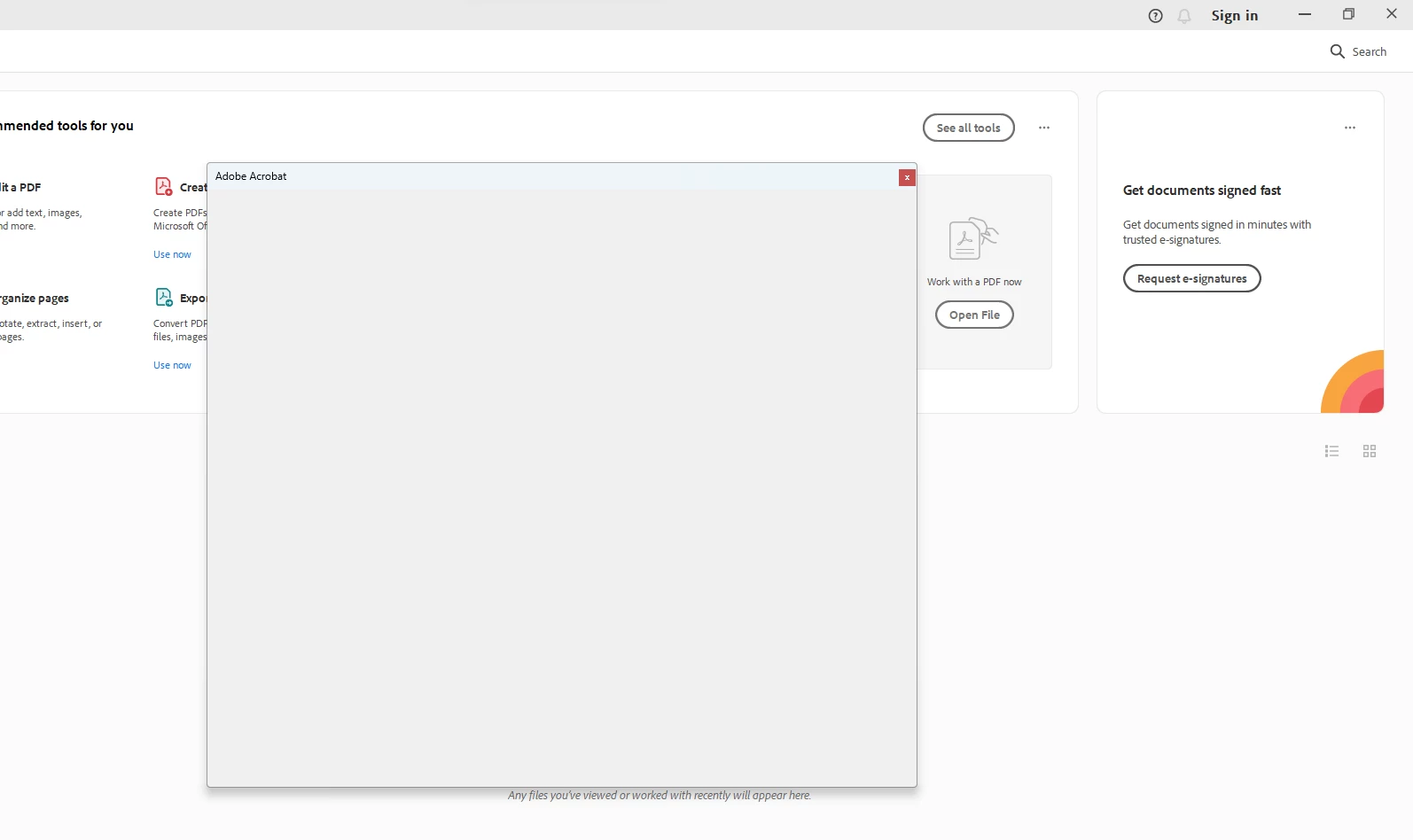
Whenever I open the Adobe Acrobat program I get a sign in window that auto signs me in. I see myself logged in the corner for a second *sometimes* before the program auto closes. I can log into creative cloud fine, when I try to open the Acrobat program the same experience happens.


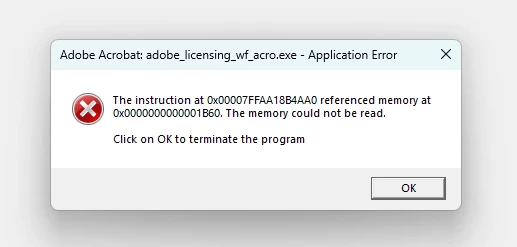
When I try to run as administrator this happens:


I've tried uninstalling and reinstalling adobe. I've tried uninstalling and reinstalling creative cloud. I can log into the program fine on other devices. 


Correct answer Amal.

Hi there


The new version of Acrobat (23.03.20269) is now available to address this issue. Please update the application from the help menu > Check for updates and reboot the computer once.


You may also download the patch manually from the link https://www.adobe.com/devnet-docs/acrobatetk/tools/ReleaseNotesDC/index.html and see if that works.


Regards

Amal

2 replies

Amal.
Community Manager
Amal.Community ManagerCorrect answer
Community Manager
August 9, 2023

Hi there


The new version of Acrobat (23.03.20269) is now available to address this issue. Please update the application from the help menu > Check for updates and reboot the computer once.


You may also download the patch manually from the link https://www.adobe.com/devnet-docs/acrobatetk/tools/ReleaseNotesDC/index.html and see if that works.


Regards

Amal

Participant
January 8, 2024

I have the same issue as the OP, have the latest version updated, and this problem is persisting.

Participant
May 5, 2024

I'm also having the same issue and haven't been able to find a solution yet.


Amal.
Community Manager
Community Manager
July 7, 2023

Hi @Michael30941923lt1z 


Hope you are doing well and thanks for reaching out.


Have you started experiencing this issue recently?


What is the version of the application you are using ? To check the version please take help from the article https://helpx.adobe.com/acrobat/kb/identify-product-version.html


Also, please go through the correct answer marked in the similar discussion https://community.adobe.com/t5/acrobat-reader-discussions/acrobat-reader-application-error-quot-the-memory-could-not-be-read-quot/m-p/8835672#M20614 and see if that works.


Let us know how it goes


Regards

Amal

Participant
July 7, 2023

Regarding application version, its the most up to date version - 2023.003.20216


Regarding compatibility settings - this didn't work. My settings were already unchecked.  


Amal.
Community Manager
Community Manager
July 7, 2023

Hi there


What happens when you check the settings for the compatibility mode?


Regards

Amal