


Signature and Date Fields behaving as text fields
Hello!
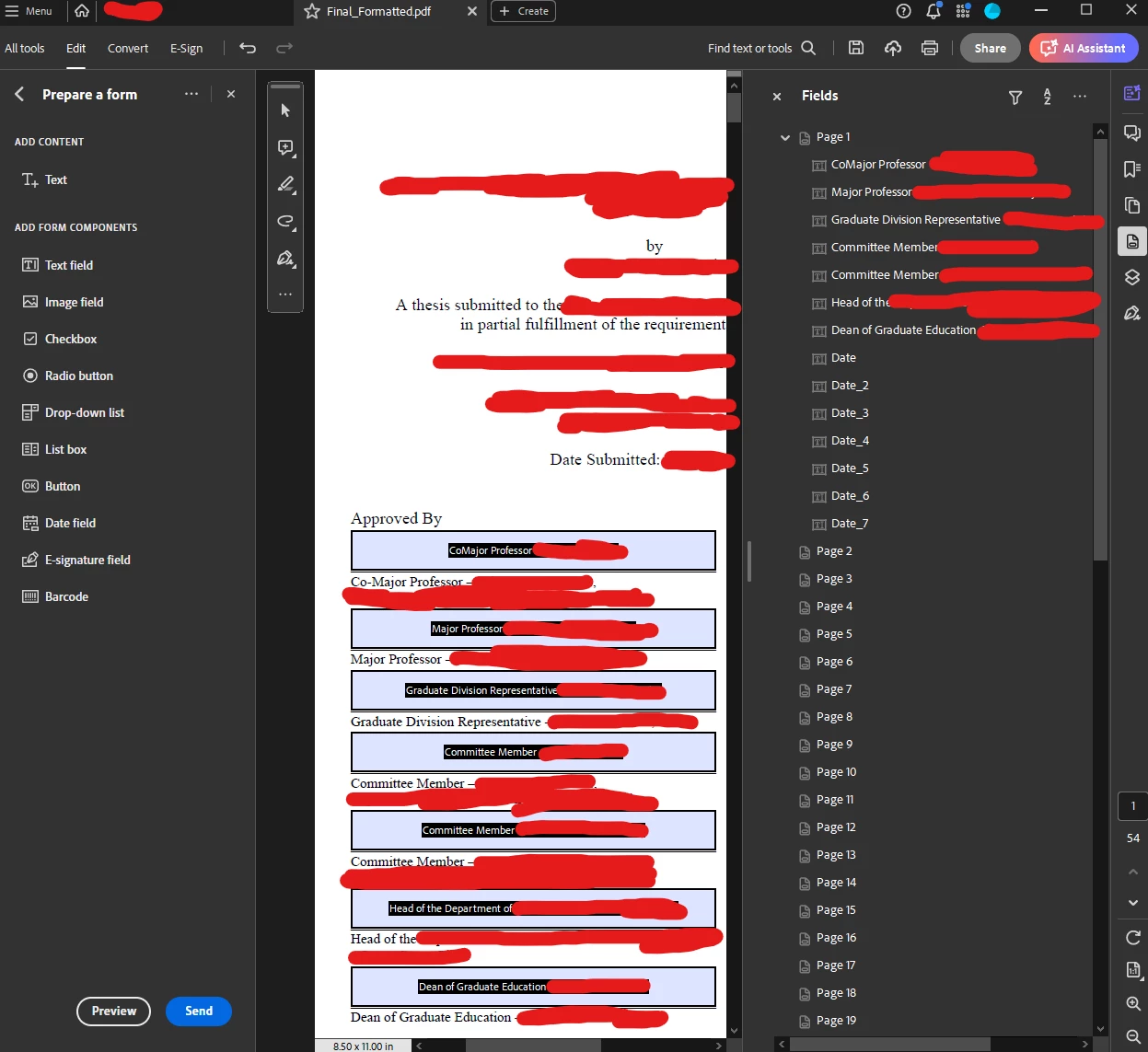
I'm having an issue where in "Prepare Form" when I make a signature or date field, upon saving, the fields bahave as text fields, where in the past they did not. Imaged below are some of the fields in question with sensitive information redacted

In other forms I've created, the singature form always has a red banner on the top upon saving, indicating that an E-signature can be placed there. Here's and example

For some reason, though, since the most recent update of acrobat, these new signature and date fields behave as text fields. Does anyone know how to fix?
When looking into this issue, I found that it may be possible that I selected "This document requires signatures" which I stopped doing. I've also seen people state that when in the Prepare Form menu, to click "More" then "Revert to Acrobat Form" to convert it back to a regular acrobat form, but I can't find that option in the side menus:
Any ideas?
 AdChoices