


New Participant
August 30, 2023
Answered

Signature and Date fields not working

  • August 30, 2023
  • 4 replies
  • 8422 views

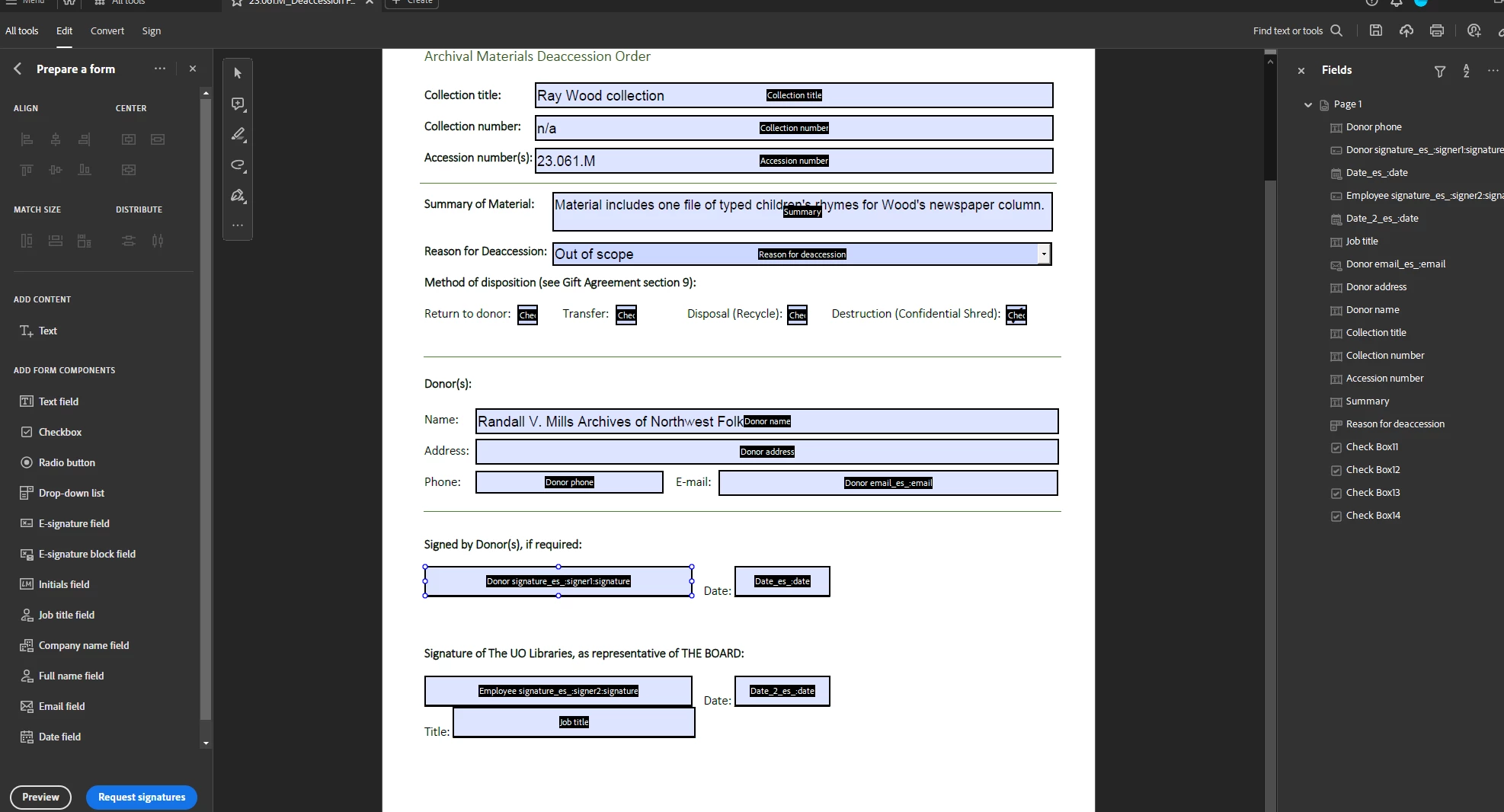
I've been creating a form (converted from word), and for some reason every single form component is behaving as a general text field, even when the Properties > Field Type has been accurately adjusted to accomodate different data types (e.g. signature, date). When I save, export, or preview, I can still only get free text in each field. I'm in the new 23 update.


Correct answer try67

Click on Tools - Prepare Form and then click on "More" at the right side of the window and then on "Revert to Acrobat Form". In the future, do not tick the box that says "This document requires signatures" when creating the form. When you do that it converts the document to an Adobe Sign form, which has limited functionality compared to a "regular" Acrobat form.

4 replies

New Participant
July 12, 2025

Windows suffers from many problems. When our data becomes too much and is not updated, it starts giving us errors that we don't know about. To learn more about it, we should visit their website.

New Participant
November 7, 2024

This worked, thank you! Should be fixed though. 

try67
try67Correct answer
Braniac
August 31, 2023

Click on Tools - Prepare Form and then click on "More" at the right side of the window and then on "Revert to Acrobat Form". In the future, do not tick the box that says "This document requires signatures" when creating the form. When you do that it converts the document to an Adobe Sign form, which has limited functionality compared to a "regular" Acrobat form.

try67
Braniac
August 31, 2023

It might no longer be on the right-hand side, if you're using the new UI...

New Participant
December 23, 2024

Adobe keeps moving things around and changing their names, unfortunately.

It's the first option in that menu: "Remove e-signing options".


That solution was magic, thank you! 

Not at all intuitive that you have to "remove e-signing options" to enable a "regular" e-sign... I'm so confused, but it work, and I'm grateful!

Bernd Alheit
Braniac
August 30, 2023

Is this a Adobe Sign form? 

New Participant
August 30, 2023

I don't think so. I'm preparing this is Adobe Acrobat Pro

Bernd Alheit
Braniac
August 30, 2023

You have used Properties > Field Type. This is only available in a Adobe Sign form.