New Participant
March 24, 2021
Answered

Text Edits on pdf file somehow changed to code or another language. Need help to return to english

  • March 24, 2021
  • 2 replies
  • 5237 views

Hello, 
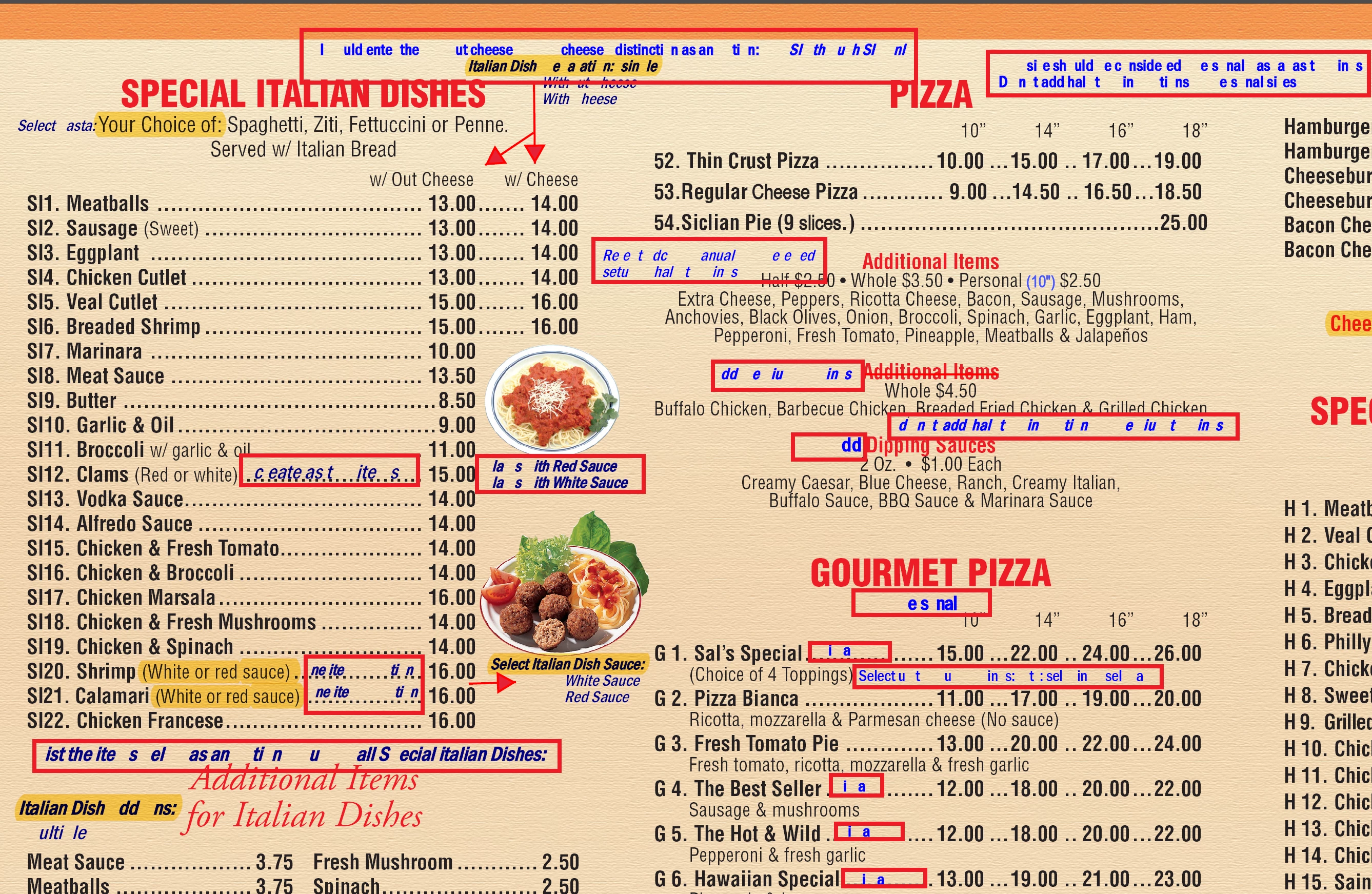
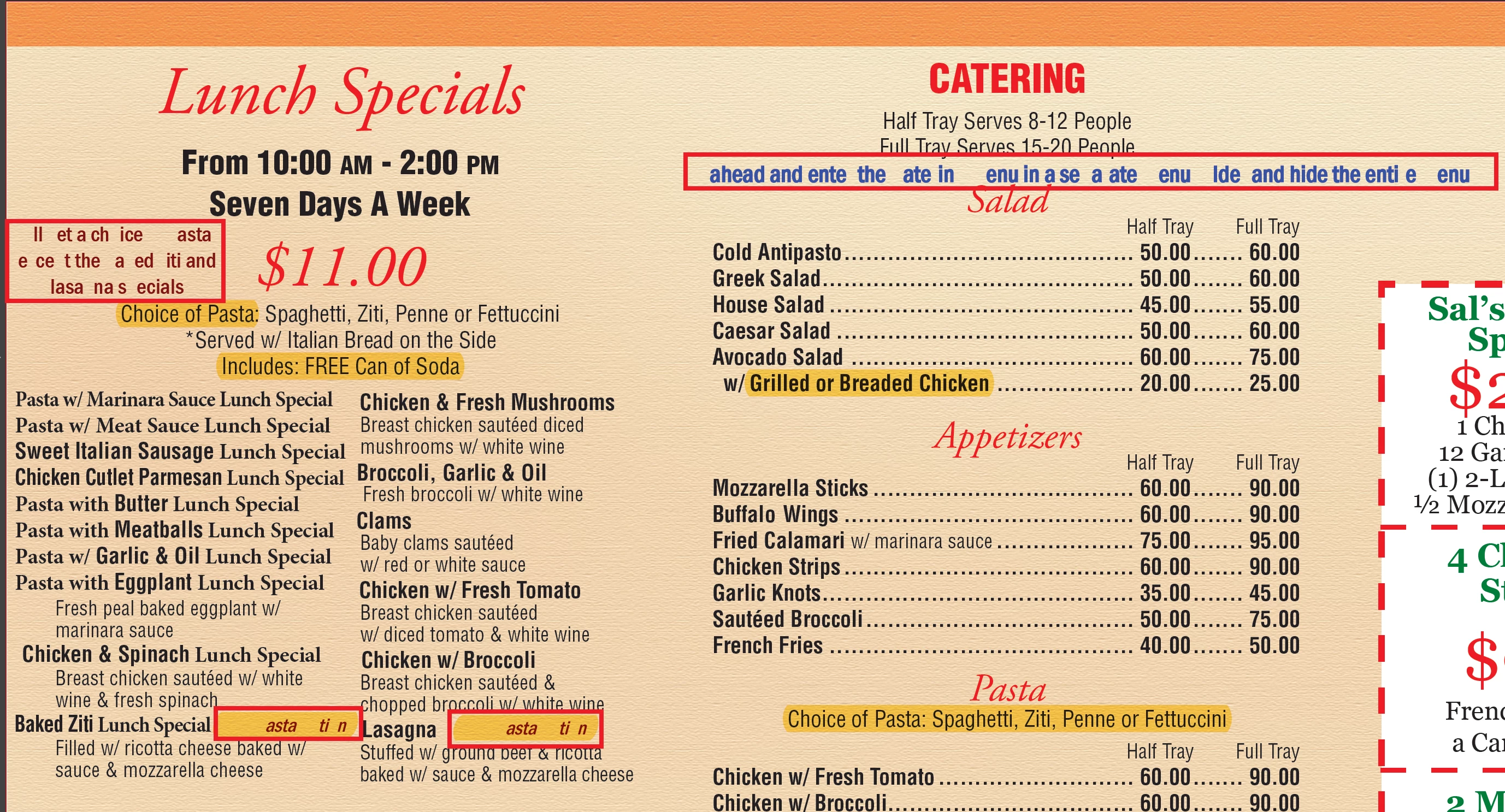
I've been adding a bunch of text edits to a pdf menu file for the last few hours when I realized towards the end that most of the text edits I had made now appear like computer code...it's like someone removed certain letters | characters throughout every single edit. I have no idea how that happened to almost every individual edit that I made. But I need to figure out how to switch it back. I had just saved the document thus removing my ability to "undo"...Does anyone know what could have happened to cause this, and (more importantly) how I can fix it so it reads normal with every character visible?

Thank you so much for any help that can be offered.

I'm adding a couple of screenshots where I outlined the areas that I edited with a red border.
This topic has been closed for replies.
Correct answer Document Geek

This looks like a font embedding issue. You really should make these types of edits in the native document, rather than the PDF.

2 replies

New Participant
April 2, 2024

I've subcribed for adobe acrobat for a month but I can't access the edit tools to edit my pdf document and keep getting a subscribe pop ups


Luke Jennings3
Community Expert
Community Expert
April 2, 2024

You should probably open a new question, but you may be using the free Adobe Reader, which does not have edit tools. If you installed Acrobat, look in your list of available applications, if you don't see it, open the Adobe Creative Cloud application and download and install Acrobat.

Document Geek
Community Expert
Document GeekCommunity ExpertCorrect answer
Community Expert
March 24, 2021

This looks like a font embedding issue. You really should make these types of edits in the native document, rather than the PDF.

New Participant
March 24, 2021

Okay, thank you. I've done a little reading since I posted this and now understand what I did to cause this to occur. I'm redoing the document now...

...lesson learned I guess.


Thanks again