


Participant
December 8, 2020
Answered

Text not displaying in PDF button

  • December 8, 2020
  • 2 replies
  • 18716 views

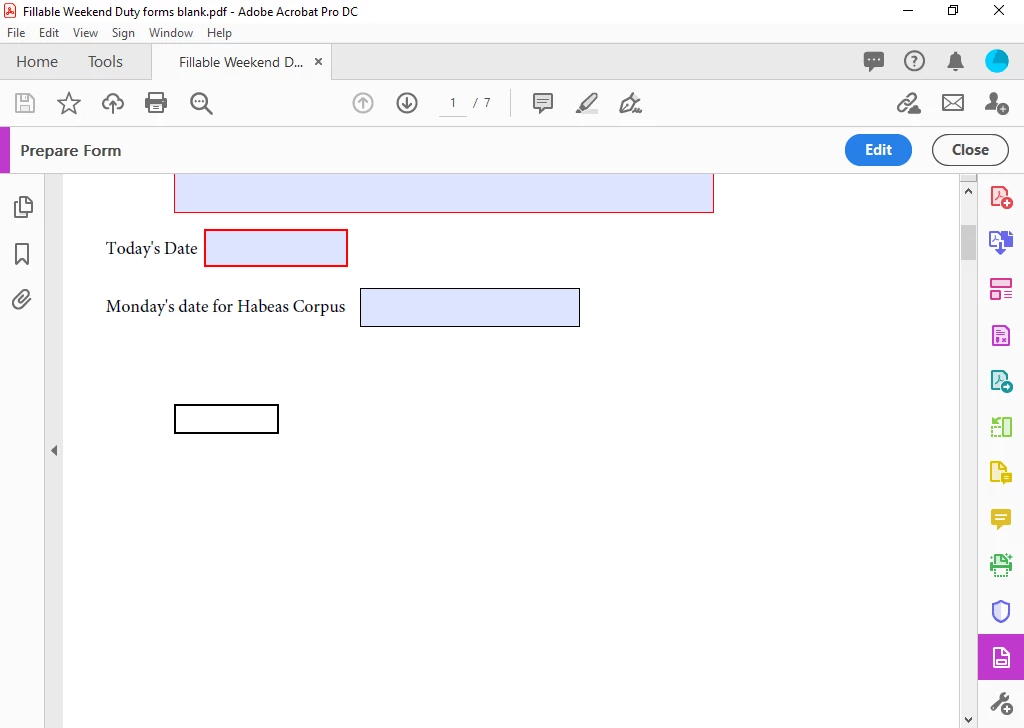
I created a custom PDF with a "reset form" and "print" buttons.  They were working correctly however after I reopened the file the buttons were still there and work correctly but the text is not displayed inside the button.  When I edit the page the "reset form" and "print" labels can be seen but when I preview the page the buttons are blank.    


I have tried:

Recreating the buttons

Changing text color, font, button color, outline color

Starting a new document

Changing the fonts

Repairing the adobe installation


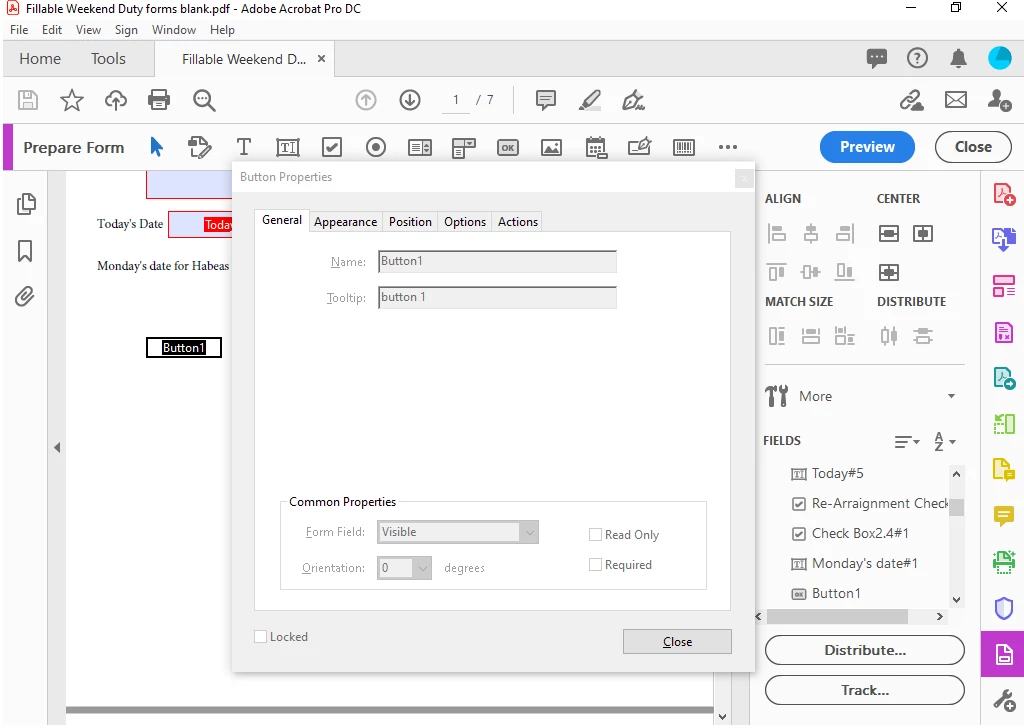
I checked other threads and most of the problems were solved by making sure the button title was under the "name" and not "tooltip."  I have double checked that this is not the problem in this case. The pictures below show the way I created and titled the button Any help would be appreciated.


Correct answer Thom Parker

The label for the button is on the "Options" tab.

2 replies

Participant
December 9, 2020

Thank you!  That worked.

Thom Parker
Community Expert
Thom ParkerCommunity ExpertCorrect answer
Community Expert
December 8, 2020

The label for the button is on the "Options" tab.

Thom Parker - Software Developer at PDFScriptingUse the Acrobat JavaScript Reference early and often
Participant
October 21, 2022

This is for any Adobe staff that actually read these.  Why would the name not be on the "General" tab?  I don't understand some of your style decisions at all.

Participant
March 9, 2023

How do I add the other tabs in properties: Format, Validate, and Calculate? Also my Options tab does not have alignment as well as Advanced being greyed out.