


New Participant
February 4, 2025
Question

Trouble distributing form via Sharepoint

  • February 4, 2025
  • 3 replies
  • 828 views

I am trying to send - or distribute - a form via our Sharepoint server but I can't seem to figure it out?

I have entered the SharePoint server url
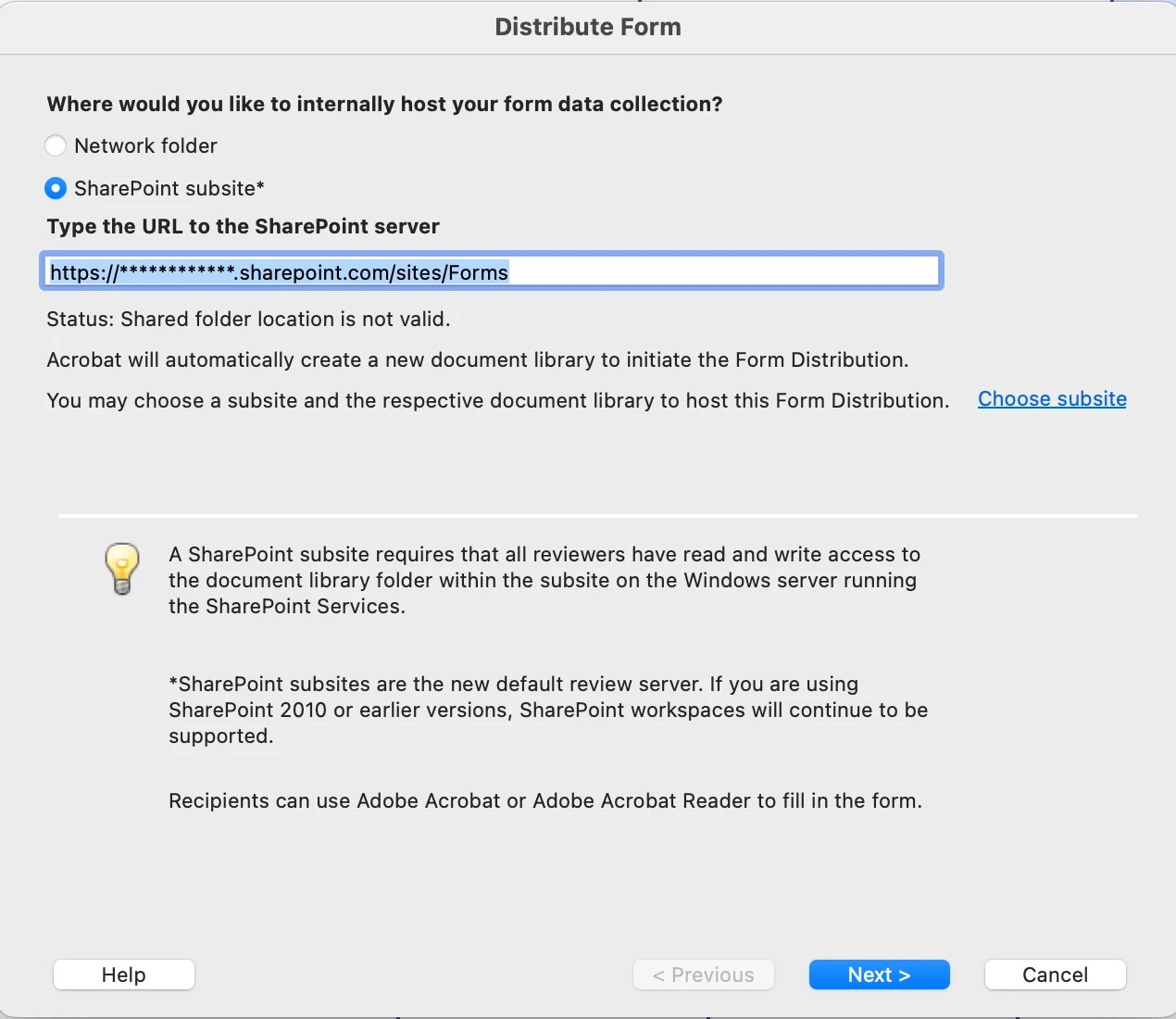
 

then it just opens a new window and the only option is gives me is 'cancel' at the bottom? Im not sure what I'm missing or doing wrong. If I press cancel it returns to Acrobat and I get the error 

"Default Document Library could not be created. Please contact the administrator of the SharePoint site."

As far as I know, all the shareing permissions have been set to 'anyone' 
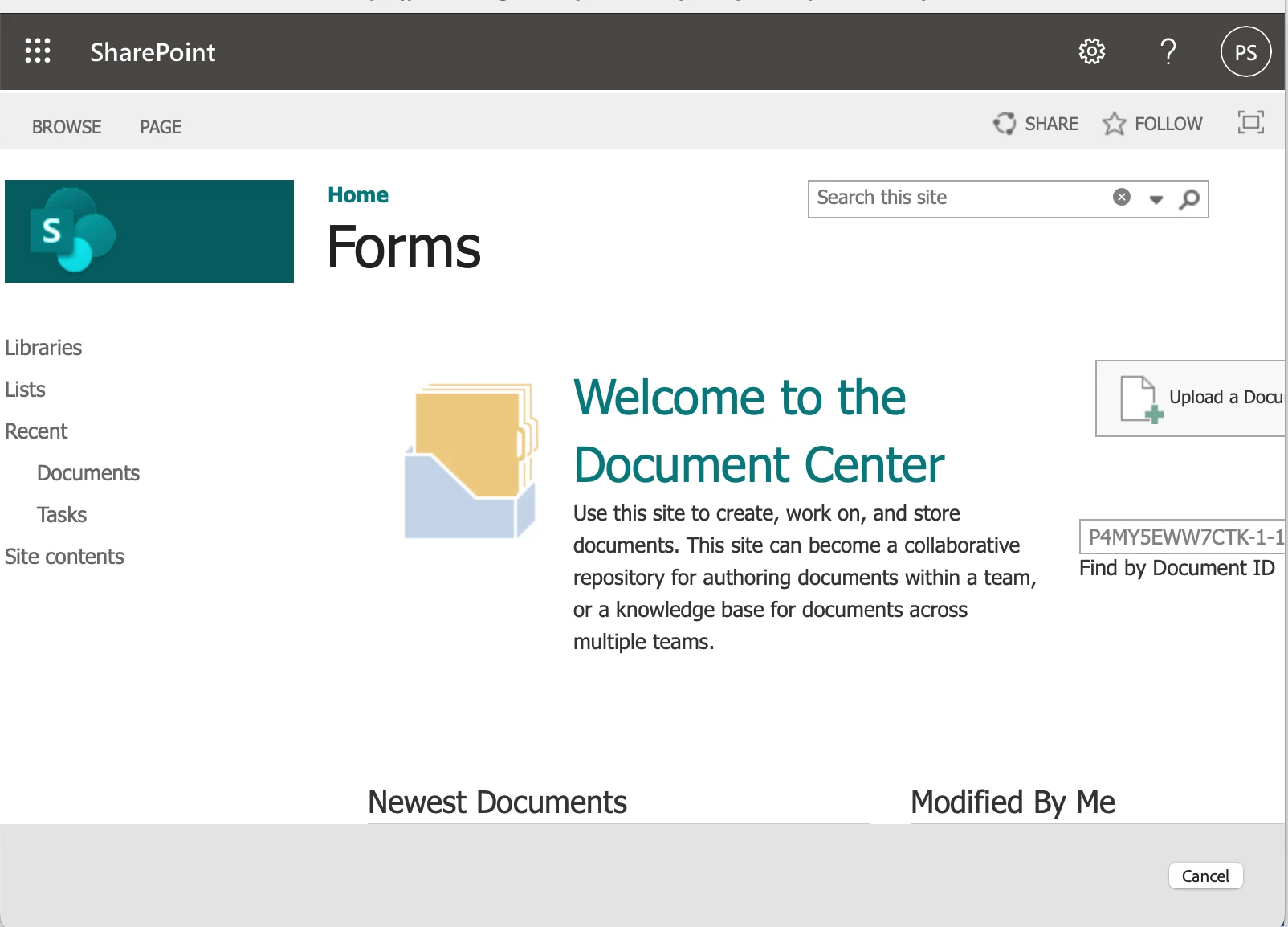
 

Anyone able to point me in the right direction?

3 replies

New Participant
February 12, 2025

To disturibute the form via Sharepoint, ensure that the link is properly shared with the correct permissions. Also verify the form is saved in an accessible location within the Sharepoint site to avoid access issues for the users.


New Participant
February 4, 2025

I've got a little bit further... 

I've created sub-folders within that document library with the same share permissions but they aren't showing here. I don't know what I'm doing wrong

Community Manager
February 10, 2025

Hi @enlightened_eagle5588


Thanks for reaching out with your question. 
You may check this Helpx page: https://helpx.adobe.com/acrobat/using/host-shared-reviews-on-sharepoint-office-365-sites.html which describes the step-by-step method of using Sharepoint for PDF Forms or Shared review. 


It seems to be a configuration issue. Let us know how it works. If you already have found an answer, please update this discussion. It may help others experiencing similar issues. 


~Tariq


New Participant
February 11, 2025

Yes I've tried going step-by-step through that post but I just can't get it to work no matter what I try.

Brainiac
February 4, 2025

@enlightened_eagle5588 you might not have the right permissions... contact your IT team is the best bet. Record a video to show them what you are trying to do so that the IT team knows what you are trying to do. The more information the better! 

New Participant
February 4, 2025

I am the administrator - it's a new SharePoint account I just setup to test how it works