


Question
Twain Driver Requiring Administrator Privileges
I have installed the latest version of Adobe Acrobat DC (x64) on Windows 11, along with the scanner drivers for a Canon DR-G1100.
For a standard user, I am unable to utilize the TWAIN driver, which is critical to being able to use the application productively. When attempting to start a scan, the following dialog appears.
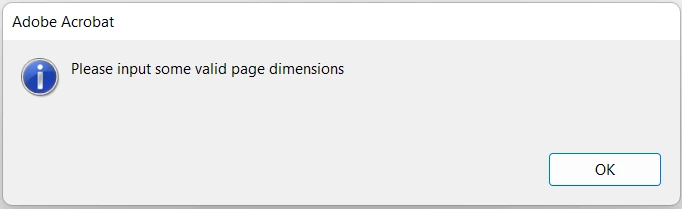
However, I found that when running the application as an Administrator, the exact same use case is working fine. I attempted to give standard users full control over the Twain driver files but this did not solve the issue. Has anyone faced this issue and found a way around it other than running Acrobat DC as an Adminstrator?
 AdChoices