


New Participant
June 10, 2021
Answered

Unable to open a fillable pdf file

  • June 10, 2021
  • 2 replies
  • 2449 views

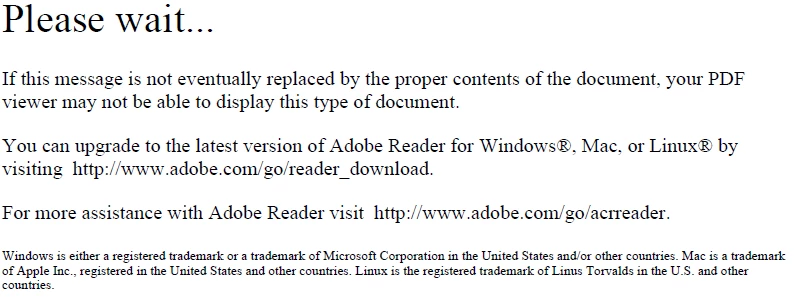
I have a fillable form that I send to employees to complete.  They are able to complete and send back to me but when I try to open it, I get the message below.  I believe my anti-virus software is disabling the scripts in the file when I download it.  How do I turn this off so that I can open and view the file.


This topic has been closed for replies.
Correct answer hammer0909

Typically the screen you are showing is what appears when you view the PDF using your email application. Furthermore, it typically indicates that the PDF was created using Adobe LiveCycle/AEM Forms Designer. You won't get a proper preview in your email program but you should be able to open it without a problem using Adobe Acrobat or Adobe Reader.

2 replies

hammer0909
hammer0909Correct answer
Community Expert
June 11, 2021

Typically the screen you are showing is what appears when you view the PDF using your email application. Furthermore, it typically indicates that the PDF was created using Adobe LiveCycle/AEM Forms Designer. You won't get a proper preview in your email program but you should be able to open it without a problem using Adobe Acrobat or Adobe Reader.

Brainiac
June 10, 2021

Please show a screen shot with this message inside the window where you see it (with the window title above it, particularly). We need to see the app actually running.

Sally5C77Author
New Participant
June 10, 2021

Is this what you mean?


try67
Community Expert
June 10, 2021

Did you open it in a browser and then used Save As PDF (or Print to PDF)? If so, that's not good.

You need to download the file directly and then open it in Acrobat (or Reader) for it to work.