mark_albrechtsen
New Participant
September 3, 2023
Question

Unable to open iCloud documents

  • September 3, 2023
  • 1 reply
  • 2826 views

I have had recent sporadic issues obtaining permissions to open various PDF files that I have downloaded to my Mac. I do store all documents on my iCloud Drive but these documents are also natively on my Mac.

Here is the link to the file I am trying to open: 334839_392715_forced-rotation-polisher_20-1124_manual_us-webversion.pdf

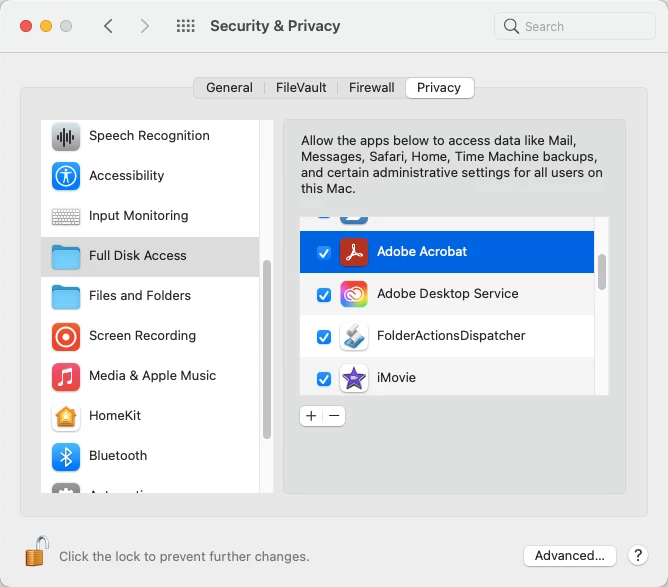
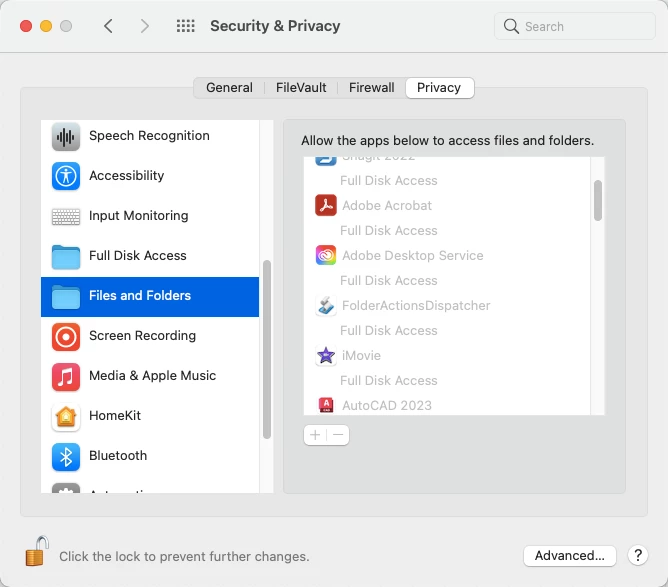
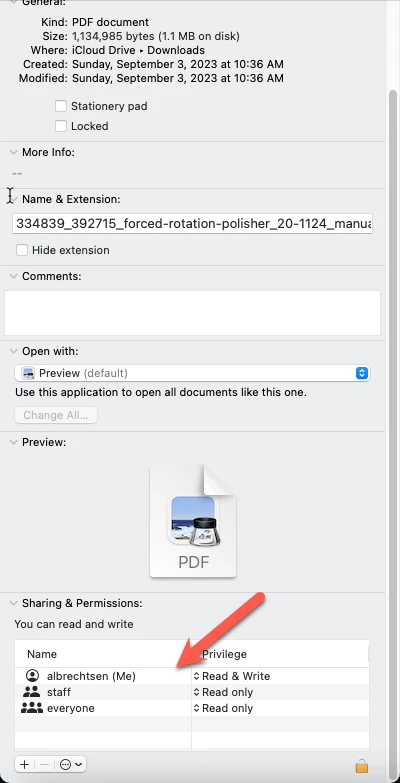
Here is the error I receive as well as my permissions settings:
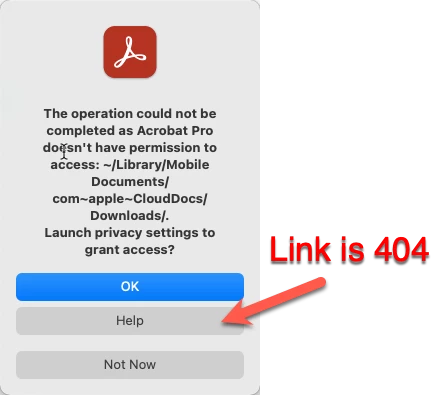
This topic has been closed for replies.

1 reply

New Participant
September 8, 2023

This is exactly the same issue I have as well, with MacOS 13.5.1 (22G90) and Adobe Acrobat Pro Build: 23.3.20284.0. I have toggled all permissions, and Adobe should have full disk access. However, it is not recognized to do so.

Amal.
Community Manager
Community Manager
September 11, 2023

Hi there,


Hope you are  doing well


I understand that you're having trouble opening PDF files in Adobe Acrobat. I'm sorry to hear that!

Let's try to troubleshoot this together.

  • Is this an issue with a particular PDF file or with all PDF files? Can you try opening a different PDF file to see if it works?
  • Try turning off the protected mode in Adobe Acrobat. Go to Adobe Acrobat> Preferences > Security (Enhanced) and uncheck the box next to "Enable protected mode at startup". Click OK and restart Adobe Acrobat.
    Note that you should turn on the security after testing to avoid any security risks.
  • If you're still having trouble, try enabling the root account in Mac and then try opening the PDF file and see if that works.

Let us know how it goes.


Regards

Amal