


Answered
Unable to remove fonts from a PDF file
I have a PDF file whose size is much bigger than I would expect.
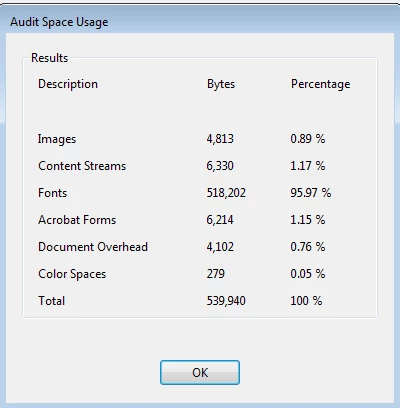
Using Acrobat Pro option 'Save As Other->Optimized PDF' and then Audit Space Usage I can see that the problem is that there are embedded fonts
However when I go to the Fonts page it shows no embedded fonts
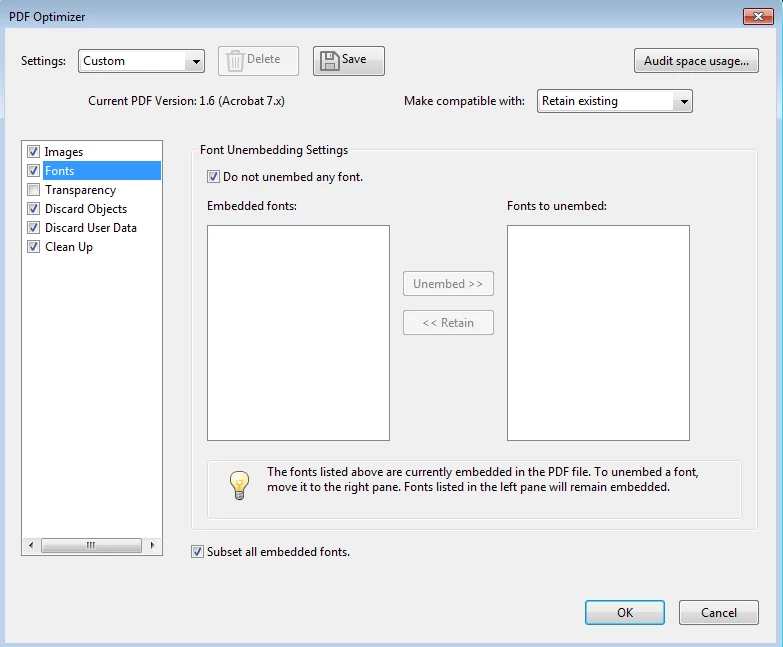
Is there anyway to reduce this file size?
I have no need for any embedded fonts. If I am using one 'by mistake' I am happy to change the font to one that does not need to be embedded if someone can tell me how to do that.
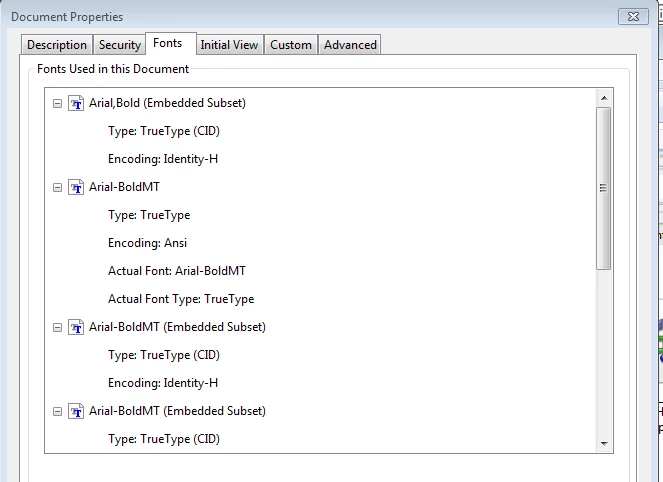
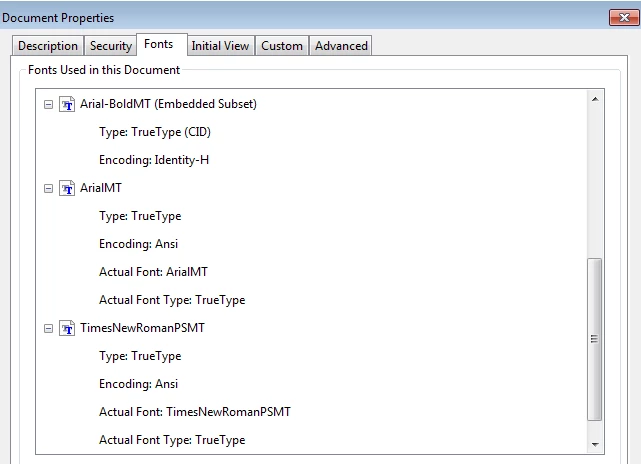
The fonts listed for the document are
 AdChoices