



Answered
Want JS Form Field Name to Disappear when clicking into text field
I followed the instructions on this thread: https://community.adobe.com/t5/acrobat-discussions/pdf-text-field-form-label/m-p/3137258#M7006 where George_Johnson gave great info on how to get form fields to display the tooltip value by default.
I am using this JS on a free text field:
if (!event.value) {
event.value = event.target.userName;
}
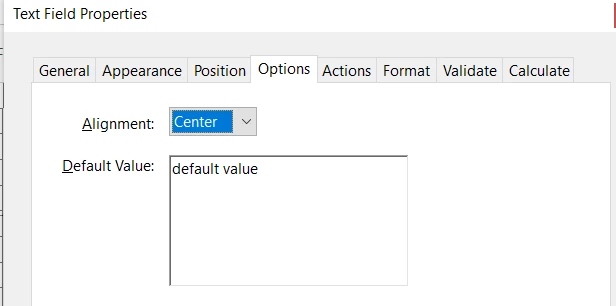
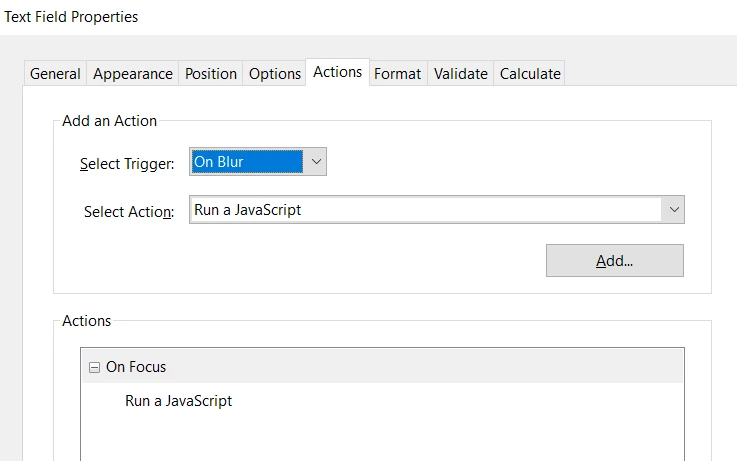
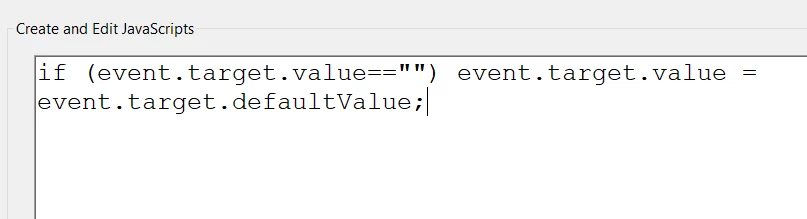
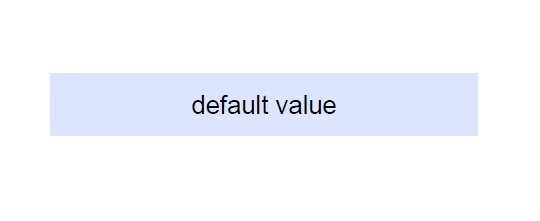
In it's default state (Tool Tip populating inside the text field), it is showing properly, printing properly, and saving properly. What I please need help with is this: I want the text to disappear when the user clicks into the field to enter their own custom text. Currently, when you click into the field, the text remains and you have to select it/delete it before typing. Is this possible?
THANK YOU
 AdChoices