



Question
When using Esign feature in Adobe DC Pro it gives this Error "An Error Has occured.please try again"
Dear Community,
I have Adobe Subscription & I logged into Adobe website and downladed adobe acrobat dc pro. I tried to send my document for e-signatures to other people in my compnay using option "Request E-signature"
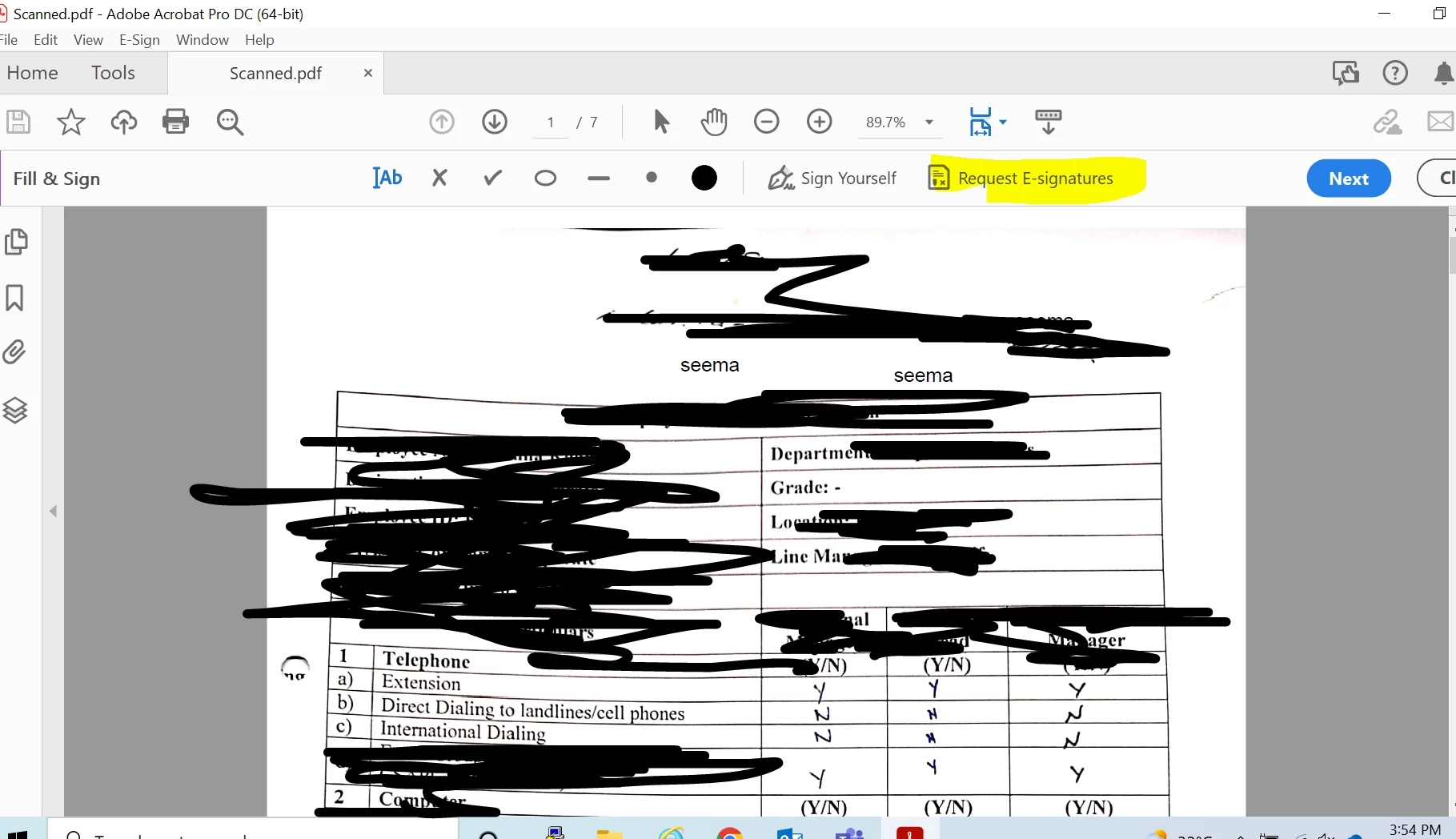
It takes me to this window:
[Screenshot removed by moderator: Please do not share your personal information on public platform]
And when I select option "Specify where to Sign" It gives Below Error:
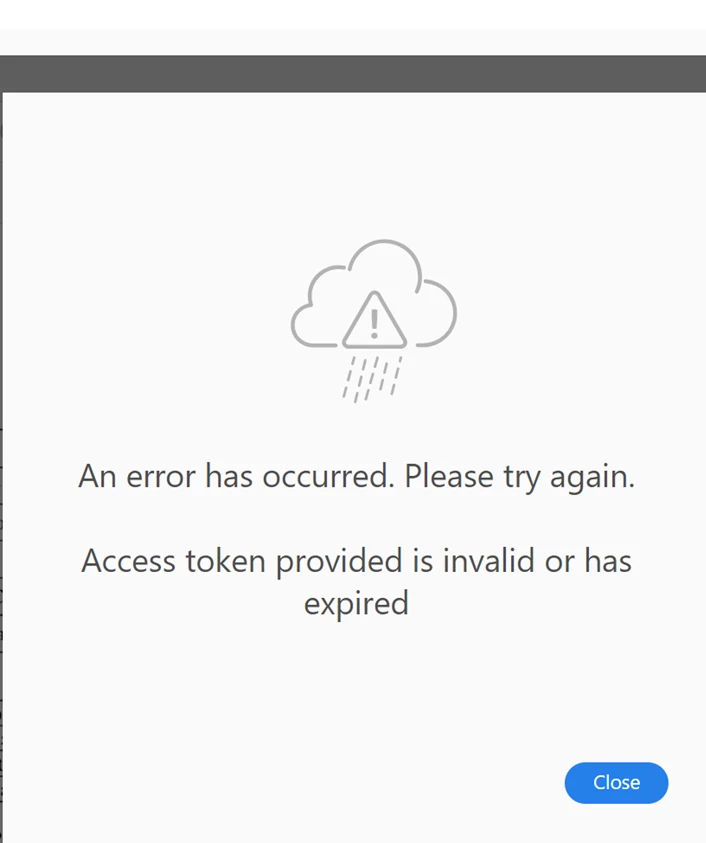
I uninstalled the adobe acrobat dc pro. I signedout amd signed-in . I tried it on aonther system. But its still giving this Error.
We have following subscription. Take a look at Subscription below:
[Screenshot removed by moderator: Please do not share your personal information on public platform]
Kindly help me out.
 AdChoices