


kimm92138622
Participating Frequently
September 29, 2021
Answered

White Blank Pop up dialogue boxes (Save As, Apply Redactions, any thing)

  • September 29, 2021
  • 45 replies
  • 45716 views

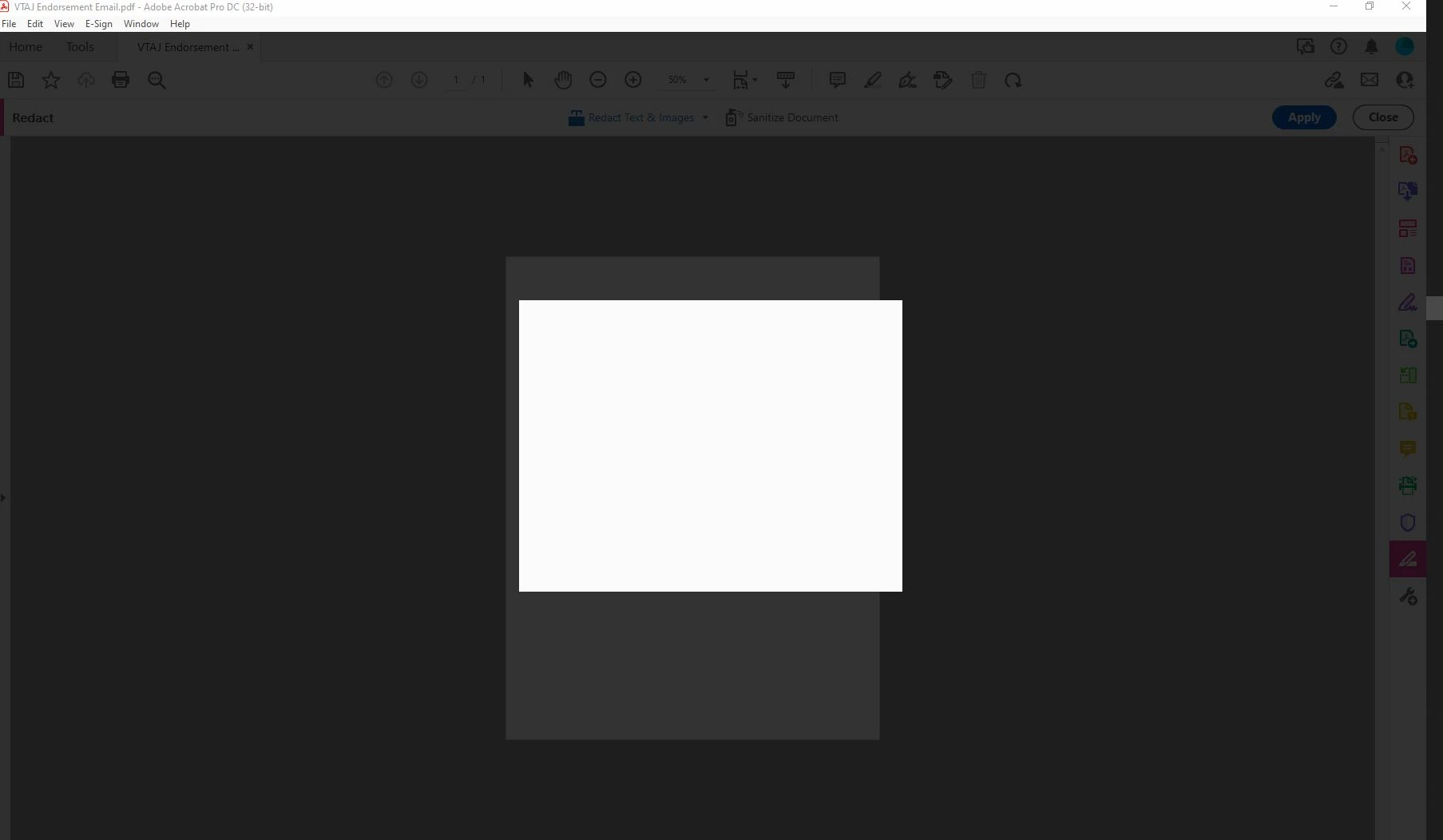
My adobe acrobat dc pro got updated to the latest version 21.007.20091 and I WISH I could undo it. Now I can't get anything done in Adobe because everytime I try to save as or apply redactions or do basically anything, I get a blank white pop up box and grey background screen. It only goes away when I press ESC. This is driving me mad. I'm logged in and do this all the time. Just since the update 9/14 it hasn't been working. Screen shot included.
Correct answer Sunil_Soni

Hi @kimm92138622 


As per our offline discussion, looks like your issue is fixed by applying latest patch.

Please mark this thread answered/helpful to help others.


-Regards

Acrobat Team

45 replies

Participant
September 28, 2023

9/28/2023 Blank Pop-Ups keep showing up and I cannot do anything. I need to constantly save my work if not I have to force on task manager to end the process and have to re open it. A complete waste of time. 

Participant
May 15, 2023

Hi, this worked for me. Go to Edit, Preferences and then find Security (Enhanced) down the left hand side. Uncheck 'Enable Protected Mode at Startup' at the top and then close Adobe. When you go back in the blank boxes should work again.

Participant
June 10, 2023

You superstar. I've been hacking at this for the last hour. Your post certainly worked for me. How on earth did you figure that out!

Participant
April 10, 2023

Also this is not solved. You should remove that tag.

Participant
April 10, 2023

2023 and this issue still persists.  Do you guys have any idea how to fix this?


Participant
April 7, 2023

Hi,

Our staff have the same issue in Adobe Acrobat Pro DC, where can we find the patch for Mac OS Ventura version to fix this issue for them?

Thanks,

Amir

Participant
April 6, 2023

I have the same issue. How do you get in touch with an Adobe Team member to receieve the patch?

Participant
October 28, 2022

I am having the same problem on macOS.

Architecture: x86_64

Build: 21.5.20048.436468

AGM: 4.30.107

CoolType: 5.14.5

JP2K: 1.2.3.48698

Participant
October 28, 2022

I downgraded to 2020 and it has the same problem.

Architecture: x86_64

Build: 20.12.20048.400142

AGM: 4.30.104

CoolType: 5.14.5

JP2K: 1.2.2.46820

SV-Penn19104
Participant
June 8, 2022

Same problem. All pop-up boxes are white. Version 2022.001.20112

Participant
February 14, 2022

I've got the same problem. Applying the text won't work. The white square appears and that's it. Nothing. I press escape and nothing happens.

Participant
January 11, 2022

Hi, I have this very same issue, I've checked for updates, there are none. None of the functionality is there. This isn't good and very frustrating...

Participant
January 11, 2022

Hi, I had the same issue, tried a bunch of things and then I found this to work for me: 

 
Community Beginner , 
Dec 13, 2021

I don't know if this is a long term fix, but this worked for me just now.  Found this on another thread.  It's a Christmas miracle!!


 I ended up updating Adobe. Then I hit ctrl+alt+del and "end tasked" each instance of Adobe, Adobe installer, Adobe CEF helper, and CEF and restarted Adobe. 

Participant
January 20, 2022

Came here to confirm this works.  As an added bonus, I also restarted all of the Adobe Services before trying to open adobe again. 


Please promote to current solution.