


Participating Frequently
September 6, 2021
Question

White box blocking the use of Adobe acrobat

  • September 6, 2021
  • 2 replies
  • 4738 views

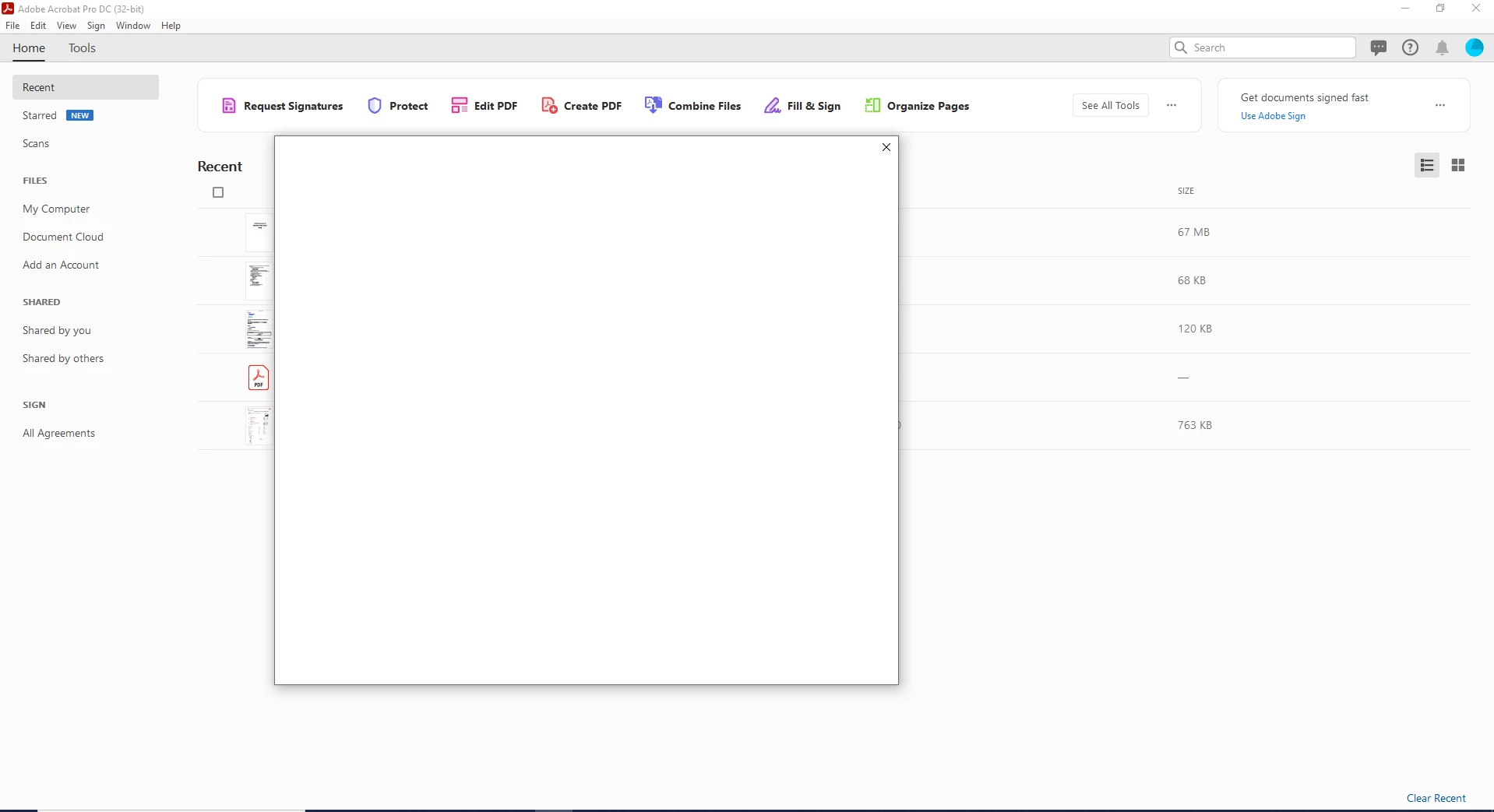
I am unable to use Adobe acrobat. Every time I open a PDF file in Adobe acrobat, a white box shows up (see image). After this white box shows up, I can't do anything except close the PDF file. I am able to use the Adobe acrobat on other computers. I tried ending all sessions. I tried uninstalling/installing adobe acrobat but nothing helped.
This topic has been closed for replies.

2 replies

AnandSri
Community Manager
Community Manager
September 6, 2021

Hi @Waqas Saddique 


Hope you are doing well and am sorry for the trouble you had.


Please go to Acrobat's Preferences once from Edit>Preferences>General and uncheck the option "Show online storage when opening files"> Click OK, restart the app and check.

Once done, please go to the Help menu>check for any pending updates of the app by selecting>check for updates. Install any pending updates, reboot the app and the machine (if possible). 21.005.20060 Optional update, July 28, 2021 (Windows Only)


Let us know if you still experience the issue.


Thanks,

Anand Sri.


Participating Frequently
September 6, 2021

Hello @AnandSri ,

I followed the process and restarted the computer but the problem still persists.

Best

Waqas

Harsh Vardhan Pareek
Community Manager
Community Manager
September 6, 2021

Hi @Waqas Saddique 


Hope you are doing well.

Thanks for providing the screenshot of the issue. As you have mentioned that the white box shows up whenever you try to open a PDF in acrobat, it looks like this is an activation window that is restricting to use of the application. To resolve this issue here is a community post, kindly follow the troubleshooting steps provided in that:

https://community.adobe.com/t5/lightroom-classic-discussions/expired-trial-error-technical-issue/td-p/9359209


Let us know if that works.

Thanks,

Harsh 

Participating Frequently
September 6, 2021

Hi Harsh,

I followed the process explained in the link but it did not help.


Earlier today upon restart, I saw that the error was about "Enabling Java Script in OS browser" inspite of the white box. Javascript is enabled in my browser. Nevertheless still I am getting this white box.


I tried looking online to find if someone has same problem. I found a previous ticket (https://community.adobe.com/t5/acrobat-discussions/an-empty-white-box-is-blocking-my-pdf/td-p/11149770) but there also no solution is mentioned.


Participating Frequently
September 6, 2021