


Known Participant
October 11, 2024
Question

Why are page numbers overwritten when inserting pages from file into PDF?

  • October 11, 2024
  • 1 reply
  • 1207 views

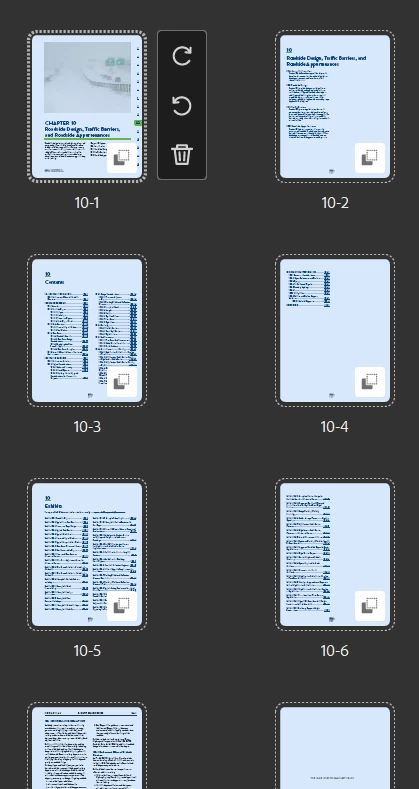
Here are the correct Chapter 10 page numbers that I want to retain when I insert Chapter 10 into my combined PDF:
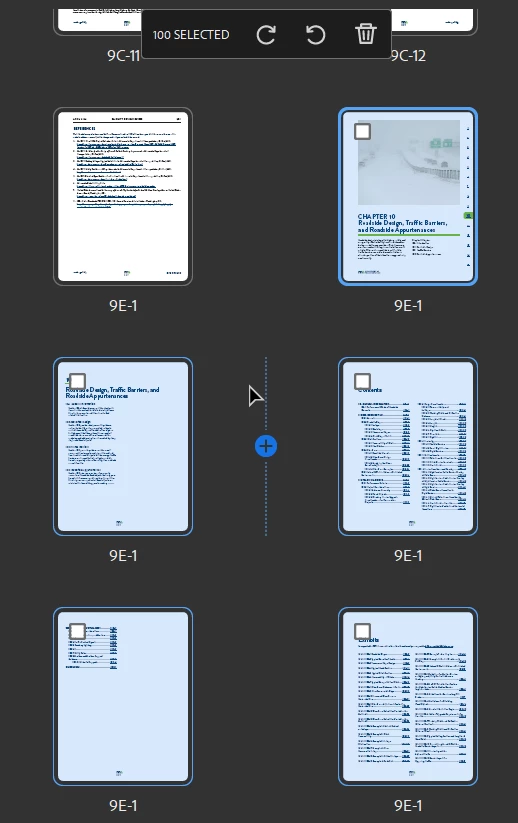
Here is what I get instead when I insert the pages from the file. Note how Acrobat applied the page number from the final page of Chapter 9 to every page in Chapter 10. Why is it doing this? That makes no sense!
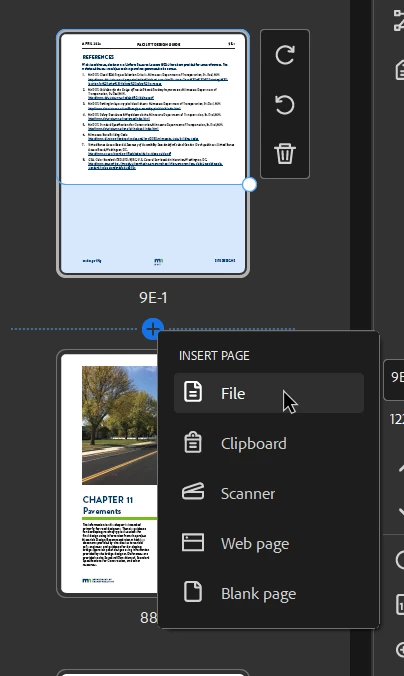
Here is the action I did to insert the pages:
 

This topic has been closed for replies.

1 reply

Karl Heinz  Kremer
Community Expert
Community Expert
October 11, 2024

In Acrobat, you can define page ranges for page numbers. In this case, it looks like there is a page number format defined in the document that you are inserting, and that is taking over the rest of the document. I would select the page just after the pages you've inserted and then right-click on that page in the page thumbnails page and select "Page Labels". Here you need to select to start a new section with the correct settings, and that should resolve your issue. 

Known Participant
October 14, 2024

I would like to retain the page numbers from the document I am inserting (eg 10-1, 10-2, etc), not redefine them after adding to the compiled PDF. I believe this is an error in the Acrobat software because I tried inserting the chapter using Bluebeam instead and it was able to avoid overwriting the page numbers.


Here is what the correct, InDesign-defined page numbers look like after inserting Chapter 10 using Bluebeam. I don't understand why Acrobat can't do this:

Karl Heinz  Kremer
Community Expert
Community Expert
October 14, 2024

If you think you found a bug, please report it here: http://www.adobe.com/products/wishform.html