



Windows 10 (21H1) missing Adobe PDF Printer for Adobe Acrobat DC (32bit)
I have tried all of the posts listed here and there are several of them.
Of my Cloud Subscription I have installed only Adobe Acrobat DC and whilst this works and I can open word and Print to Adobe PDF I do NOT have an Adobe PDF printer listed in Device and Printers.
I have uninstalled (3 times now in total)
Used the cleaner
Installed using both the Cloud Console (This appears to the 64 bit version)

As well as the download Acrobat_DC_Web_WWMUI.zip (This appears to the 32 bit version)
I have followed this article https://helpx.adobe.com/acrobat/kb/add-pdf-printer-manually.html
All to no avail.
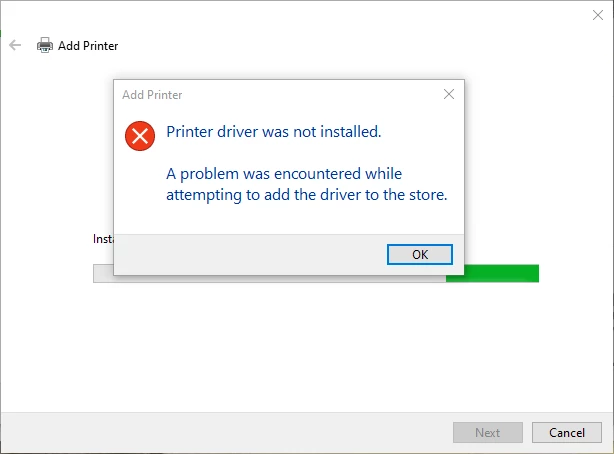
The constant error message I receive Printer Driver was not installed.
(I have tried all 10 Options "scroll around 6 down" what a waste of time this is.
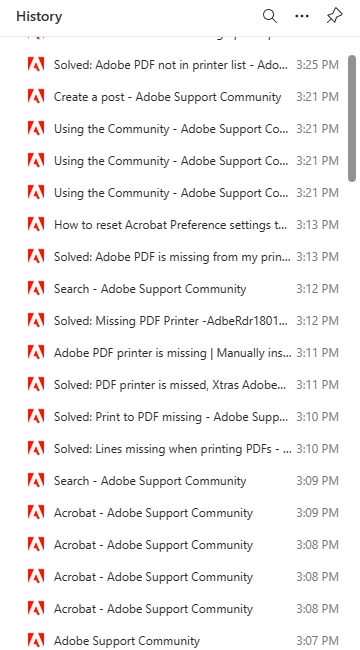
I have spent way too much time on this as such my search history now looks as follows.
I would welcome any constructive help.
Thanks Philip
 AdChoices