


January 31, 2018
Answered

adobe acrobat reader don't show recent files

  • January 31, 2018
  • 14 replies
  • 25212 views

Hi

When I'am using adobe acrobat reader, and opening pdf-documents from my computer, it doesn't show my recent open files:
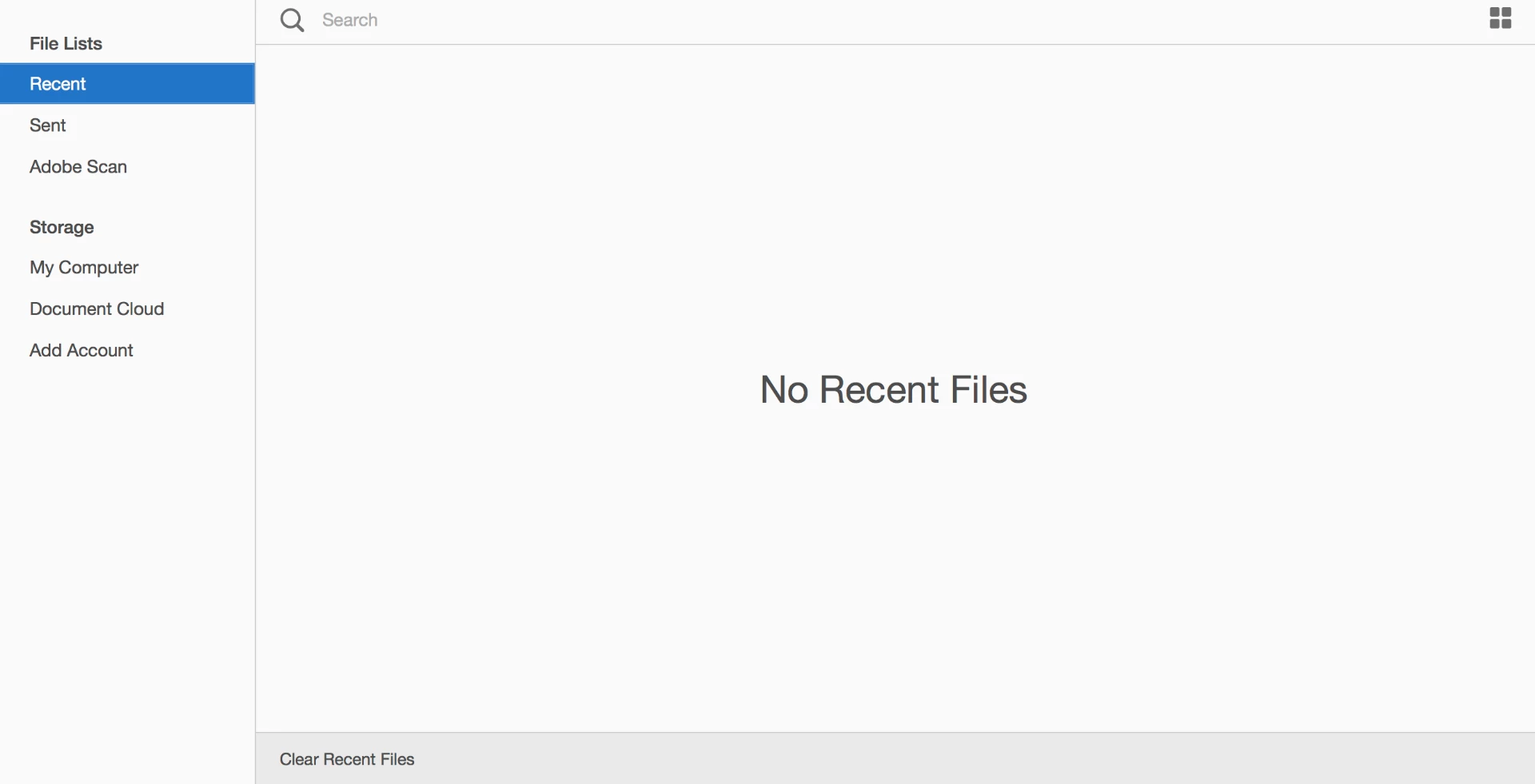
Can you please help me - do I need some settings I don't know about. The only place I can find something about the opening window, is under settings:

    Correct answer Adorobat

    Hi Daniels,

    Could you please try opening this link in a web browser and see if recent files are visible: https://cloud.acrobat.com/recent

    Also, check if documents in recently used list is not set to 0 under Edit > Preferences > Documents > Open settings.

    Keep us posted with the results.

    Shivam

    14 replies

    woodsrider
    New Participant
    May 1, 2024

    Same here....all of a sudden, I am having the issue of recent files not showing up in Acrobat Pro. Very annoying. Most of my files are accessed from Dropbox. I hope we have a solution soon...

    New Participant
    February 4, 2019

    Hi!

    Yes I also have the same issue - it's strange. My other adobe apps remembers, but my acrobat doesn't? I have checked all settings and seem to be correct.

    When I click the web link as suggested above - my files do not show either.

    Thanks for any help.

    mdfOffman
    New Participant
    April 11, 2024

    I now have this problem too. I don't use AdobeCloud so this only relates to local files.  Thelist hssn't been updated for several weeks

    New Participant
    April 16, 2024

    Same problem. Just suddenly stopped showing recent local files. . . Would like to know a fix.

    koreyc9052018
    New Participant
    January 25, 2019

    I'm wondering if anyone can tell me why this problem only happens with files I have in iCloud. I can see in the recent documents anything I opened that was local (i.e. desktop or documents etc) but not something that was in my iCloud even though it's really local like dropbox would be holding a local copy.

    Thanks

    rickhino
    Inspiring
    June 18, 2020

    You won't have the same problem with Adobe cloud.  This trick is as old as Microsoft.

    Adorobat
    Community Manager
    AdorobatCommunity ManagerCorrect answer
    Community Manager
    January 31, 2018

    Hi Daniels,

    Could you please try opening this link in a web browser and see if recent files are visible: https://cloud.acrobat.com/recent

    Also, check if documents in recently used list is not set to 0 under Edit > Preferences > Documents > Open settings.

    Keep us posted with the results.

    Shivam

    February 1, 2018

    Hi Shivam

    I check the 'Open settings' and the recently used are set to 100.

    When I used the link, I could se my recently used files - but they were all from my Document Cloud. I don't have all my pdf-files in the Cloud - some of them are local on my machine, and I can't see them in the list.

    /Daniel

    February 1, 2018

    Hi Shivam

    I can see them now