


New Participant
January 13, 2020
Question

Adobe Keeps Crashing on MacOS Mojave

  • January 13, 2020
  • 2 replies
  • 2343 views

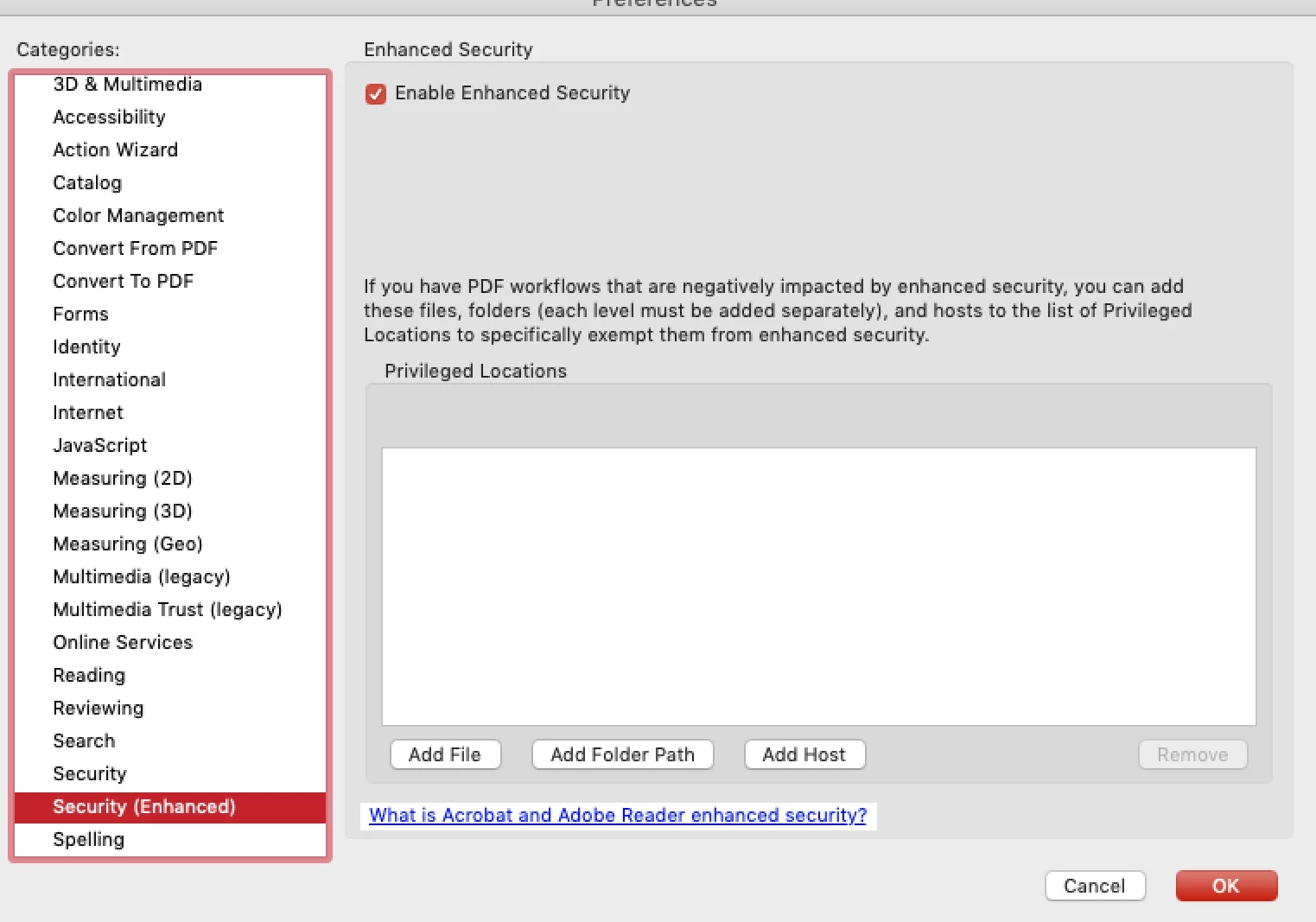
Is there a fix for Adobe Acrobat Reader that continuously crashes within 10 seconds of opening a PDF file? I restarted my computer and attempted to download a "patch", which did not work. Additionally, I clicked "enhanced security" under Adobe's preferences to see if there was a protected mode I could opt out of, but there wasn't (see photo). This is quite problematic, and Adobe does not make phone support available for this particular issue... so I'm not sure what else to do.
 

I saw that another post already exists on this topic, but there wasn't a resolution. I was afraid that if I responded to that post, my inquiry would get buried and never resolved. 

This topic has been closed for replies.

2 replies

Amal.
Community Manager
Community Manager
January 13, 2020

Hi Marie,


We are sorry for the trouble. As described the application is crashing.


What is the version of the Adobe Acrobat Reader installed on your computer? To check the version of the application please use the help article: https://helpx.adobe.com/acrobat/kb/identify-product-version.html

Make sure you have the latest version 19.21.20061. Go to Help > Check for Updates. You may also manually download the patch using the link: https://www.adobe.com/devnet-docs/acrobatetk/tools/ReleaseNotesDC/index.html


If it still doesn't work, please try the following steps:


Let us know how it goes


Regards

Amal

Brainiac
January 13, 2020

I may be mistaken but is that Adobe Reader X? Lots of reports, but nobody can say why they are running something so very, very old.