Exit
  • Global community
    • Language:
      • Deutsch
      • English
      • Español
      • Français
      • Português
  • 日本語コミュニティ
  • 한국 커뮤니티
0

Adobe Reader Display Artifacts

New Here ,
Jul 27, 2020 Jul 27, 2020

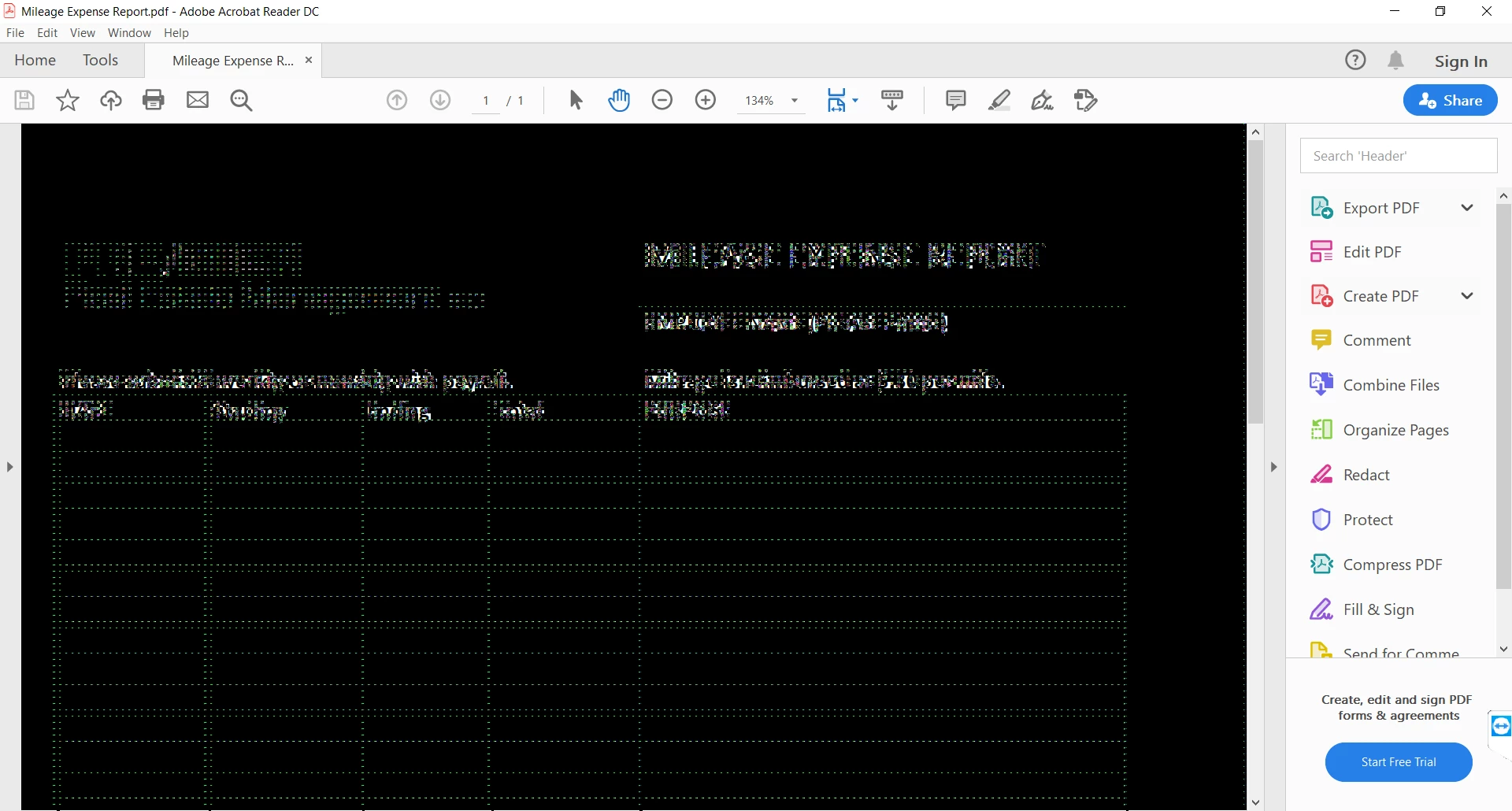
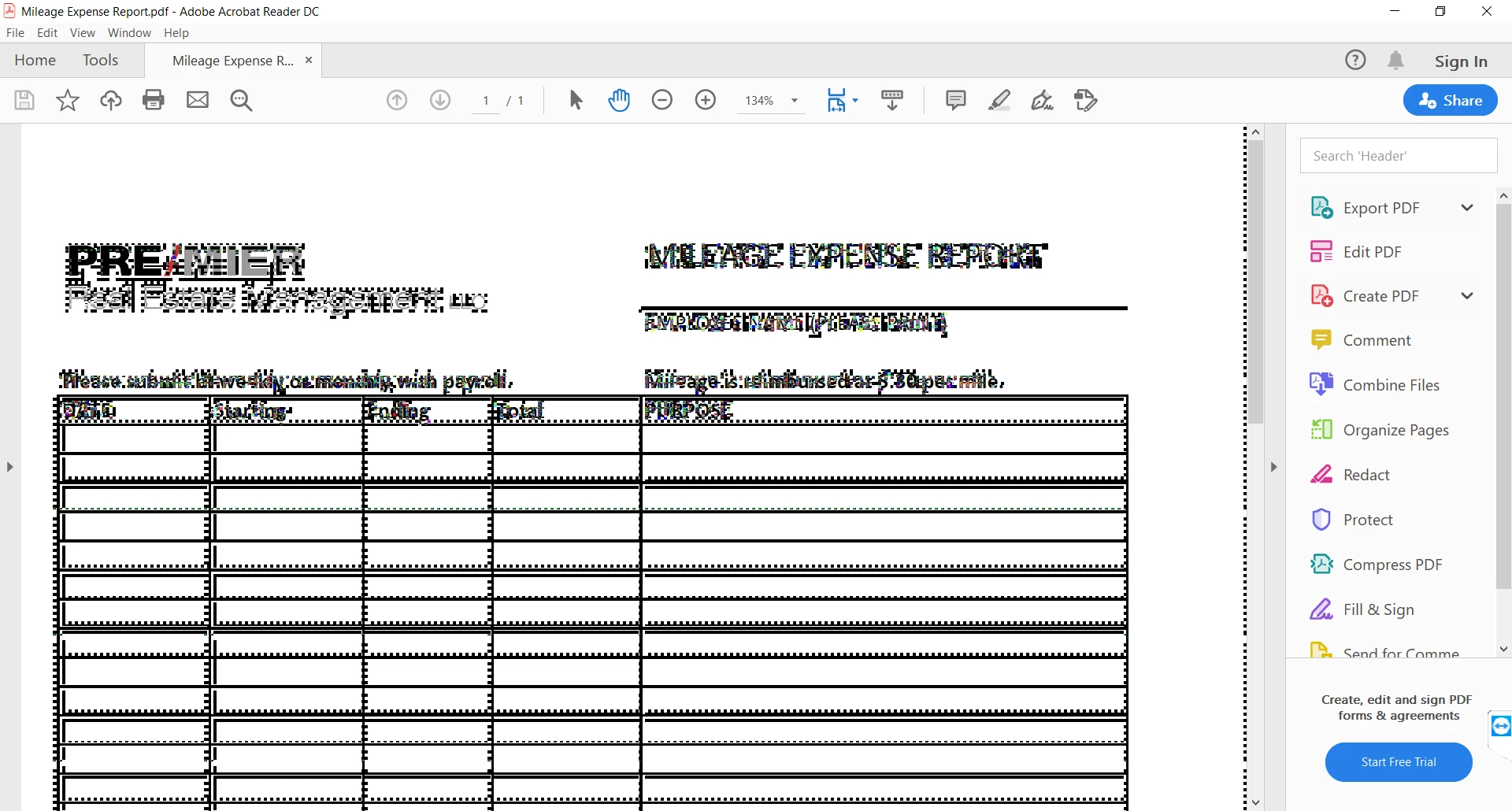
Capture2.PNGCapture.PNG

I have this problem when opening PDF's in Reader. It displays all distorted. Whe you click on the document, zoom in and out, or scroll, it switches between looking corrupted and displaying normally. Other PDF readers don't have this issue.


This is a new HP x360 laptop with am AMD 4500U CPU with built in Radeon Graphics.


I have tried updating the Graphics Drivers and updating Reader to the latest version.

I also tried an older version of Reader with the same results.


Any help is appreciated.


-Kyler

TOPICS
General troubleshooting , View PDF , Windows
1.8K
Translate
Report
Community guidelines
Be kind and respectful, give credit to the original source of content, and search for duplicates before posting. Learn more
community guidelines
New Here ,
Jul 27, 2020 Jul 27, 2020
LATEST

I found a solution that seems to fix it. Hopefully with new versions of Reader this will be fixed out of the box.

https://community.adobe.com/t5/acrobat-reader/screen-turns-to-black-and-white-dots-using-adobe-acrob...

Translate
Report
Community guidelines
Be kind and respectful, give credit to the original source of content, and search for duplicates before posting. Learn more
community guidelines