


yasminr62977500
Participant
January 16, 2019
Answered

cannot delete adobe acrobat reader dc on mac

  • January 16, 2019
  • 1 reply
  • 1891 views

Hello,

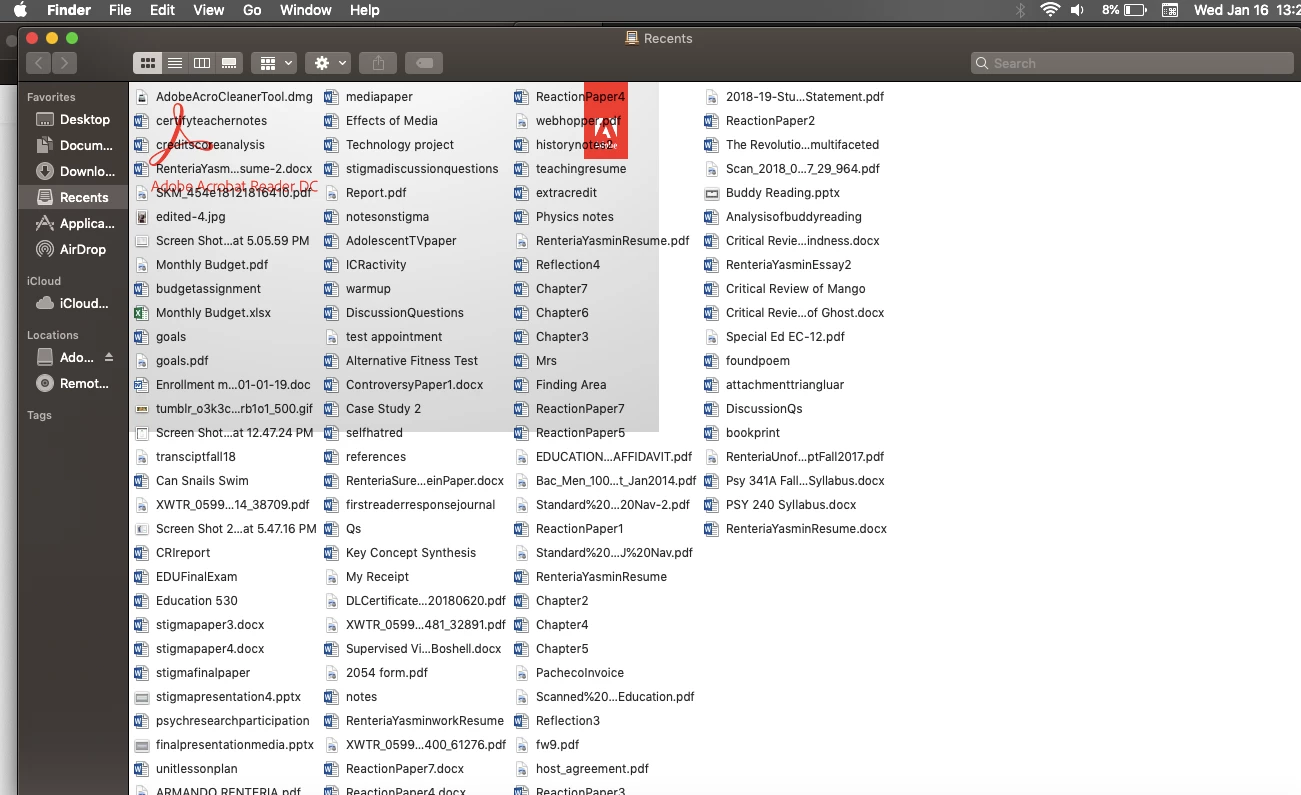
I've uninstalled basically everything relating to Adobe Acrobat Reader and Creative Cloud from my computer. However, the last thing that i want to delete says i cannot delete! It's really annoying because the only option is to "eject" which I've done but it comes right back immediately. Also, the adobe acrobat symbol/screen is showing up in the background of my Recents, Downloads, and Documents etc pages on Finder. It's really annoying me and would like to have no trace of Adobe on my laptop anymore.
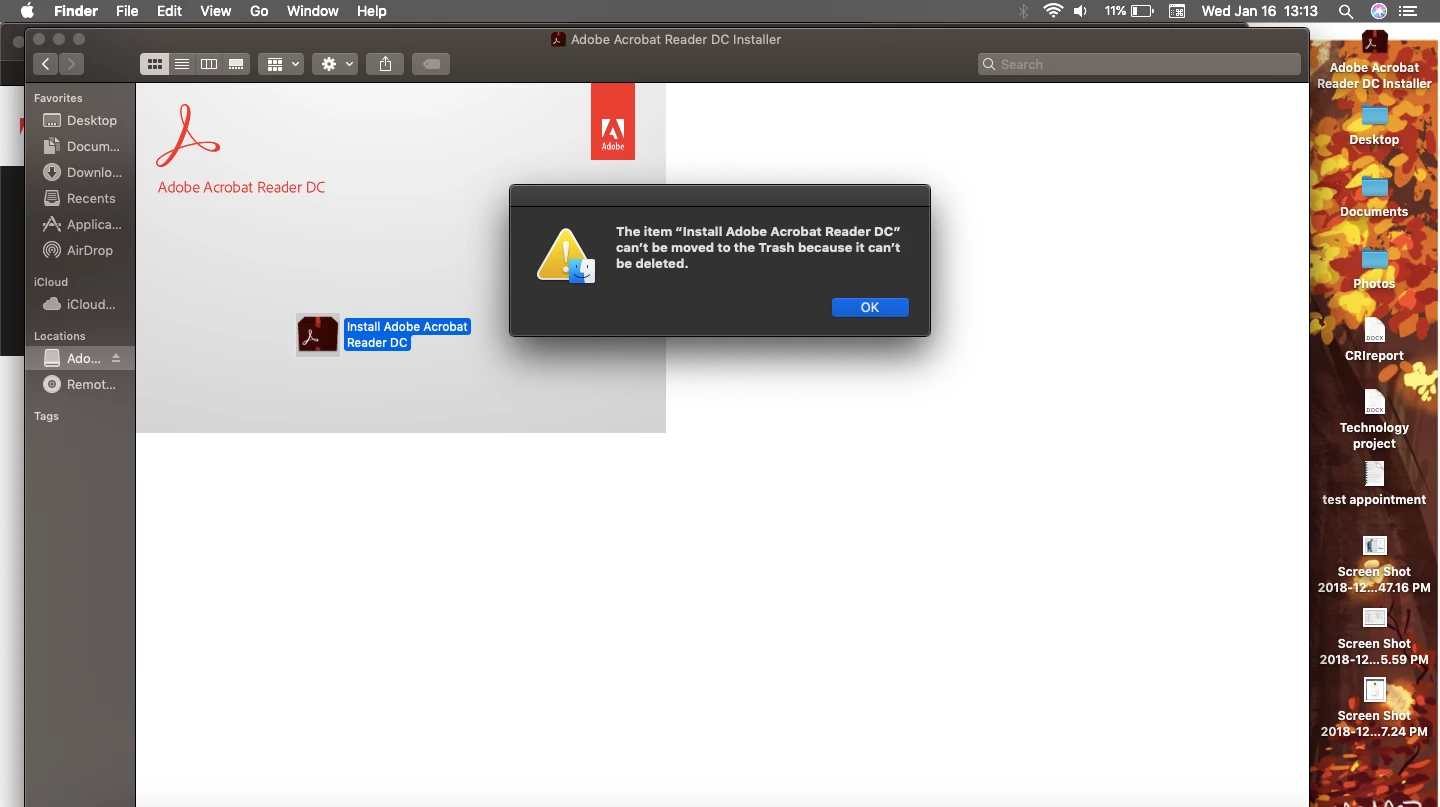
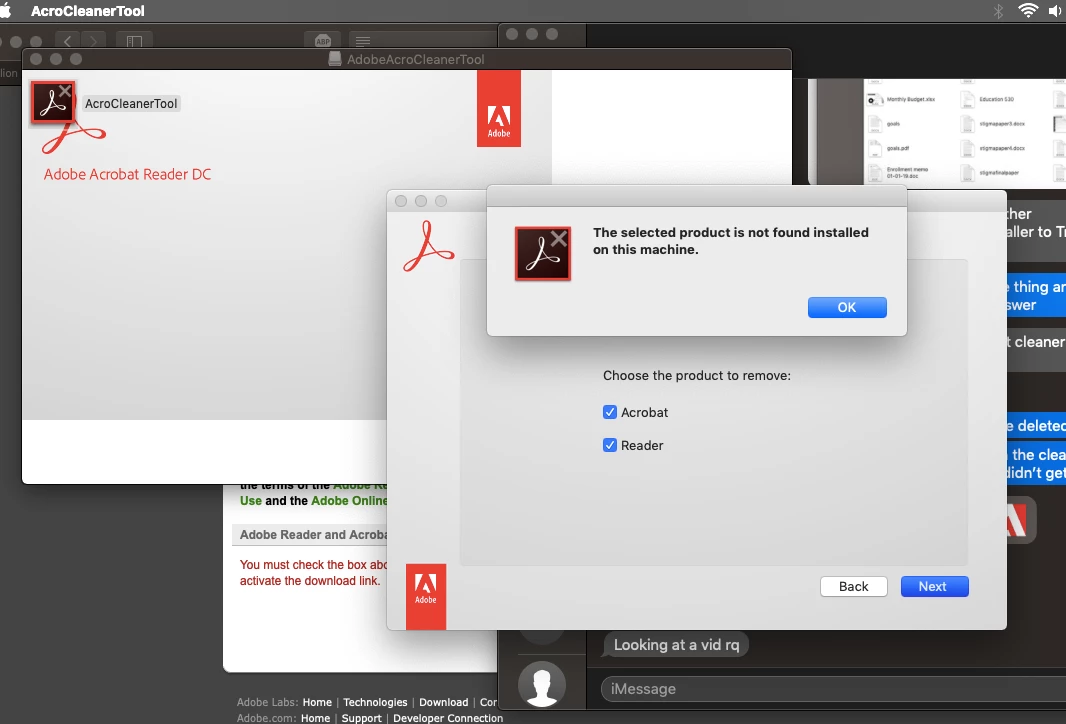
Also, I've tried the Adobe Cleaner tool that is provided when supposedly all else fails:
It's making looking at documents a real hassle. Please help!!
This topic has been closed for replies.
Correct answer Test Screen Name

Also, are you saying that grey box and Adobe logo comes up in every Finder window? If so, I see why it's mounting the install image. You (or someone messing with your computer) have set that image for all Finder windows, so it has to mount it. Turn that off with View > View options.

1 reply

Legend
January 16, 2019

That first screen shot shows an install image called Adobe something is mounted. This is not your disk and you can't change it. Deleting files, even if you could, would be pointless. You need to Eject the disk image.

Or, are you saying that each time you reboot, this install Image Adobe something is coming right back? That isn't normal at all, and nothing that the Cleaner would expect or fix.

Test Screen NameCorrect answer
Legend
January 16, 2019

Also, are you saying that grey box and Adobe logo comes up in every Finder window? If so, I see why it's mounting the install image. You (or someone messing with your computer) have set that image for all Finder windows, so it has to mount it. Turn that off with View > View options.