



Converting Word to PDF results in bad quality on figures
Hi guys!
I'm having problems converting Word files to PDF using Adobe Reader (Acrobat?). I've tried multiple approaches to conversion; print to PDF, simply "save as" to PDF, using the tools included with the Adobe, etc, and the only thing solution that really works for me is almost any online, and free, conversion tool.
My company is paying for the package, and we would really like to use what we have paid for. I am not able to access our Adobe account at the moment which is why I'm using an account I have to just created for the time being, as we need this problem solved.
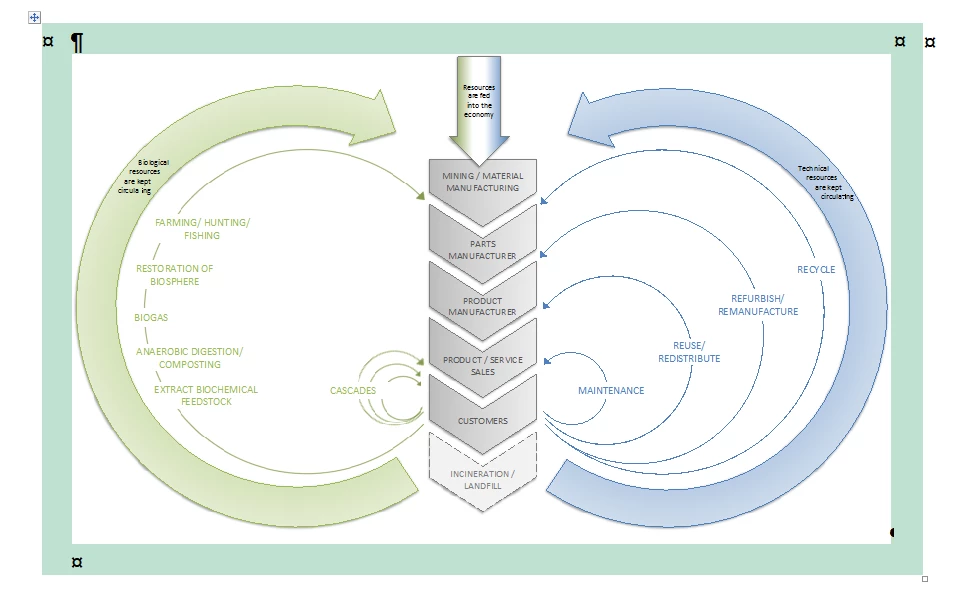
I have included 4 screenshots. The first screenshot shows what the figure is supposed to look like.
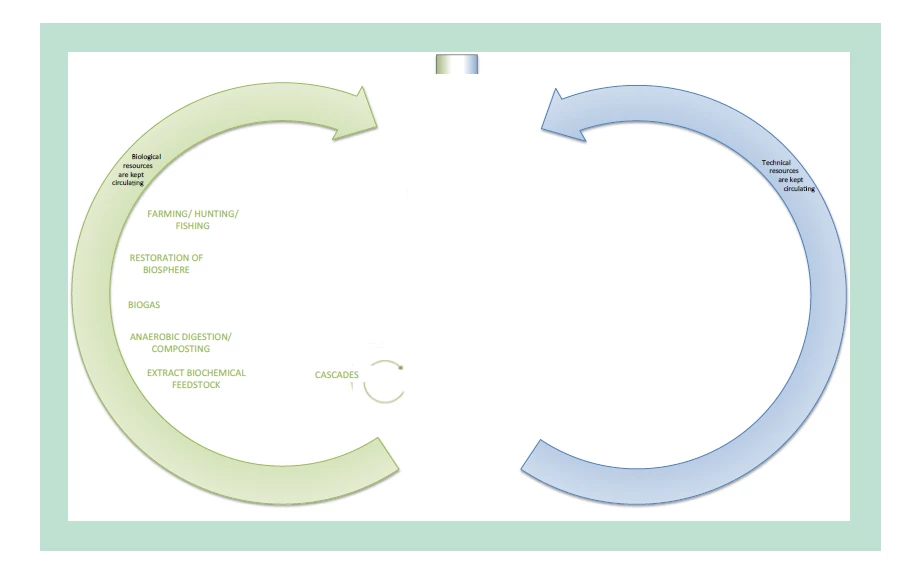
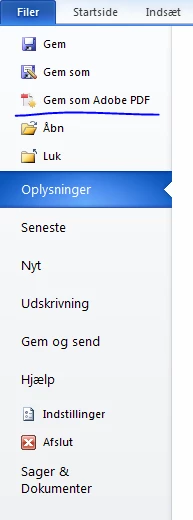
The second picture shows what the figure looks like if i use the option showed in screenshot no. 3 (Gem som Adobe PDF = Save as Adobe PDF). Objects in the figure appears to be missing.
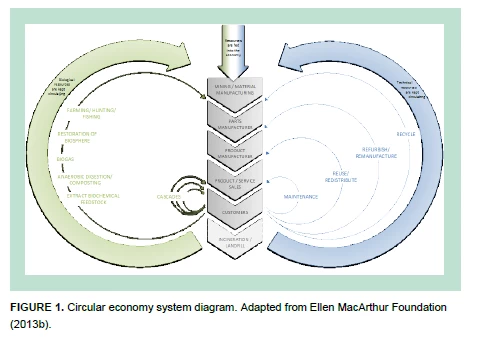
The fourth screenshot shows how grainy the figures become, if I use the "save as" option in word to convert to PDF. This version is grainy and is even more grainy on my end compared to this screenshot.
I have removed all forms of downsampling and ensured that all options, as far as I'm aware, retain the original quality of the pictures and figures.
I am using Windows 7 and Microsoft Office Professional Plus 2010.
 AdChoices