


Fatal Error: Acrobat fail to load its core dll
Acrobat Reader Cannot open in Protected Mode due to an incompatibility with your system configuration. Would you like to open Adobe Acrobat Reader DC with Protected Mode disabled?
Open with Protected Mode disabled
Always open with Protected Mode disabled
Do not open with Protected Mode disabled
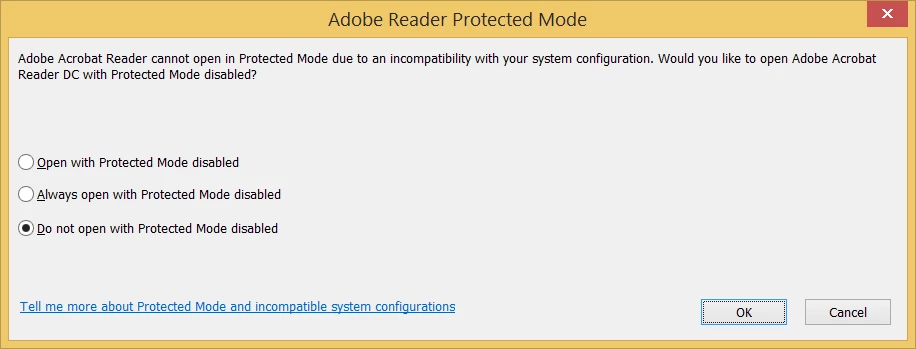
When I choose the first two options it shows me "Acrobat failed to load its Core DLL",
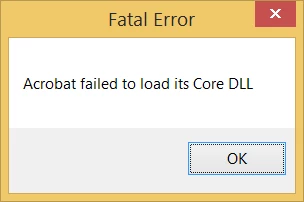
and when I choose the third option then nothing happens. I have also followed instructions in the below link but it doesn't work.
Resolve the Acrobat Failed To Load Core DLL error when launching Reader
I install it and uninstalled it many times but still doesn't work.
I am using Windows 8.

So please somebody help me.
My English is not good so forgive me for my mistakes.
Thanks
 AdChoices