


LouisH0618
Participant
March 12, 2018
Answered

Function of "ctrl+F" did not find the correct character what we want

  • March 12, 2018
  • 1 reply
  • 4534 views

This issue is when we generate the report as PDF in the OPEAR,

and we want to search some word in the report

but after we typed the word that we want to search

It show the uncorrect one.
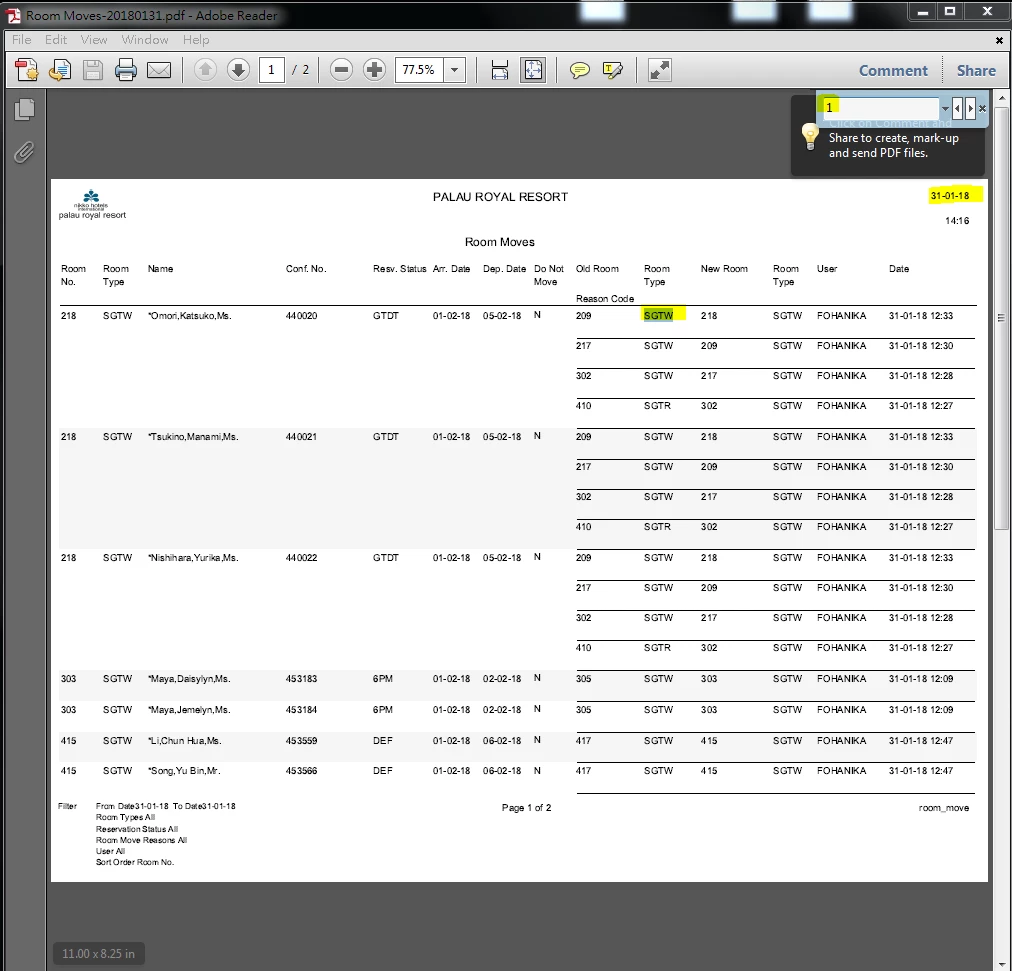
so I try to convert it to .txt to check what's going on

and I only got %()#.!123456789 those character at whole report.
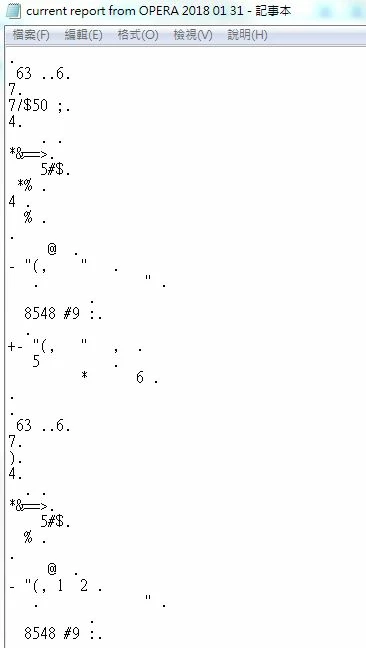
I already ask OPERA about this problem, they said this problem is come from adobe reader

so I come here to ask, although i thought the answer will point to "that is OPERA side's problem." LOL

This topic has been closed for replies.
Correct answer try67

The problem is with the application which created the file. They used an incorrect font encoding and as a result the actual text in it (not what you see on the screen, but what's behind the scenes) is gibberish. There's nothing you can do about it with the free Reader.

The creator of the file needs to fix it on their end.

1 reply

try67
Community Expert
try67Community ExpertCorrect answer
Community Expert
March 12, 2018

The problem is with the application which created the file. They used an incorrect font encoding and as a result the actual text in it (not what you see on the screen, but what's behind the scenes) is gibberish. There's nothing you can do about it with the free Reader.

The creator of the file needs to fix it on their end.