

New Participant
October 16, 2018
Answered

Hiding tool panel does not work

  • October 16, 2018
  • 1 reply
  • 1057 views

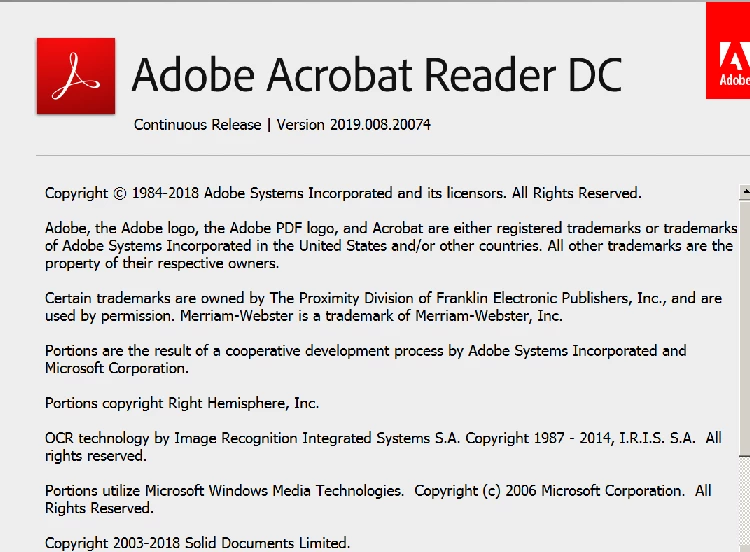
this just started with the update that was applied to Adobe Acrobat Reader DC
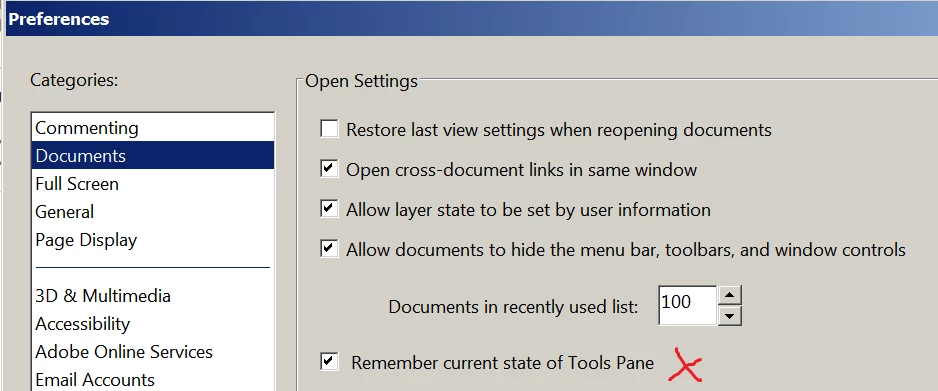
I close the tool panel I made sure this option was selected
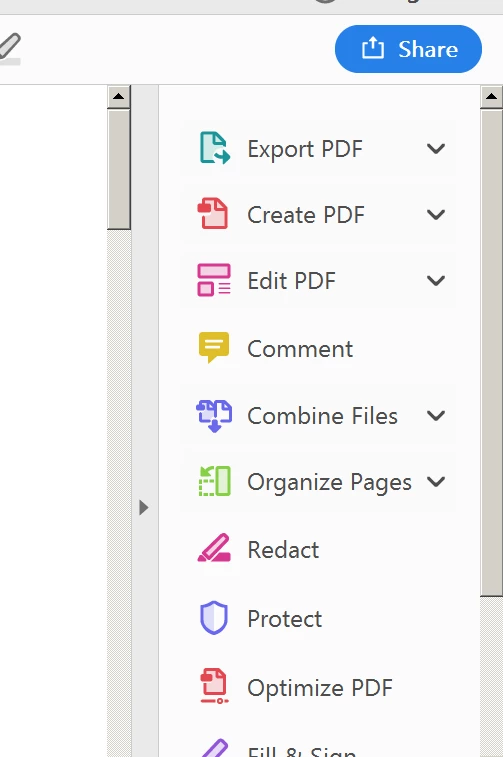
when I reopen a PDF the tool panel is open

    This topic has been closed for replies.
    Correct answer Adorobat

    Hi WD711,

    As mentioned, you are facing issue when trying to hide right-hand tools pane in Reader, could you check "restore last view settings when reopening documents" under Edit > Preferences > Documents, click OK, relaunch Reader and check?

    Let us know how it goes.

    Shivam

    1 reply

    Adorobat
    Community Manager
    AdorobatCommunity ManagerCorrect answer
    Community Manager
    October 17, 2018

    Hi WD711,

    As mentioned, you are facing issue when trying to hide right-hand tools pane in Reader, could you check "restore last view settings when reopening documents" under Edit > Preferences > Documents, click OK, relaunch Reader and check?

    Let us know how it goes.

    Shivam

    New Participant
    February 24, 2023

    Hello, In the new version of the acrobat reader app, the above-mentioned method is not working. Any fix for the latest version? Hiding tools panel not working.


    New Participant
    August 1, 2023

    Any updates on  this? I'm dealing with the same issue and it's driving me crazy. I use PDFs constantly at work so having to manually minimize the tools tab is incredibly tedious. At this point I'm using my internet browser to open PDFs and ditching Adobe altogether, but if there is a solution I'd love to hear about it.