


Answered
How do I remove the small tool bar
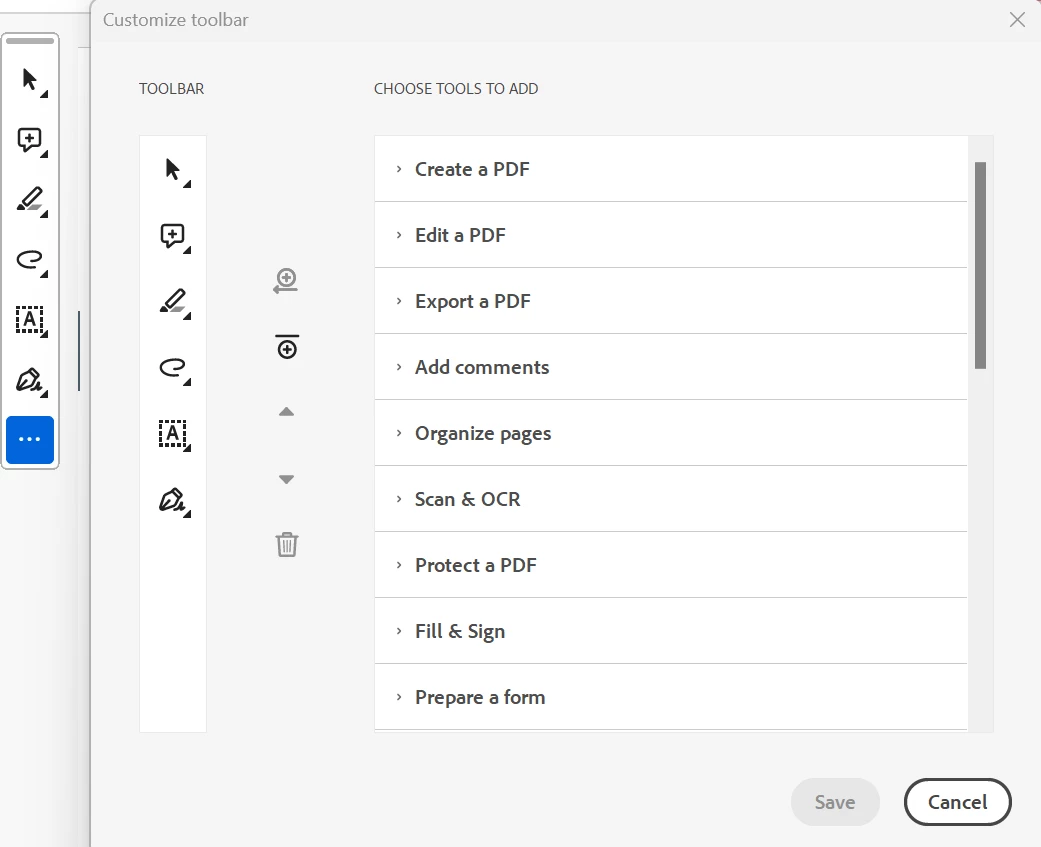
When I open a pdf there is this small tool bar that appears in the left side of the pdf. I can move it around but not able to totally minimize or remove it. It takes up space and when I am comparing documents this is in the middle and I have to keep moving it around. How can I remove this? Very frustrating. "select text" "add comment" "highlight text" are some of the options on this tool bar. It is not letting me remove these options, but I can add more if I want.
 AdChoices