Hello Kkozacek,
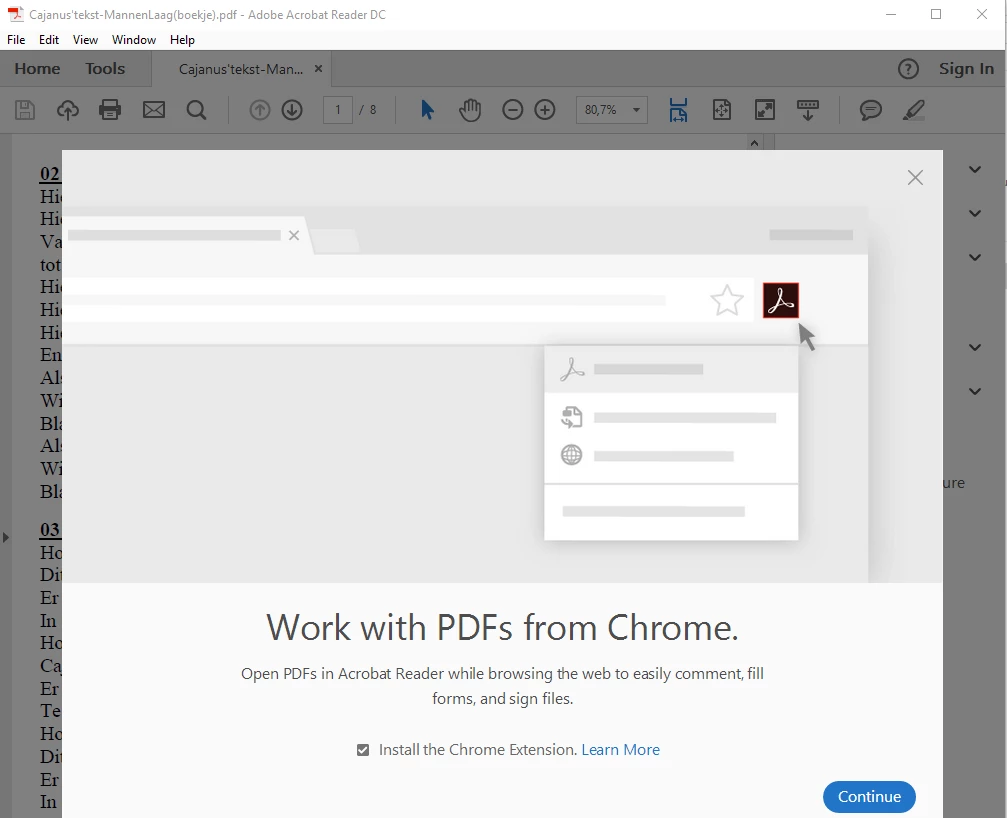
We're sorry for the trouble you had. Please sign out from the application in which you are getting the pop-up, reboot the machine. Launch it back and sign back in with your current Adobe ID and password and see if this brings any difference.
Are you getting the pop-up on Adobe Reader or other Adobe application? The record shows that you have a perpetual license(serial number based license) of Design and Web Premium CS 6.
If you are getting this error in Adobe Reader, then check for any pending updates of Adobe Reader from help>check for updates, reboot the machine after updating Adobe Reader.
If you still experience any issue, use Acrobat cleaner tool to remove Adobe Reader Download Adobe Reader and Acrobat Cleaner Tool - Adobe Labs Reboot the machine and install the latest version of Adobe Reader from Adobe - Adobe Acrobat Reader DC Distribution
If you are getting this error message with Acrobat which is the part of your CS 6 suite, then remove Acrobat using the cleaner tool, reboot the machine, download the setup of CS 6 Download Adobe Creative Suite 6 applications
Run the setup and choose custom installation and install Acrobat.
once the installation is finished, use the activation code/serial number to activate it. To find you the serial number, you can refer to Adobe article Find your serial number
Let us know how it goes and share your observation.
Thanks,
Anand Sri.
[Edited response]




 AdChoices