


Known Participant
October 5, 2021
Question

Multiple pop-ups on file opening

  • October 5, 2021
  • 20 replies
  • 17311 views

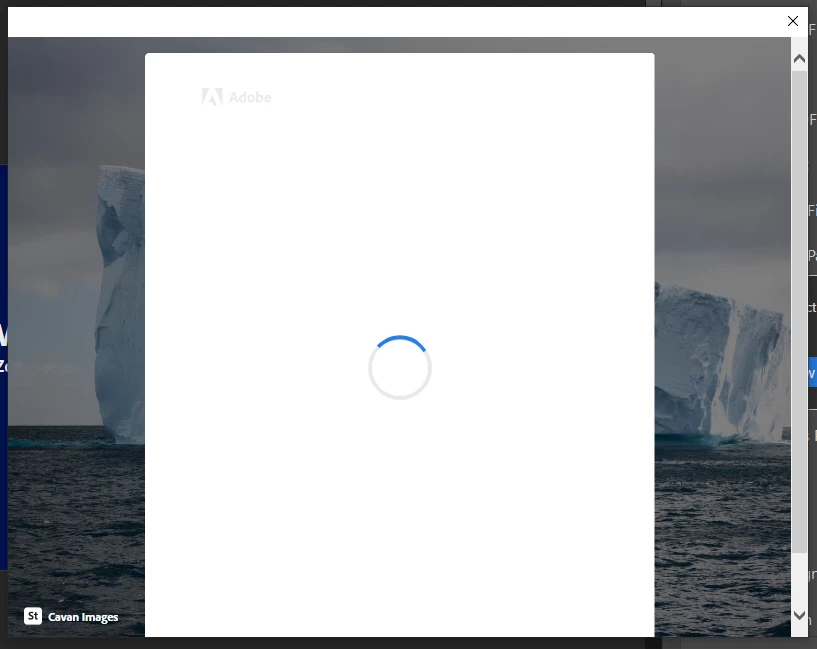
Every time i open a pdf file, whether from my desktop or on the server, i get multiple pop-ups that open and auto-close repeatedly (about 8 times in a row). Have tried to open the files in chrome and they open fine without issue. If window is closed and re-opened the process starts again....

image below showing an example of the pop-ups.


How do i get this to stop? Have completely uninstalled and re-installed the software, as well as updating the app also...


This topic has been closed for replies.

20 replies

Amal.
Community Manager
Community Manager
April 14, 2022

Hi there,


Hope you are doing well and sorry to keep you waiting.


This issue has been fixed with the April release for Adobe Acrobat/Reader DC ver. 22.1.20117 (Win) and the fix will be enabled via a registry key


Please update the application to the recent version 22.1.20117 (Win), from the help menu > check for updates or you may also download the patch manually from the link https://www.adobe.com/devnet-docs/acrobatetk/tools/ReleaseNotesDC/index.html  and you may reboot the computer once and use the registry key as below:


HKEY_LOCAL_MACHINE\SOFTWARE\Policies\Adobe\Adobe Acrobat\DC\FeatureLockDown
iReaderSSONGLSignIn = 1 (DWORD)


Note: As a side effect of this fix, the user will not be able to sign in to Reader from the sign-in button.


Let us know if you experience any trouble and need more help. 


Regards

Amal

New Participant
April 14, 2022

not agreeing. I can replicate the error.


put another way, this update did not work for me, and I can share a video of the popup window, still popping up, if you need.

New Participant
March 31, 2022

Hi,


We would be needing logs to analyze this particular issue. For this, kindly perform either of the below steps

To capture the logs, please download Adobe log collector tool from here (https://helpx.adobe.com/in/creative-cloud/kb/cc-log-collector.html) and run it. It will generate a ".zxp" file on your machine. Please share the .zxp file with us.

OR

From %temp% folder collect the below folder contents and share them with us:
1. acrobat_sbx
2. NGL

New Participant
April 14, 2022

Good afternoon, 

Please find file in link below. Please let me know if it needs sending in a different way.

'.zxp' files are not a support file type by the normal drap and drop 


https://we.tl/t-zY8TMHpmUV


I have tried updating after the need update listed today and, as others have stated,  it is still happening. 


Best wishes

Frances Cole 

New Participant
March 15, 2022

Same problem here. Has there been a fix to this?

I have no updates available. It is infuriating. 


Meenakshi Negi
Community Manager
Community Manager
March 16, 2022

Hi Frances,


Thank you for reaching out, and sorry about the trouble.


Could you please share more details about the issue?

Since when did the issue start occurring?

Share the application and OS version you are using.


Thanks,

Meenakshi


Participating Frequently
March 16, 2022

Hi Meenakshi,

if you read the comments in the thread you will get a better understanding of  what is being used and more importantly the solutions we need to take to work around this issue.


Hard to believe that Adobe have just let this slide for so long. 


New Participant
March 2, 2022

Still a problem here as well.


Uninstaller reinstall didn't work. Work around didn't work.


Getting highly annoying

stevenw21928533
New Participant
January 24, 2022

I have also had this problem for several months on a computer running Reader and Illustrator. No fixes or regedits have worked. Unacceptable.

Laurent.
Participating Frequently
January 14, 2022

Last update (version 2021.011.20039 - 64 bits) seems to solve this issue !

(At least popups aren't displayed anymore)

Participating Frequently
January 14, 2022

For me the update hasn't solved the problem..

Still the same issue

Participating Frequently
January 4, 2022

For anyone still using Acrobat Reader;

The wokaround in the thread below solved it for me.

Adobe reader login screen keeps looping and openin... - Adobe Support Community - 12516801

Participating Frequently
January 5, 2022

Thanks @ Ruud22261750covs.

This works perfect. 


Participating Frequently
January 3, 2022

Anyone have any ideas how we can get more eyes at Adobe on this? At time of writing there have been 2.1K views... This obviously has some impact on the community.. 

New Participant
December 18, 2021

Same problem, after automatic update to version 2021.007.20091  64 bit.

Fresh installation makes no difference: pop-ups even during the first start of the program.

Since Adobe seems unable to correct the problem: PDF24 is a great program: simply associate "pdf24-Reader.exe" with pdf-files.

Participating Frequently
December 19, 2021

@PaulAntwerp thanks for the tip. PDF24 is indeed a good solution. Notably faster to load files when reading as well. A slightly different concept with the tools but so far I like it and mosre importantly it's reliable.

Participating Frequently
December 15, 2021

Same issue here, also the popups are all demanding focus so you couldn't do anything else in the meantime this happens.

Anyone suggestions for pdf readers with 3d pdf capability?

Thanks!